Note
Access to this page requires authorization. You can try signing in or changing directories.
Access to this page requires authorization. You can try changing directories.
As a SharePoint admin, sometimes you may have the need to change the displayed creation time zone of the Active sites page in the SharePoint admin center. Instead of changing the time zone setting of the SharePoint admin center itself, we recommend using user-level settings for time zone and locale change.
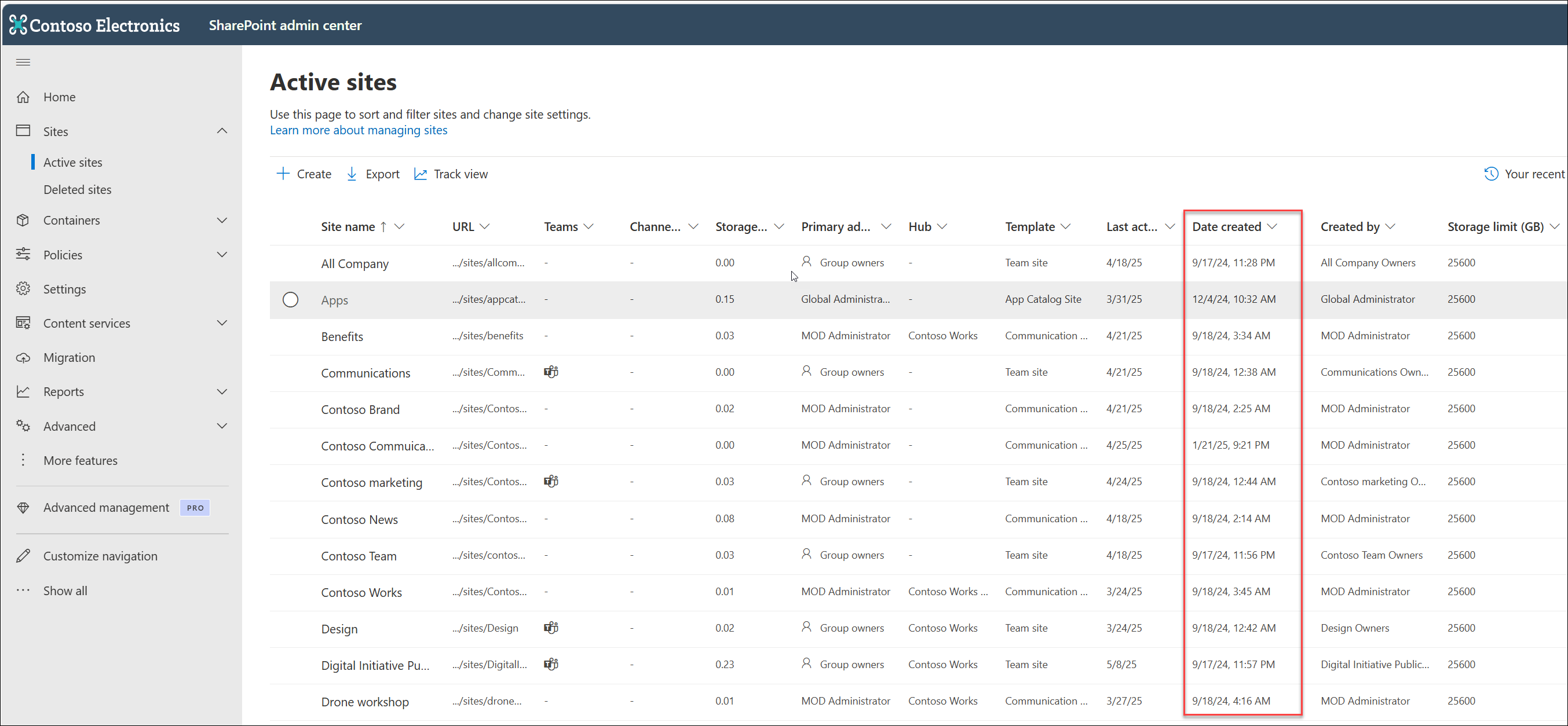
What can happen when you change the time zone in SharePoint admin center
You can change the time zone for the SharePoint admin center by adding "_layouts/15/regionalsetting.aspx" to the end of your admin center URL. For example: https://contoso-admin.sharepoint.com/_layouts/15/regionalsetting.aspx.
By default, the SharePoint admin center uses Pacific Time (PST). When you create a new SharePoint site, it inherits the current time zone setting from the admin center. If you change the time zone of the SharePoint admin center after sites have already been created, new sites will use the updated time zone, but existing sites will keep their original time zone for creation dates. This can lead to confusion and reporting issues, as older sites may display creation timestamps based on the previous time zone, while newer sites reflect the new setting.
What we recommend: use user-level settings for Time Zone and Locale
To avoid time stamp misalignments on the Active sites page in SharePoint admin center, we recommend using user-level settings for time zone and locale instead of directly changing the SharePoint admin center's time zone settings. User-level time zone and locale settings affect how times are displayed in Outlook, SharePoint, and other Microsoft 365 services.
Note
If your organization enforces tenant-level time zone settings, personal changes may be overridden. Changes may take a few minutes to propagate across services.