Community Center | Not monitored
Tag not monitored by Microsoft.

This browser is no longer supported.
Upgrade to Microsoft Edge to take advantage of the latest features, security updates, and technical support.
' cx='32' cy='32' r='32' /%3E%3Ctext x='50%25' y='55%25' dominant-baseline='middle' text-anchor='middle' fill='%23FFF' %3EAK%3C/text%3E%3C/svg%3E)
Hi,
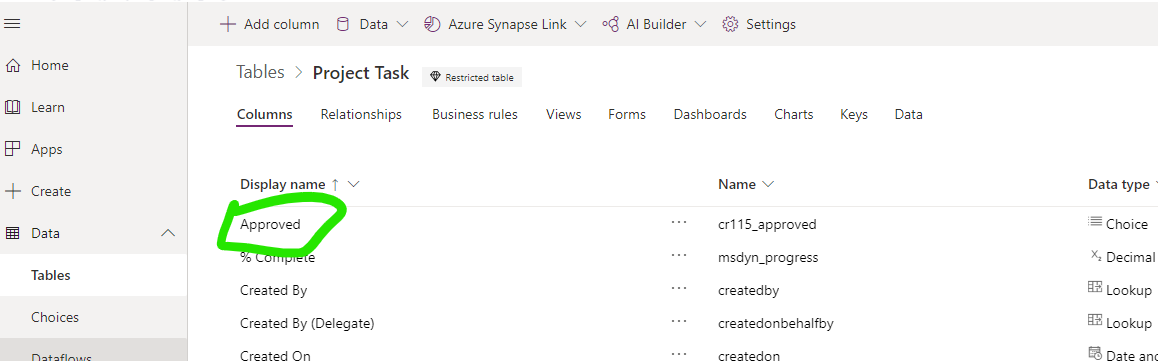
I've added a column (name: "cr115_approved" display name: "Approved") to Project Task (msdyn_projecttask)
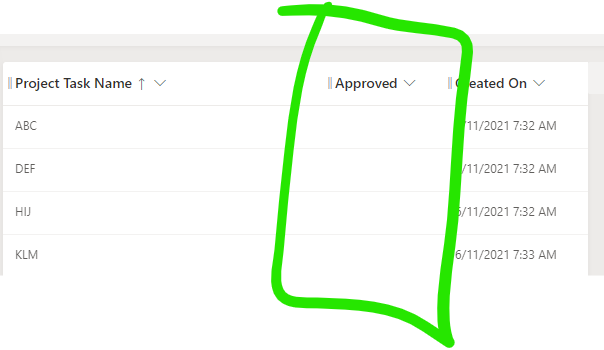
I also added to to the default view (My Open Project Tasks)
But how to I add that column to the task grid on task tab?
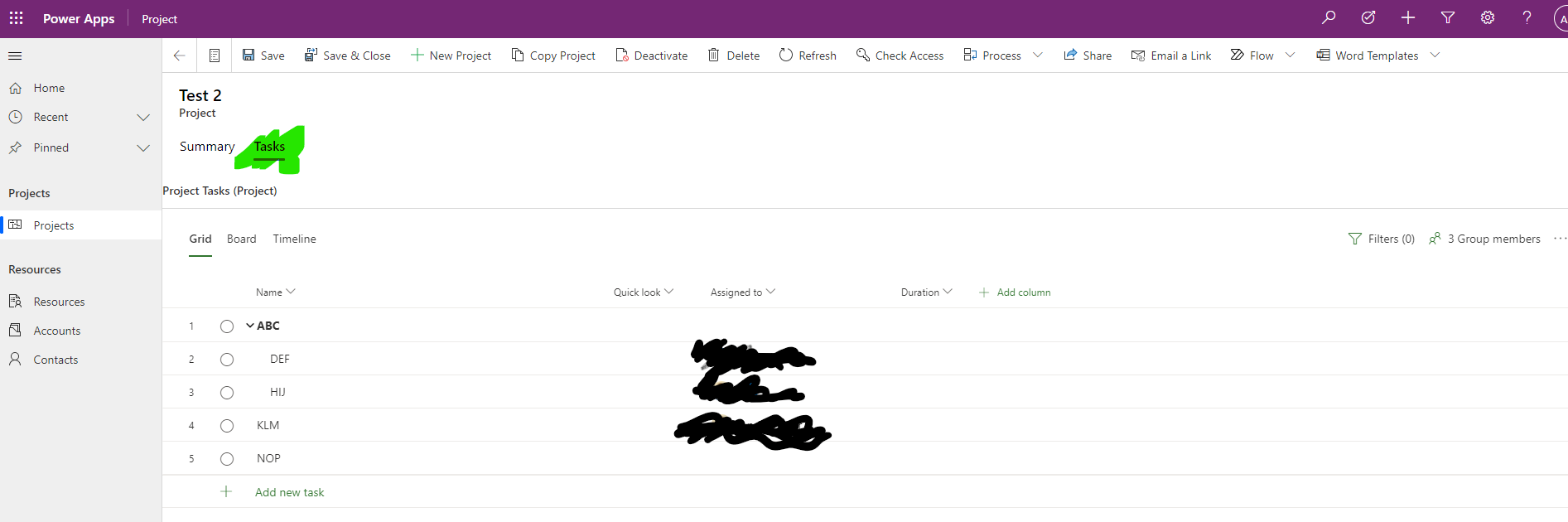
Only the default columns are there.
Thanks in advance
Anders
Tag not monitored by Microsoft.
' cx='32' cy='32' r='32' /%3E%3Ctext x='50%25' y='55%25' dominant-baseline='middle' text-anchor='middle' fill='%23FFF' %3EA%3C/text%3E%3C/svg%3E)
The product group for Project actively monitors questions over at
https://techcommunity.microsoft.com/t5/project/ct-p/Project
https://answers.microsoft.com/en-us/msoffice/forum/msoffice_project
--please don't forget to Accept as answer if the reply is helpful--