Note
Access to this page requires authorization. You can try signing in or changing directories.
Access to this page requires authorization. You can try changing directories.
The first time Power BI Desktop is launched, a sign-in form is displayed. Information can be filled in, or sign in to Power BI to continue. Administrators manage this form by using a registry key.
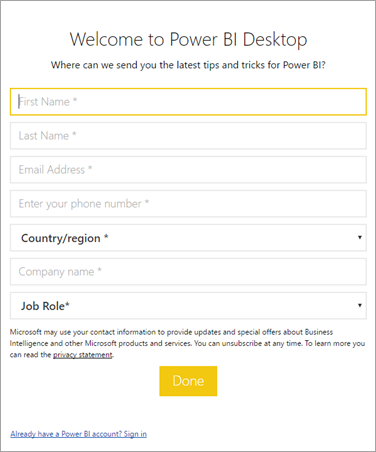
Administrators use the following registry key to disable the sign-in form. This change can also be pushed to an entire organization by using global policies.
Key: HKEY_CURRENT_USER\SOFTWARE\Policies\Microsoft\Microsoft Power BI Desktop
valueName: ShowLeadGenDialog
You can also try the following key, which has been successful for some customers based on their configurations:
Key: HKEY_CURRENT_USER\SOFTWARE\Microsoft\Microsoft Power BI Desktop
valueName: ShowLeadGenDialog
A value of 0 disables the dialog.
More questions? Ask the Power BI Community