Hello,
I am a CS student, and I have an assignment in OOP(*disclaimer, I already submitted the project, so I'm not looking for guidance).
The teacher gave us an image with the expected result, and the Main.cpp file, and we had to "reverse engineer" the functions he provided, and write them ourselves to match the output he has given us.
The project itself includes Main.cpp, Polynomial.cpp, Rational.cpp, Polynomial.h and Rational.h files.
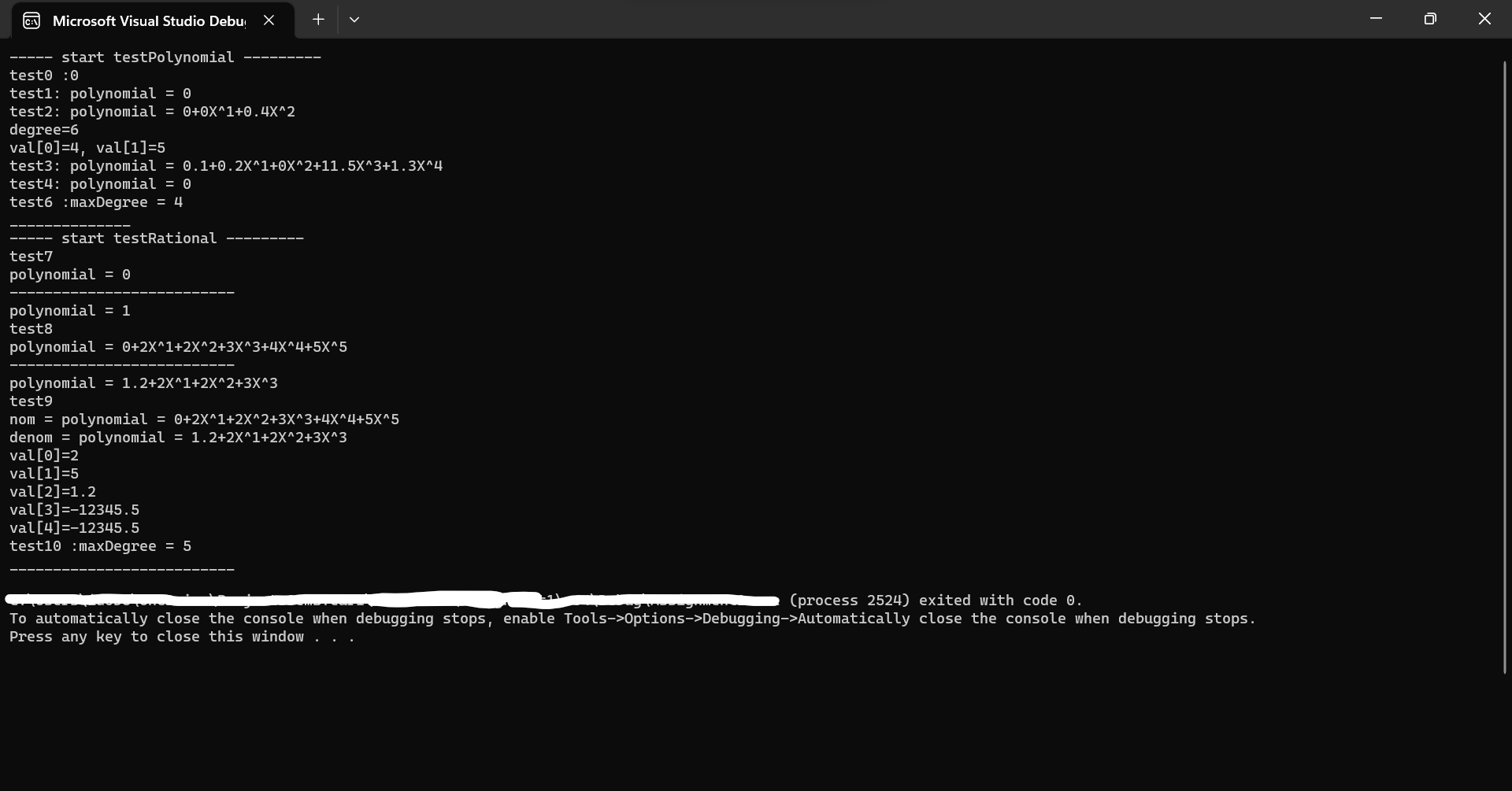
When I run the project on my laptop(Windows 11 if that matters, and VS 2022 community edition), the program "crashes" just before the end of the file, but when I run the same project, on a different computer(I've tried several computers, some were running Windows 10, and some Windows 11, and VS 2022 or VS 2019 community editions), and everything runs just fine.
I even tried reinstalling VS completely, and restore all it's settings to default, and I also tried making an entire new project on a different directory, and nothing worked. I tried disabling the Anti-virus, tried running the program via CMD(and PowerShell), and I checked the project settings to see if anything is out of the ordinary, but nothing "popped up".
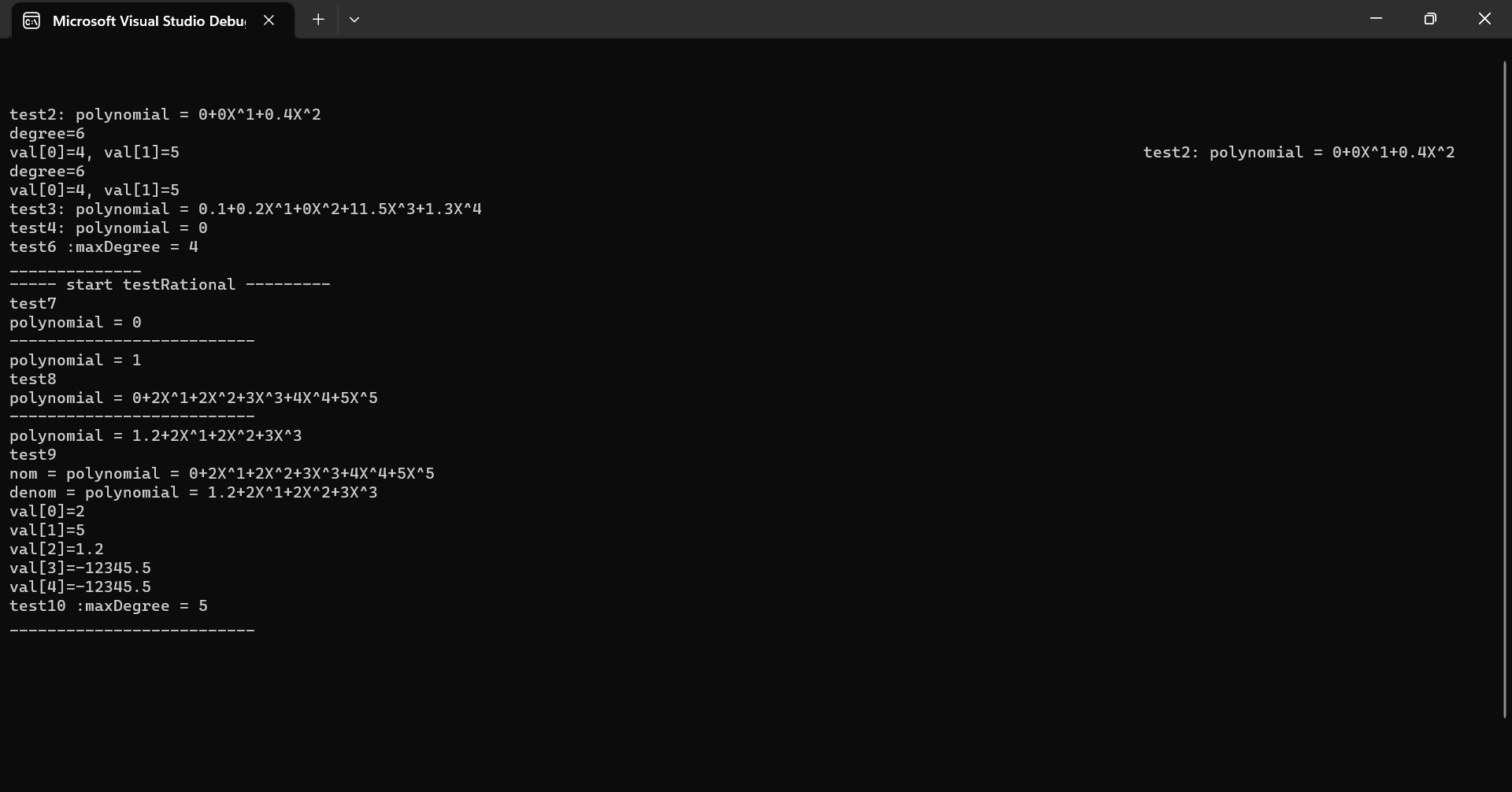
When I run the program with the debugger, it runs just fine, no exceptions or errors whatsoever.
I can't find any solutions online regarding this issue, so I was hoping someone here might have a clue on why it's happening.
I provided the image with the result I'm getting when running the debugger, and one when I run it without the debugger.
Thank you in advance.
' cx='32' cy='32' r='32' /%3E%3Ctext x='50%25' y='55%25' dominant-baseline='middle' text-anchor='middle' fill='%23FFF' %3EIB%3C/text%3E%3C/svg%3E)
' cx='32' cy='32' r='32' /%3E%3Ctext x='50%25' y='55%25' dominant-baseline='middle' text-anchor='middle' fill='%23FFF' %3EDL%3C/text%3E%3C/svg%3E)
' cx='32' cy='32' r='32' /%3E%3Ctext x='50%25' y='55%25' dominant-baseline='middle' text-anchor='middle' fill='%23FFF' %3EMY%3C/text%3E%3C/svg%3E)