Azure Cloud Services
An Azure platform as a service offer that is used to deploy web and cloud applications.
This browser is no longer supported.
Upgrade to Microsoft Edge to take advantage of the latest features, security updates, and technical support.
' cx='32' cy='32' r='32' /%3E%3Ctext x='50%25' y='55%25' dominant-baseline='middle' text-anchor='middle' fill='%23FFF' %3ER%3C/text%3E%3C/svg%3E)
I am trying to create Azure Cloud Service Classic. However, I keep getting error "The server failed to authenticate the request. Verify that the certificate is valid and is associated with this subscription." for all API endpoint for Azure Cloud Services.
Below is an example of error that I receive when trying to list Azure Cloud Services.
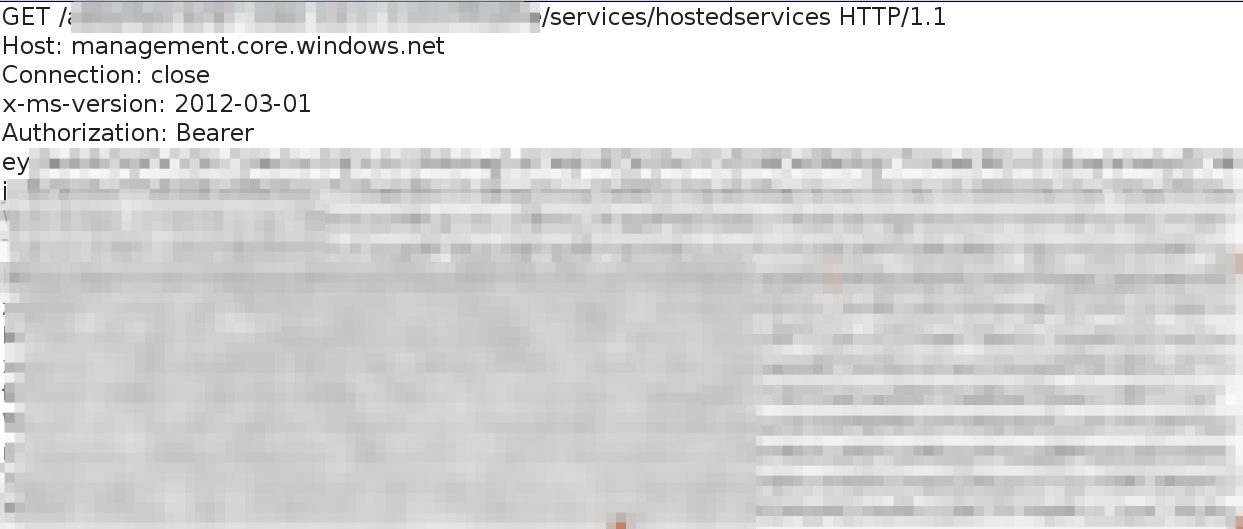
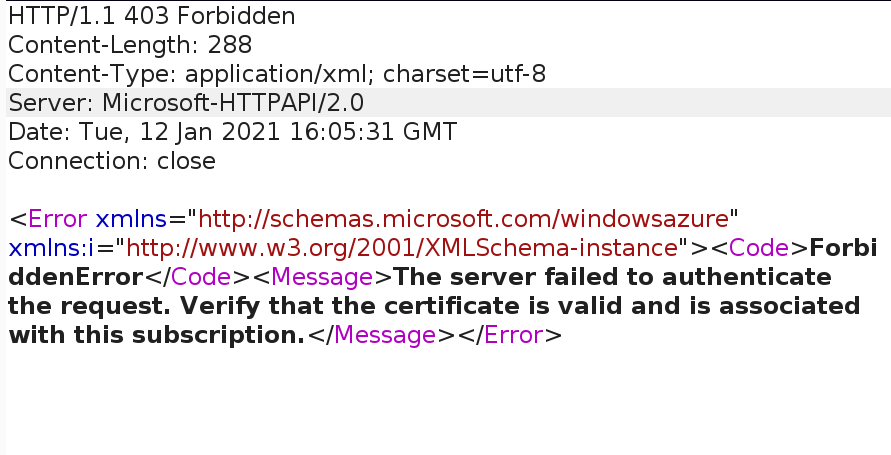
Previously, I was creating Azure Cloud Service classic using docker based Azure CLI azure-cli:0.10.14 . However, I am receiving similar error as stated above since past few days using Azure CLI as well.
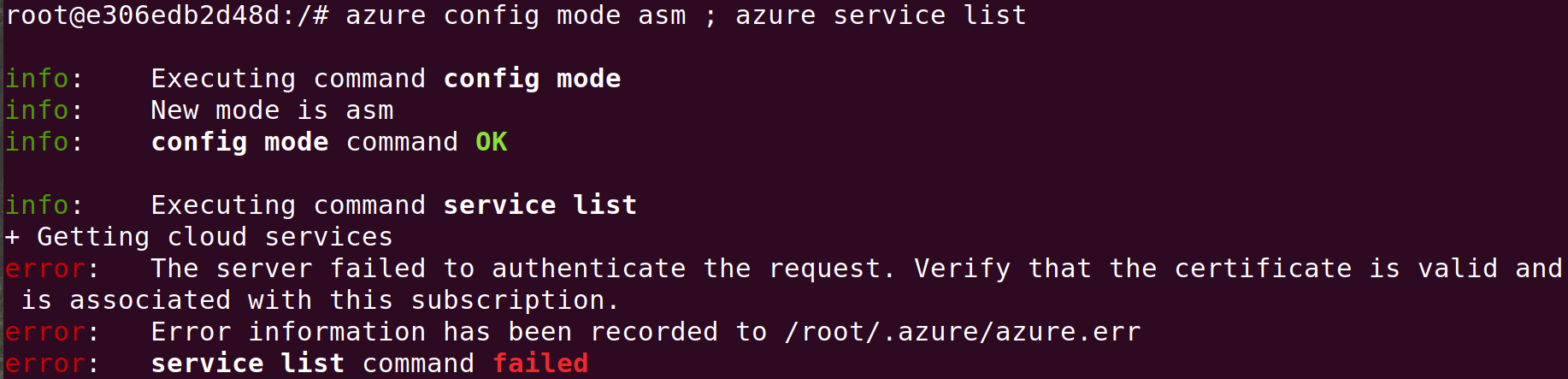
It would be very kind of you if you let me know what am I doing wrong.

@ramukaka Apologies I missed on notification on this issue.
As this issues need more investigation and live troubleshooting for quicker resolution I would recommend you to contact azure support. If you have a support plan, requesting you to file a support ticket, else please do let us know, we will try and help you get a one-time free technical support.
Thanks
Hello @prmanhas-MSFT ,
Thank you for getting back to me.
Unfortunately I do not have a support plan. It would be very kind of you if you could help me get a free technical support.
Regards,
working with customer offline
@ramukaka Apologies for the delay in response and all the inconvenience caused because of the issue.
Can you refer to below steps as mentioned here and see if it helps you out with your issue:
You can refer this as well for troubleshooting this error.
Hope it helps!!!
Please "Accept as Answer" if it helped so it can help others in community looking for help on similar topics.
Disclaimer: This response contains a reference to a third-party World Wide Web site. Microsoft is providing this information as convenient to you. Microsoft does not control these sites and has not tested any software or information found on these sites; therefore, Microsoft cannot make any representations regarding the quality, safety, or suitability of any software or information found there.
Thank you for your response.
Unfortunately, I could not still make it work.
1) I opened Windows PowerShell via Azure Portal itself and encountered following errors when trying to run the above commands.

2)
Go to Settings => Management Certificates section. Get the ThumbPrint of the recently added PublishSettingCertificate.
--- I can not find Management Certificates section under any section on Azure Portal.
3) I am trying to create Azure CloudService on Linux Environment. It would be very helpful if you could provide a solution for Azure CLI on Linux or Azure API.