Microsoft 365 and Office | SharePoint | For business | Windows
A group of Microsoft Products and technologies used for sharing and managing content, knowledge, and applications.

This browser is no longer supported.
Upgrade to Microsoft Edge to take advantage of the latest features, security updates, and technical support.
' cx='32' cy='32' r='32' /%3E%3Ctext x='50%25' y='55%25' dominant-baseline='middle' text-anchor='middle' fill='%23FFF' %3EMB%3C/text%3E%3C/svg%3E)
Hello Everyone,
I have created a demo of SPFx Webpart With Angular Elements with reference to this link.
I have successfully bundle that project and serve that project with "npm run bundle" and "gulp serve" commands.
It is running correctly in workbench / local. Please refer to below screenshot,

When I have published that solution using "gulp bundle --ship" and "gulp package-solution --ship" commands. .sppkg file has been generated successfully. But when I add that app to my SharePoint page it throws a below error,
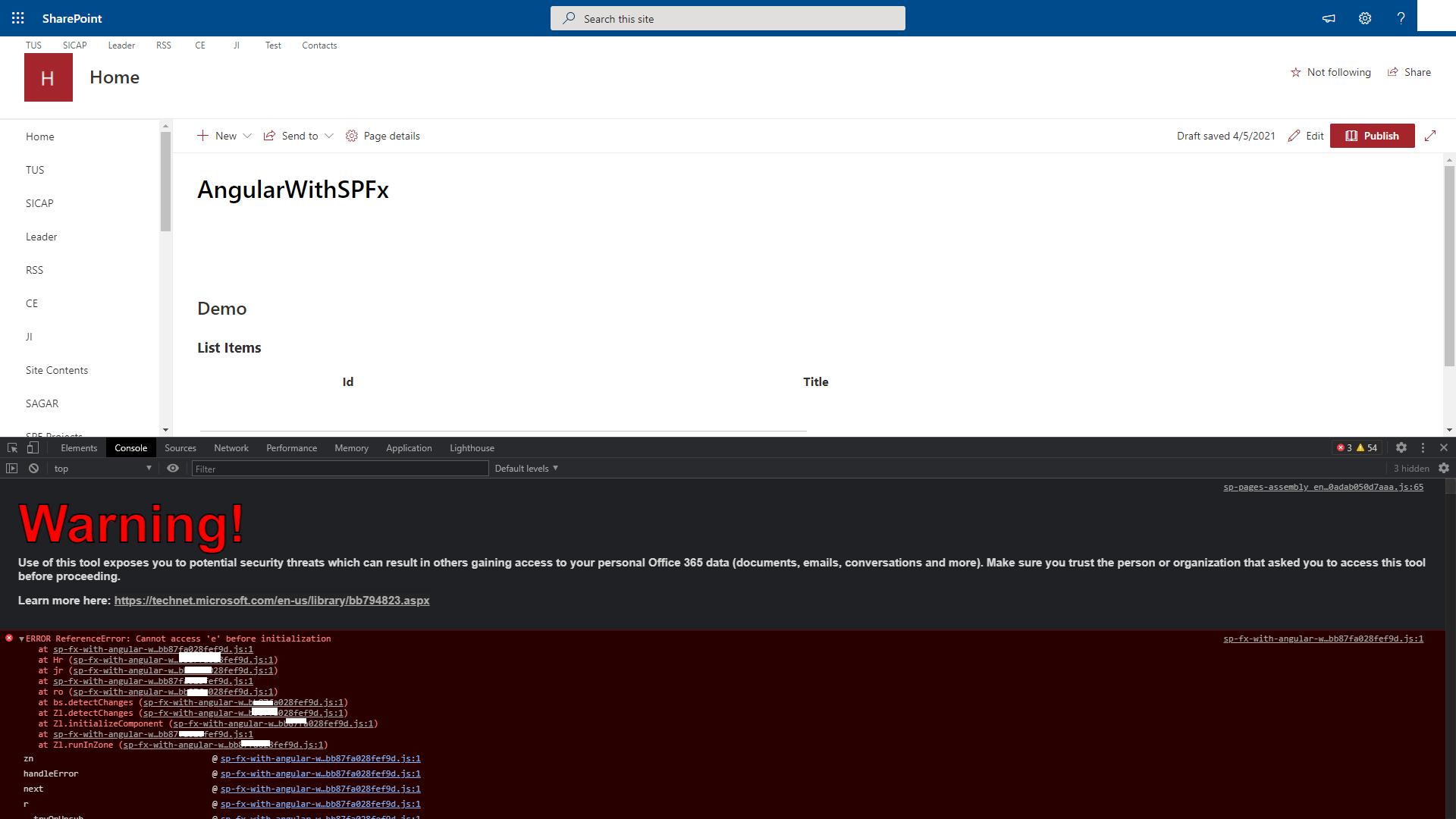
If anyone has an idea for the same. Please let me know.
Thanks in Advance.

I followed the steps of the blog to create and publish SPFX, and it works well.

According to your screenshot, your SPFX webpart was successfully rendered, but the data does not seem to be received. You could print or debug the code where you obtained the data to see if the data was successfully returned. Before running the packaging command, I suggest you run gulp clean first, then run npm install, and finally run the packaging command.
If the response is helpful, please click "Accept Answer" and upvote it.
Note: Please follow the steps in our documentation to enable e-mail notifications if you want to receive the related email notification for this thread.
Hi AmosWu-MSFT ,
Thanks for your quick response.
I have refereed steps as you have suggests, but i have faced same issue which i have mentioned in the question.
Can you please share your code link, if possible?
Thanks in Advance.
I just download the code of the blog from Github. Then made some small changes to adapt to my environment.
You could get it here:https://github.com/Amos-MSFT/SharePoint-FrameWork-Demos/tree/master/SPFxAngular9-master