System OS - Windows 10
Application - Excel 2019
I use UserForms to present or collect information from the end user. Previously the UserForm frame and its color looked like the following:
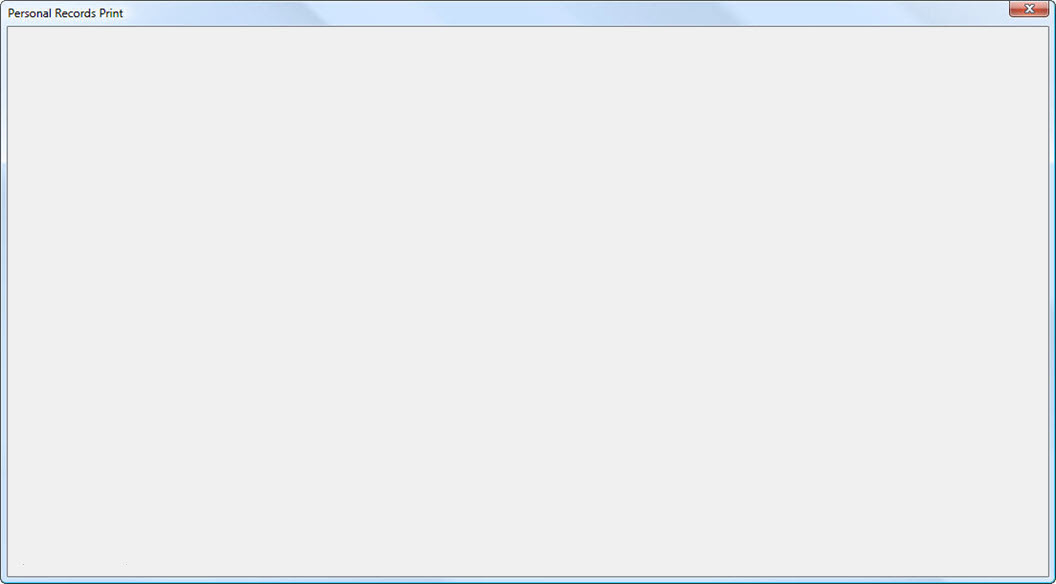
Currently in the VBA editor, the UserForm looks like the the image below and seems very similar to the former style of the UserForm.
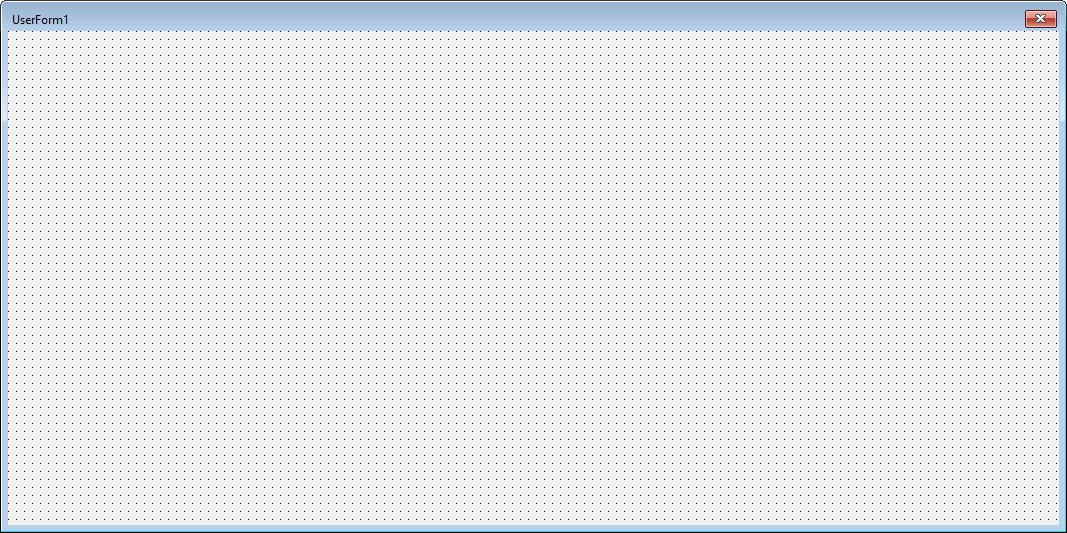
When the current UserForm is displayed to the end user, it looks like the image below:

I am not proficient in Windows, but I suspect that something must have altered some systemwide frame and color parameters. I would like to know that parameters might have caused the change to the display style for the UserForm and how to get the current values of these parameters as well as the default or former values of these parameters that altered the style of the UserForm frame and colors.
' cx='32' cy='32' r='32' /%3E%3Ctext x='50%25' y='55%25' dominant-baseline='middle' text-anchor='middle' fill='%23FFF' %3EA%3C/text%3E%3C/svg%3E)
