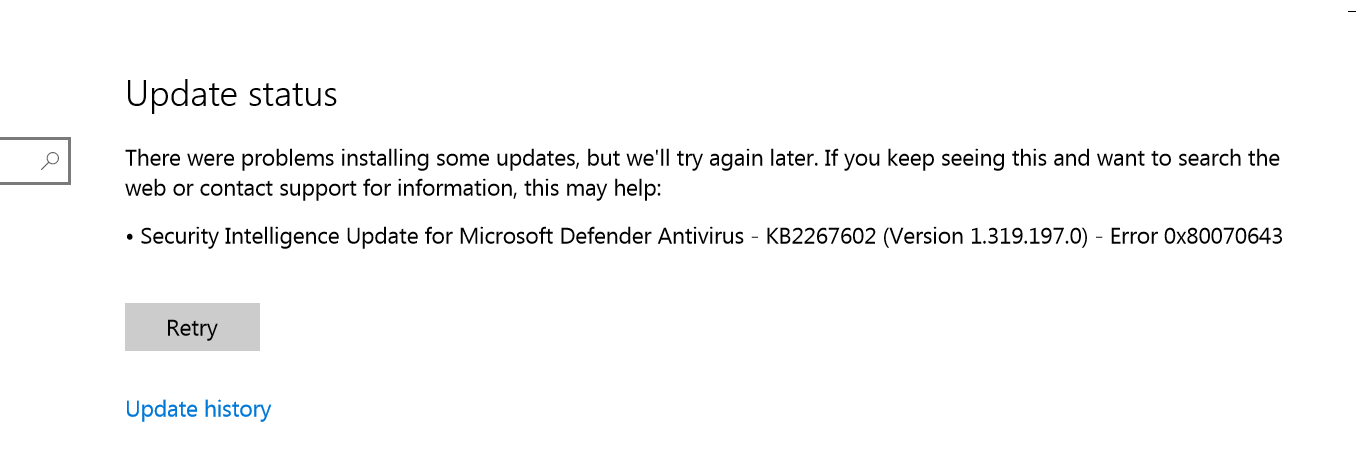


Make sure you don’t install any third-party security software or antivirus.
Try to reset windows update components.
Right click on the start button and select Powershell (admin) or Command Prompt (admin)
Write the next hit enter after each line.
net stop wuauserv
net stop cryptSvc
net stop bits
net stop msiserver
Ren C:\Windows\SoftwareDistribution SoftwareDistribution.old
Ren C:\Windows\System32\catroot2 Catroot2.old
net start wuauserv
net start cryptSvc
net start bits
net start msiserver
After completed, open Windows Security, then "Virus and threat protection" and click "Check for updates" under "Virus & thread protection updates".
-------------------------------------------------------------------------------------
If the Answer is helpful, please click "Accept Answer" and upvote it.
Information posted in the given link is hosted by a third party. Microsoft does not guarantee the accuracy and effectiveness of information.
Note: Please follow the steps in our documentation to enable e-mail notifications if you want to receive the related email notification for this thread.
' cx='32' cy='32' r='32' /%3E%3Ctext x='50%25' y='55%25' dominant-baseline='middle' text-anchor='middle' fill='%23FFF' %3EVM%3C/text%3E%3C/svg%3E)