Developer technologies | Windows Forms
A set of .NET Framework managed libraries for developing graphical user interfaces.
This browser is no longer supported.
Upgrade to Microsoft Edge to take advantage of the latest features, security updates, and technical support.

hello everybody.
How to create a control from another class
class form1 : form
{
}
class it's_a_class
{
//create a control in form1
}
thanks in advance

Hello,
One would think this a simple task while there are things to consider like
I put together two code samples that are pre-done.
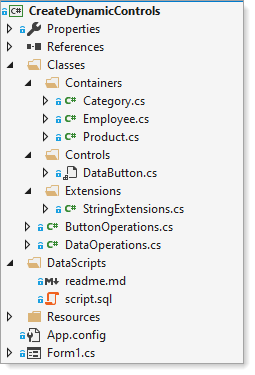
First project/code samples creates a single button with events for click, create multiple buttons with interaction with a ListBox and gets captions for buttons from database which could also come from say a text file etc.
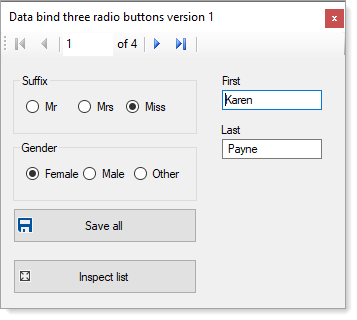
Second code sample is rather complex which works with a custom control - grouped-radio buttons.
Find these code samples in the following GitHub repository. Note I used Visual Studio 2019 to write these code samples, one with classic framework and the other with .NET Core Framework.

Perhaps you just want to use a UserControl. If you can do what you need to do using a UserControl then that would be quite easy.