Developer technologies | Universal Windows Platform (UWP)
A Microsoft platform for building and publishing apps for Windows devices.
This browser is no longer supported.
Upgrade to Microsoft Edge to take advantage of the latest features, security updates, and technical support.
' cx='32' cy='32' r='32' /%3E%3Ctext x='50%25' y='55%25' dominant-baseline='middle' text-anchor='middle' fill='%23FFF' %3EAC%3C/text%3E%3C/svg%3E)
I want to paste a note with the combination of text and image in my chat compose box in the same sequence. I am using dataPackageView to check clipboard content
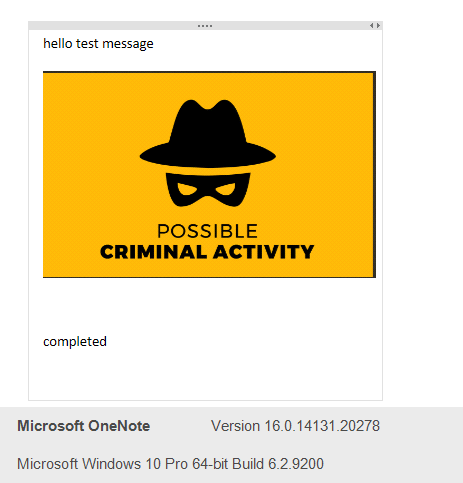
For Example - I need to copy paste a note from a Microsoft note
DataPackageView dataPackageView = Clipboard.GetContent();
if (dataPackageView.Contains(StandardDataFormats.Bitmap))
{
  var img = await dataPackageView.GetBitmapAsync();
}
else if(dataPackageView.Contains(StandardDataFormats.Text)
{
  string text = await dataPackageView.GetTextAsync();
}

Hello, Welcome to Micorosoft Q&A,
How can we copy-paste text and image both from clipboard in uwp C#?
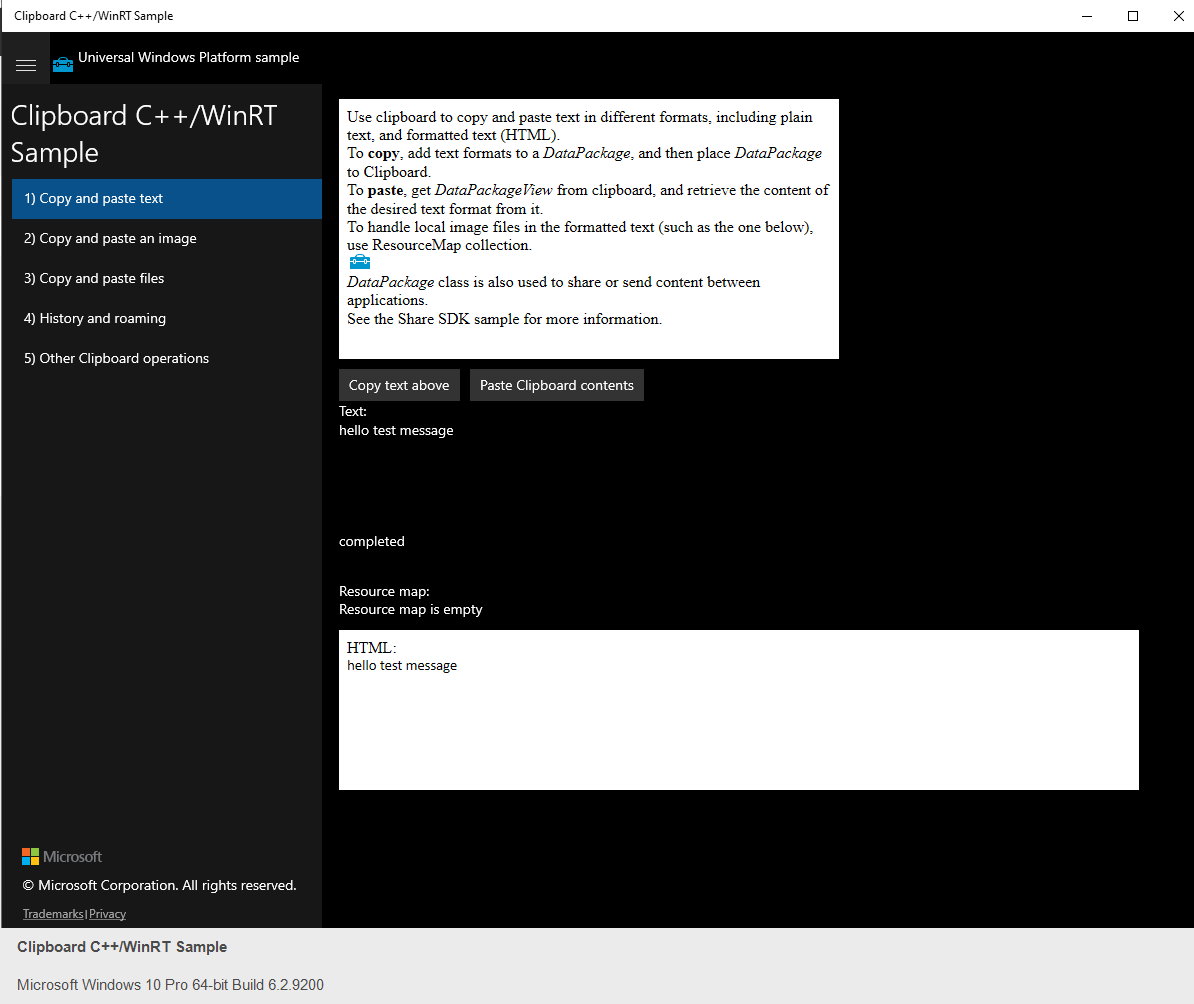
Please refer this code sample Copy Text scenario. you could use dataPackageView.GetHtmlFormatAsync method to get current content with html string and render it with WebView control.
if (dataPackageView.Contains(StandardDataFormats.Html))
            {
                this.DisplayResourceMapAsync(dataPackageView);

                string htmlFormat = null;
                try
                {
                    htmlFormat = await dataPackageView.GetHtmlFormatAsync();
                }
                catch (Exception ex)
                {
                    rootPage.NotifyUser("Error retrieving HTML format from Clipboard: " + ex.Message, NotifyType.ErrorMessage);
                }

                if (htmlFormat != null)
                {
                    string htmlFragment = HtmlFormatHelper.GetStaticFragment(htmlFormat);
                    OutputHtml.NavigateToString("HTML:<br/ > " + htmlFragment);
                }
            }
            else
            {
                OutputHtml.NavigateToString("HTML:<br/ > HTML format is not available in clipboard");
            }
If the response is helpful, please click "Accept Answer" and upvote it.
Note: Please follow the steps in our documentation to enable e-mail notifications if you want to receive the related email notification for this thread.
Thanks for your answer. It helped but I am still not able to figure out how to maintain the sequence of text and images.
If the clipboard content is html, you should not concern the sequence of text and images, it will render by html structure within WebView.
yeah that I just got it but still, I am facing an issue in accessing webview in ViewModel. How can I use this property NavigateToString in ViewModel?
Please search this topic Binding html string content to Webview in xaml
Hi, I am facing a problem while copying text + image clipboard content in the sample code itself. Could you please help? resMap.Count is 0 even if the content having multiple images
sample - https://github.com/microsoft/Windows-universal-samples/blob/main/Samples/Clipboard/