Windows 11 25H2 26200.7019
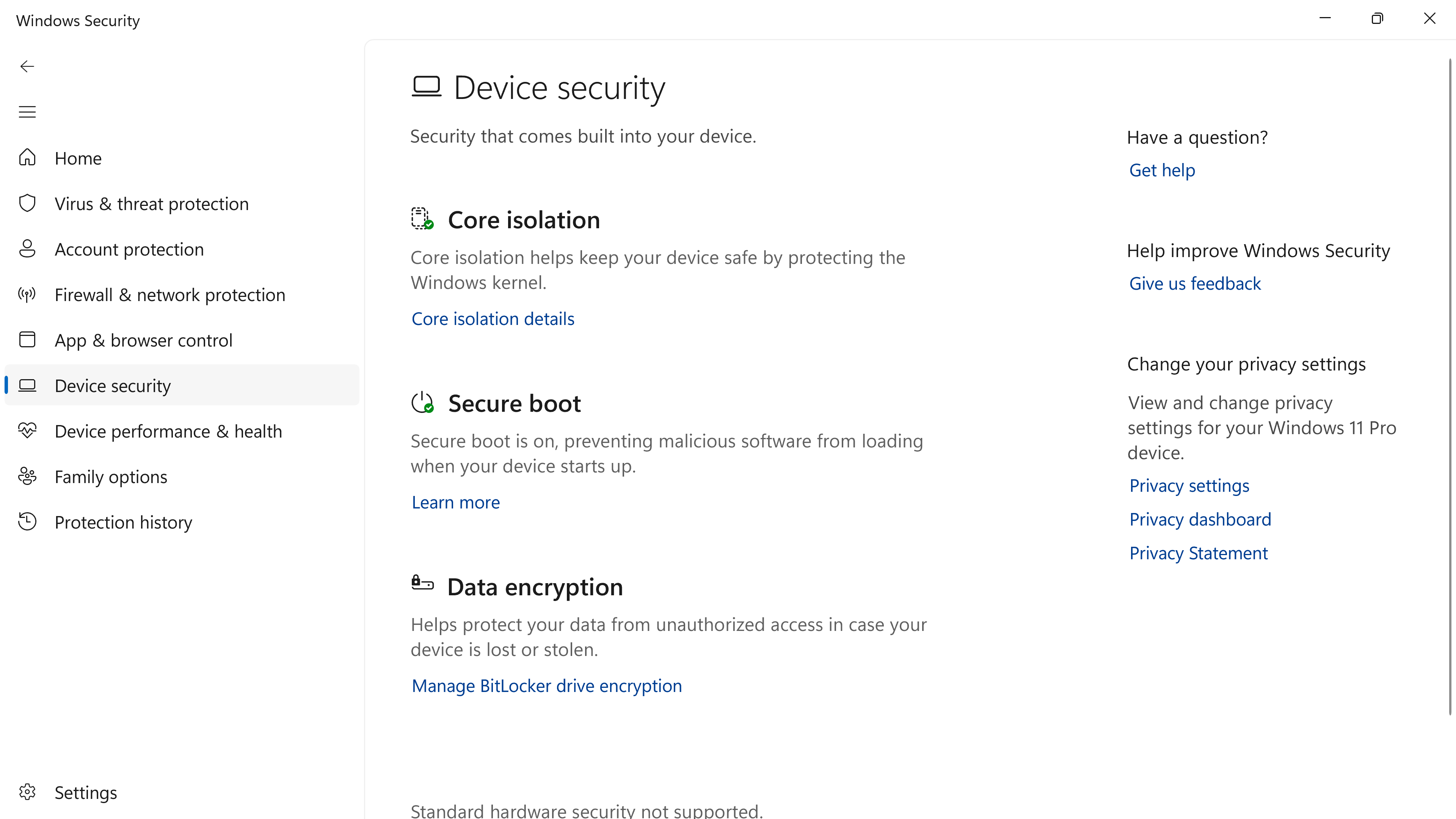
I wish I would have taken a screenshot before I booted into my Bios to check the settings, but I was in Windows Security > Device Security and it looked a little odd, and at the bottom it said Standard Hardware Security not supported. Upon seeing that, I immediately booted back in to my Bios to check the settings, TPM 2.0 was enabled and active, and Secure Boot was also enabled and active. Boot back in to Windows and went back to Windows Security Device security. This is why I wished I had taken a screenshot before I rebooted the section for Security Processor WAS NOT THERE.
Has anyone else seen or experienced this?
Just got a screenshot of the problem. It's the first pic.
Edit to post : this has happened on 2 machines, Canary on an X570 system and now RP on an X870 machine. FBH post posted. Doesn't happen all the time just on occasion.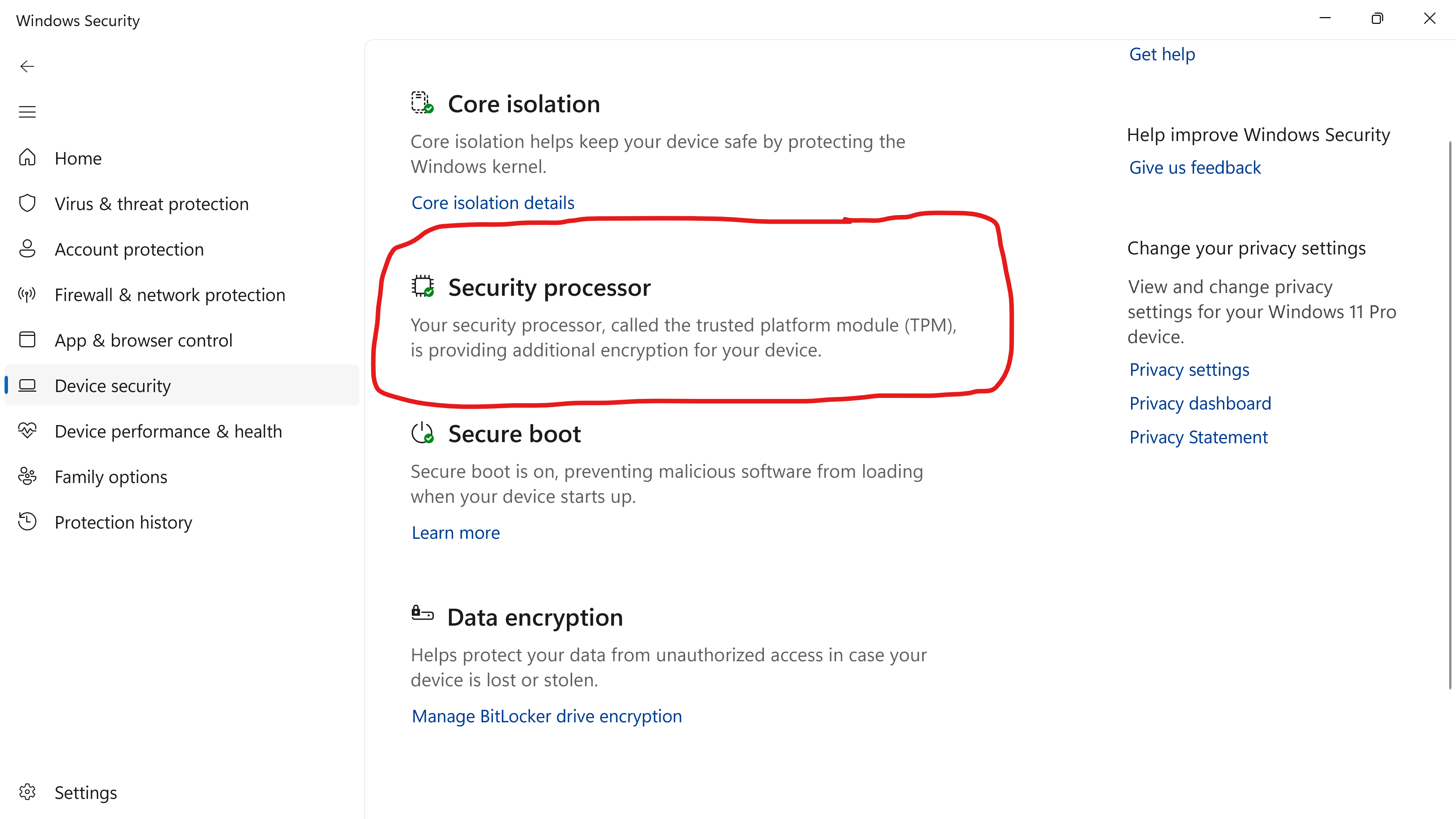
' cx='32' cy='32' r='32' /%3E%3Ctext x='50%25' y='55%25' dominant-baseline='middle' text-anchor='middle' fill='%23FFF' %3EK1%3C/text%3E%3C/svg%3E)