Missing “Align” and “Distribute” tools in PowerPoint for iPad (Version 2.103)

Marco Todesco 0 Reputation points
2025-11-15T01:26:33.7966667+00:00

Dear Microsoft Support

I am using PowerPoint for iPad (2.103.25110712) and the essential Align and Distribute tools have disappeared from the UI. I seem to remember, both commands were available in the full ribbon under Start, Align and Shape, Arrange, Align.

These functions are missing in all menus, regardless of selection. This is a major regression and blocks standard layout workflows. On iPad, professional work becomes impossible without alignment tools.

Microsoft’s Office apps are one of the few reasons the iPad can function as a professional device. Removing core editing features pushes the platform back toward a consumer-only toy. Even Keynote, as well as other lower-tier presentation apps are becoming competitive simply because of such regressions to lower standards. This cannot be in Microsoft’s interest?

Where can I enable Align or full ribbon? I kindly request clarification and restoration of the full ribbon or at least the Align/Distribute commands.

Thank you very much and best regards,

Marco

Microsoft 365 and Office | PowerPoint | For education | iOS
0 comments No comments
{count} votes

2 answers

Sort by: Most helpful
  1. Liora D 7,680 Reputation points Microsoft External Staff Moderator
    2025-11-15T05:42:47.0566667+00:00

    Dear Marco Todesco,

    Welcome to Microsoft Q&A. 

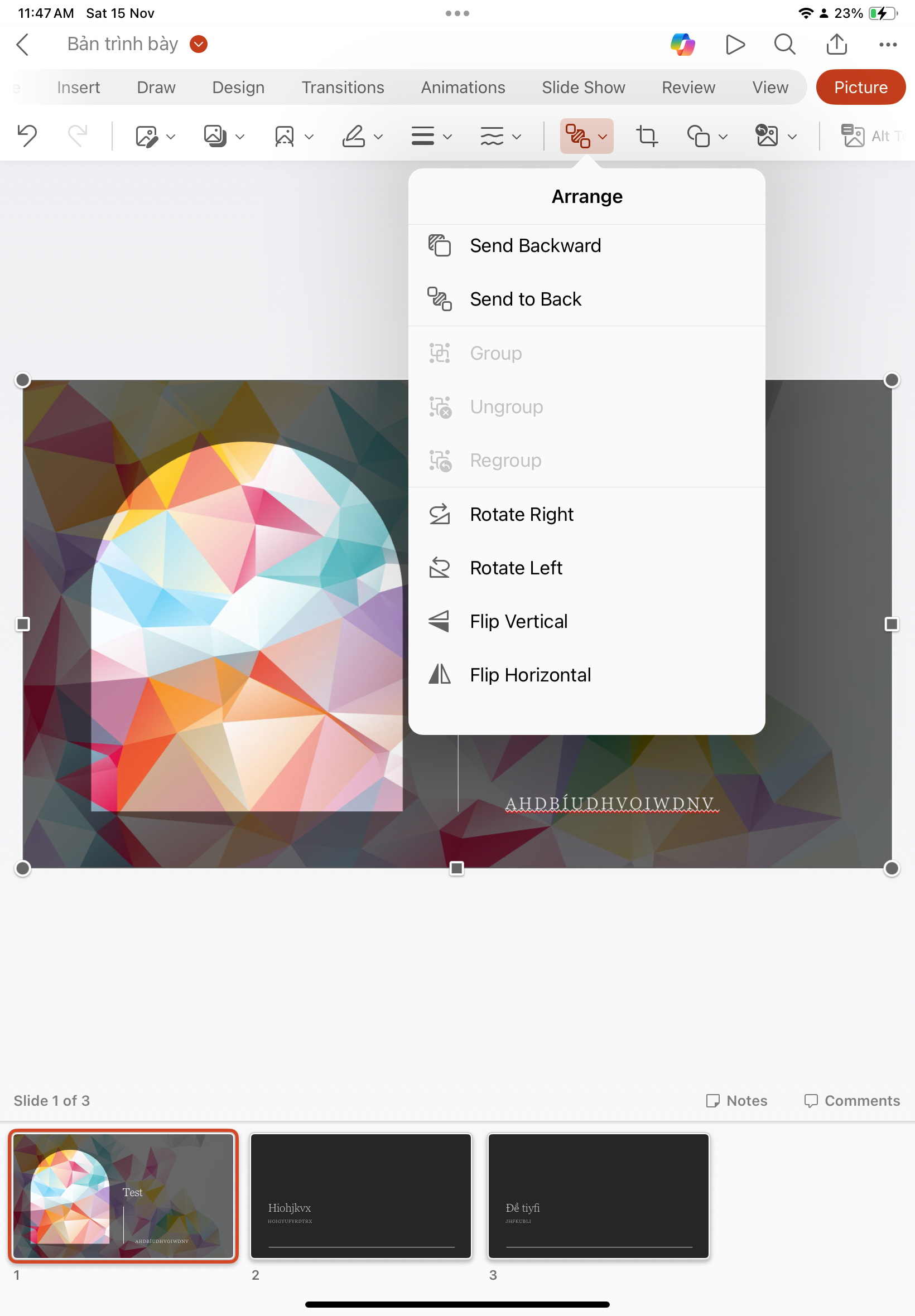
    Thank you for reaching out and for providing such a detailed description of the issue. I’m truly sorry for the inconvenience you’ve experienced. I’ve checked on my own iPad using PowerPoint version 2.103, and unfortunately, I also cannot find the Align and Distribute options anywhere in the current interface. 
    User's image

    After searching through available documentation and community resources, I couldn’t locate any official article explaining this change. For users who work professionally on iPad, this is indeed a significant limitation. Please note that as a Microsoft Q&A moderator, I cannot influence product development decisions or UI changes, but I want to ensure your feedback is heard and does not negatively impact your experience. 

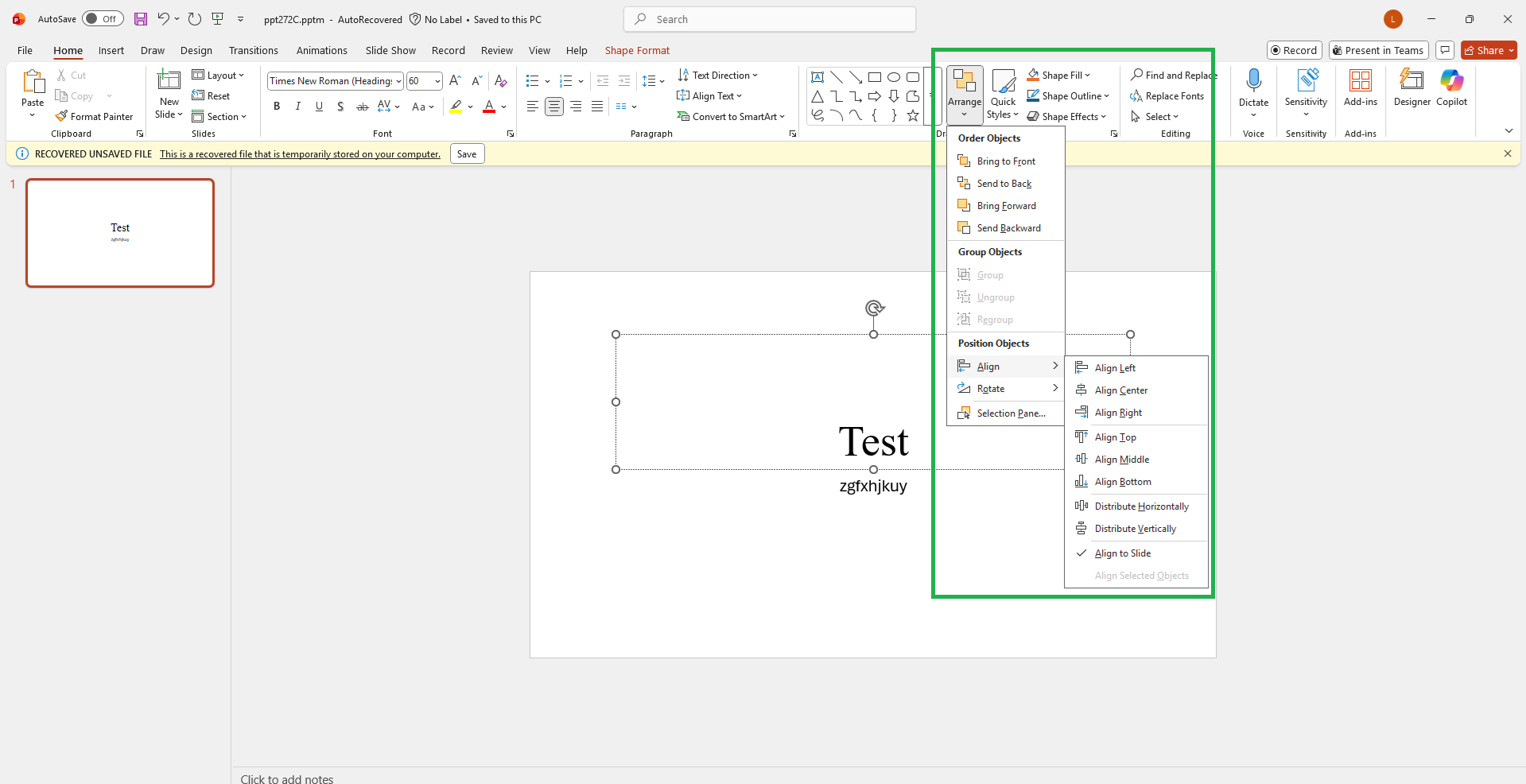
    For precise alignment and distribution, you might consider using PowerPoint for Web or Desktop, where these tools are fully available under Home > Arrange > Align. 
    User's image

    I truly appreciate your detailed feedback. Microsoft actively monitors customer input, and many improvements have been made thanks to user suggestions. To help prioritize this feature, please submit feedback directly from the app: 

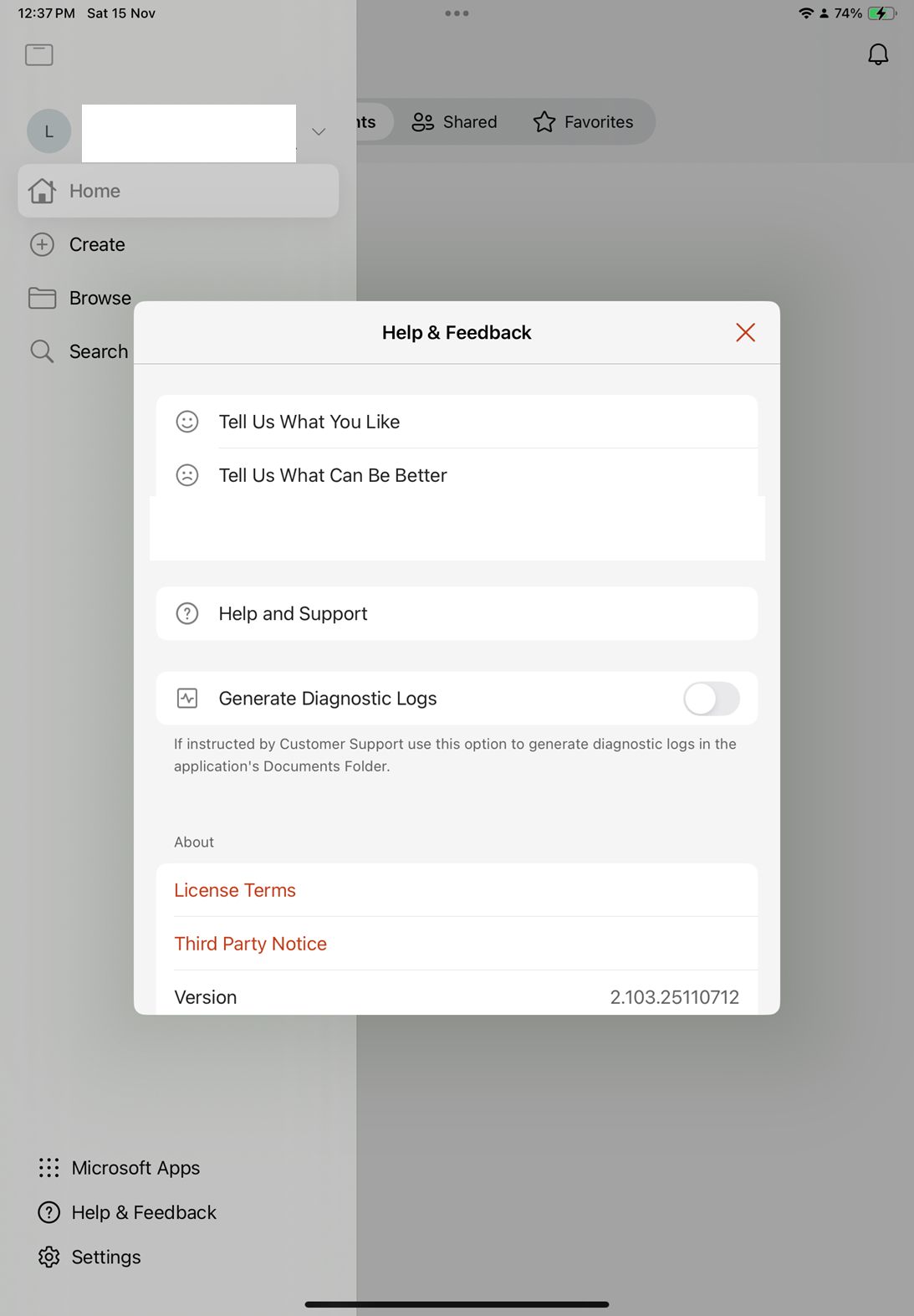
    PowerPoint > Backstage > Help & Feedback > Suggest a Feature
    User's image

    Thank you again for sharing your experience. Your input is valuable, and I hope these tools will be restored soon to support professional workflows on iPad. 

    Warm regards, 


    If you have extra questions about this answer, please click "Comment".    

    Note: Please follow the steps in our documentation to enable e-mail notifications if you want to receive the related email notification for this thread.   


  2. John Korchok 223.4K Reputation points Volunteer Moderator
    2025-11-15T17:03:54.36+00:00

    I have versions 2.89.24091126 and 2.100.25082913 installed on 2 different iPads, and neither has Align or Distribute commands. I don't see any reference online to suggest that Microsoft ever included these commands in PowerPoint for iPad. You can request the addition (or re-addition) of these commands by tapping on the three-dot icon at the right end of the Ribbon. Choose Help & Feedback>Suggest a Feature. Tap on Filter and choose iOS. After signing in, you can post your request and others can vote on it. Microsoft uses this feedback to prioritize their programming.

    0 comments No comments

Your answer

Answers can be marked as 'Accepted' by the question author and 'Recommended' by moderators, which helps users know the answer solved the author's problem.