' cx='32' cy='32' r='32' /%3E%3Ctext x='50%25' y='55%25' dominant-baseline='middle' text-anchor='middle' fill='%23FFF' %3ENH%3C/text%3E%3C/svg%3E)

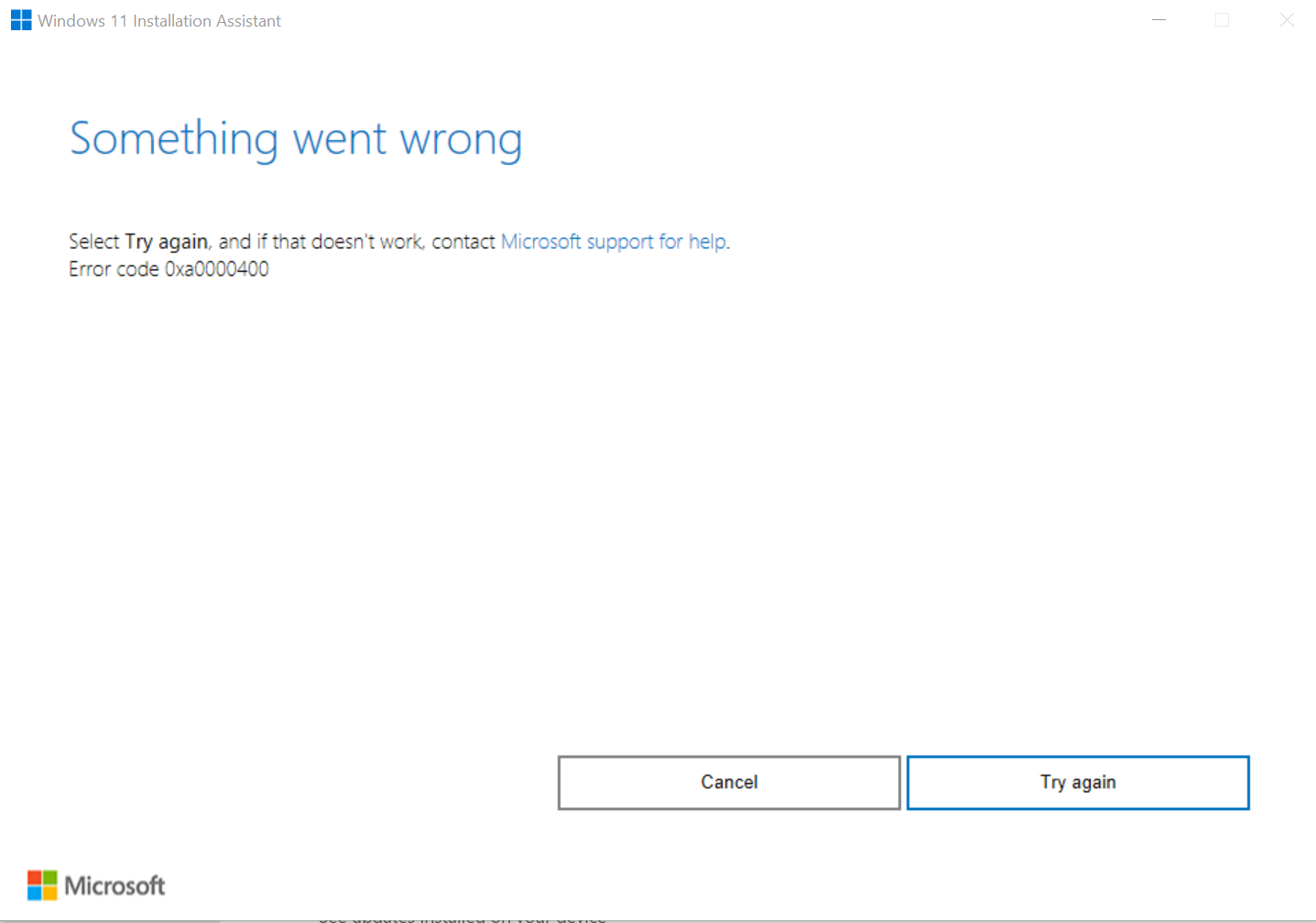


Hello @Nguyen Huu ,
Thank you for your question.
The "Windows 11 Installation Wizard" application is constantly undergoing updates, I recommend that you wait another 48h before trying to update again.
If the problem persists, you should post a question on the Windows 11 forum, so that you have support from someone who works directly on this edition of Windows.
To do this, go to the link below and select the option "Ask a question" from the top menu and describe the entire problem, including images:
Also, it is important that your windows 10 is on the latest version (21H1), so that you can update normally without errors, if you want to update to this version use the link below to download the windows 10 update wizard:
https://www.microsoft.com/en-us/software-download/windows10
Once you enter the link above you should click on the first button called "Update Now" and then it will download the Windows 10 Upgrade Wizard for you to upgrade to the latest version, if you are on an older version.
--------------------------------------------------------------------------------------------------------------------------------
If the answer is helpful, please vote positively and accept as an answer.
' cx='32' cy='32' r='32' /%3E%3Ctext x='50%25' y='55%25' dominant-baseline='middle' text-anchor='middle' fill='%23FFF' %3ESS%3C/text%3E%3C/svg%3E)