Azure Storage
Globally unique resources that provide access to data management services and serve as the parent namespace for the services.
This browser is no longer supported.
Upgrade to Microsoft Edge to take advantage of the latest features, security updates, and technical support.
' cx='32' cy='32' r='32' /%3E%3Ctext x='50%25' y='55%25' dominant-baseline='middle' text-anchor='middle' fill='%23FFF' %3EJD%3C/text%3E%3C/svg%3E)
Hi all,
I have been tasked with creating a powershell script that creates a new storage container in a classic storage account, but I cannot find a way to do it in powershell? I can create it in a few seconds in the storage explorer, but I am trying to find a way to powershell it, because that is what I was asked to do. the problem I am running into while trying to create this, is the cmdlet's are looking under Microsoft.Storage/storageAccounts, and I do not know how to get them to look under Microsoft.ClassicStorage/storageAccounts. if anyone knows a way to do this, please let me know, as I am out of options and thoughts about how to accomplish this.
P.S. at this time, I am being told we cannot upgrade the storage account to the ARM profile ... I have the script that works for that already done .... but they want it done with classic
Thanks again for all thoughts on this!! you all have been a big help to me so far!!

You can go for creating a classic storage account as I am detailing below:
- Login AzureRM account
Login-AzureRMAccount
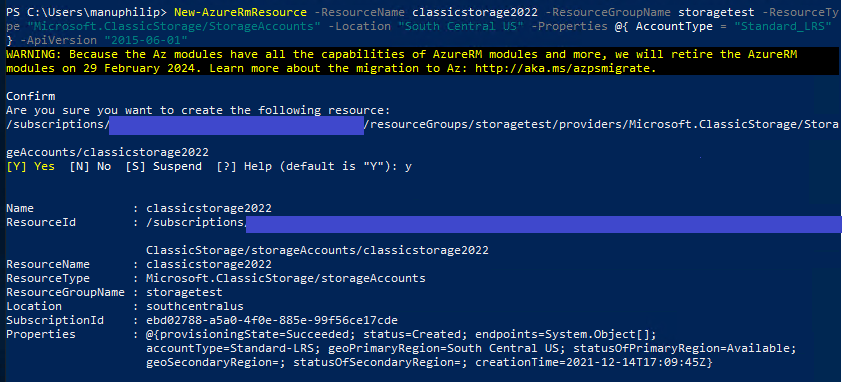
@Manu Philip thank you for this!! but I have the storage account already, I am needing to add a container to that storage account, do you know of a way to accomplish that?

@Jim Deblaey Welcome to Microsoft Q&A Forum, Thank you for posting your query here!
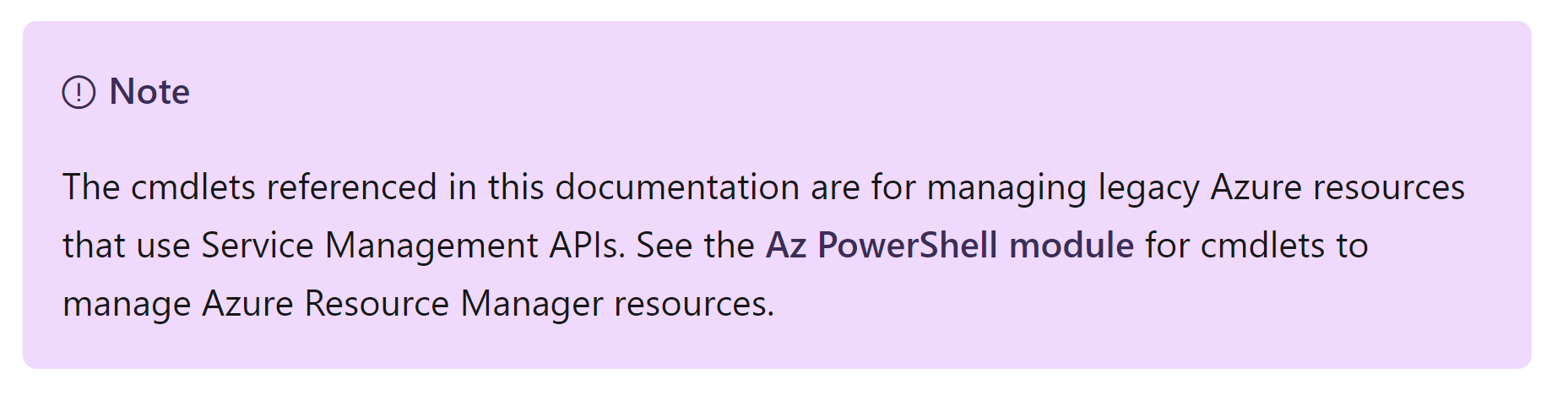
This article will help you in Creating an Azure storage container. New-AzureStorageContainer : https://learn.microsoft.com/en-us/powershell/module/servicemanagement/azure.storage/new-azurestoragecontainer?view=azuresmps-4.0.0
If would recommended to upgrade your storage account to GPV2 (Standard storage account type for blobs, file shares, queues, and tables. Recommended for most scenarios using Azure Storage. Note that if you want support for NFS file shares in Azure Files, use the premium file shares account type.)
Supported Storage Service: Blob (including Data Lake Storage1), Queue, and Table storage, Azure Files
Redundancy options: LRS/GRS/RA-GRS, ZRS/GZRS/RA-GZRS2
Upgrade to a general-purpose v2 storage account
Please let us know if you have any further queries. I’m happy to assist you further.
----------
Please do not forget to  and
and  wherever the information provided helps you, this can be beneficial to other community members.
