Microsoft Security | Microsoft Sentinel
A cloud-native SIEM solution that provides intelligent security analytics and threat detection across systems

This browser is no longer supported.
Upgrade to Microsoft Edge to take advantage of the latest features, security updates, and technical support.
' cx='32' cy='32' r='32' /%3E%3Ctext x='50%25' y='55%25' dominant-baseline='middle' text-anchor='middle' fill='%23FFF' %3EPT%3C/text%3E%3C/svg%3E)
I'm trying to setup a workflow in FreshService that closes the Sentinel Incident when the FreshService ticket is closed.
I've got it working, but the problem is that the Bearer Token has a short 6 hour life span, so I'm trying to automate fetching the token as well.
The Sentinel API documentation shows that you need to submit the Body of the request as x-www-form-urlencoded.
The FreshService Workflow Automator only supports JSON in the body (I confirmed this with their support).
Is it possible to retrieve a Bearer Token using a JSON formatted request? I've attempted but I receive an error (see screenshots).

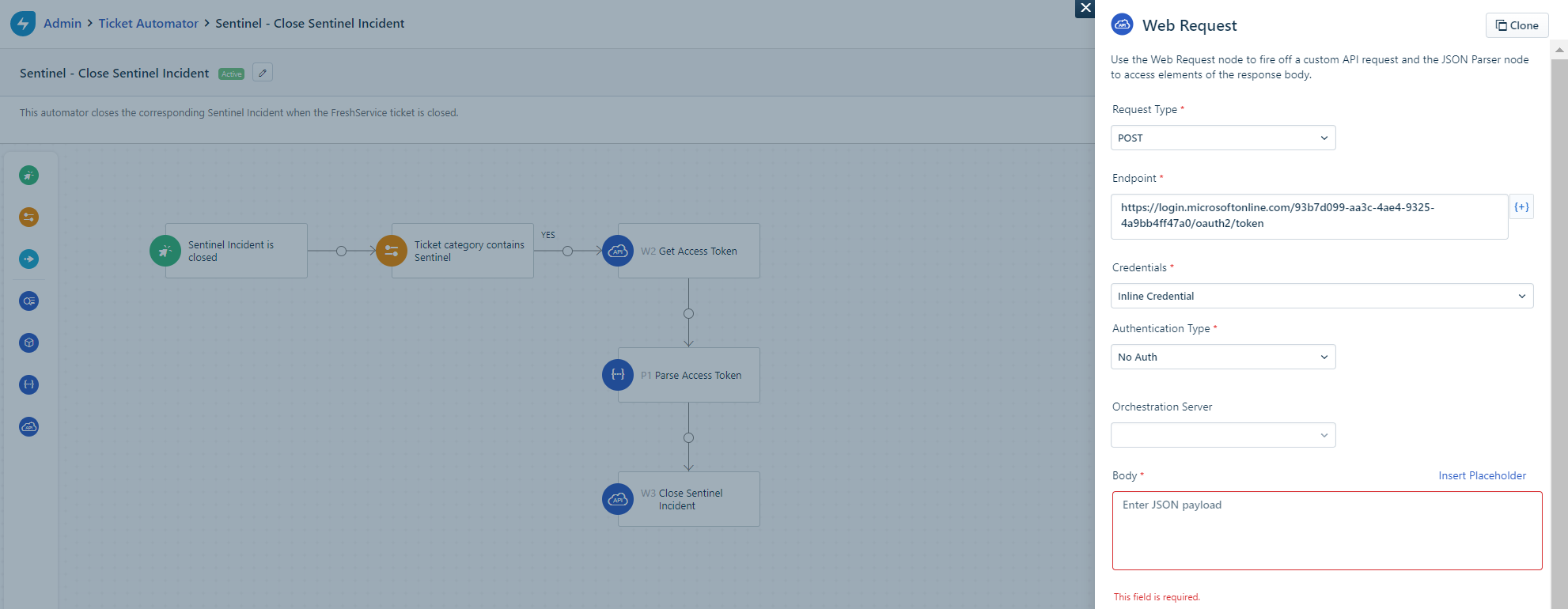
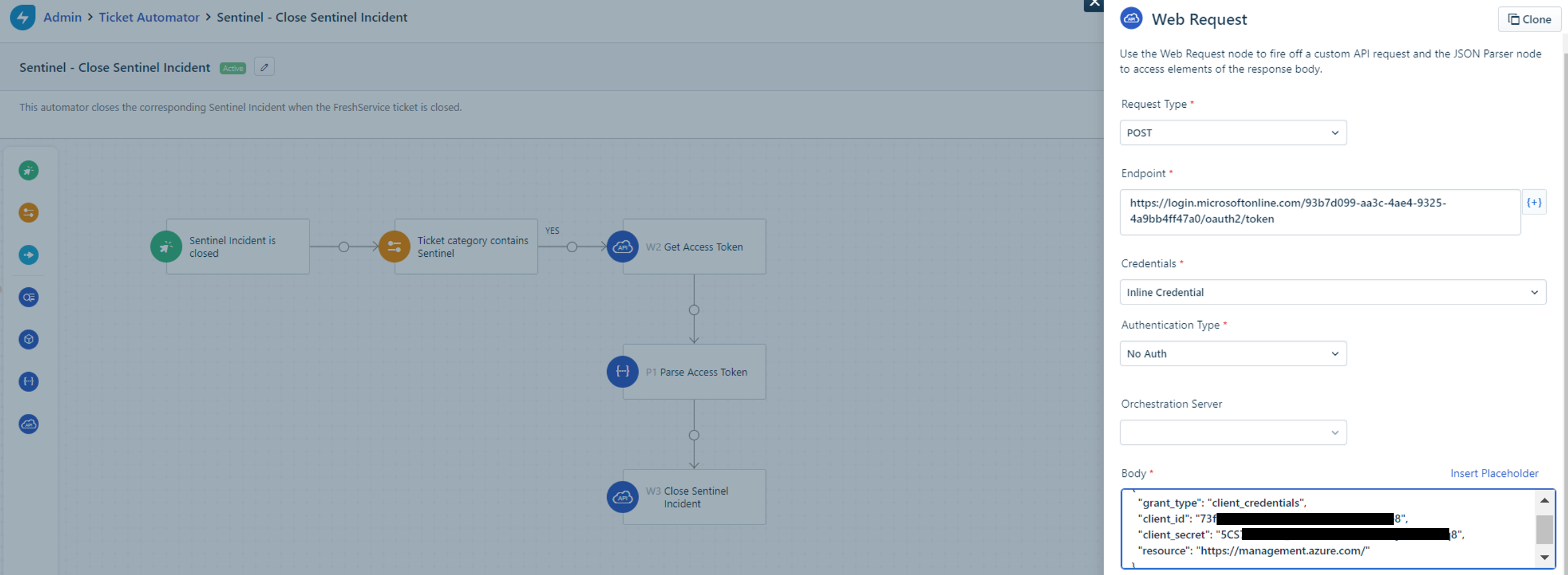


Hello @Phillip Terry ,
Thanks for reaching out.
Unfortunately, no, since this is OAuth standard specification requires Content-Type to be application/x-www-form-urlencoded for any identity providers to issue bearer tokens (like: Azure AD).
You may need to provide feedback and make a feature request to FreshService in order for them to consider supporting a future release. I hope this was helpful.
-----
Please "Accept the answer" if the information helped you. This will help us and others in the community as well.
@sikumars-msft
Thank you very much for your thoughtful response.
Is there a way to get a token with a longer lifetime? Is that something that can be requested as a parameter or header when submitting the x-www-form-urlencoded request?
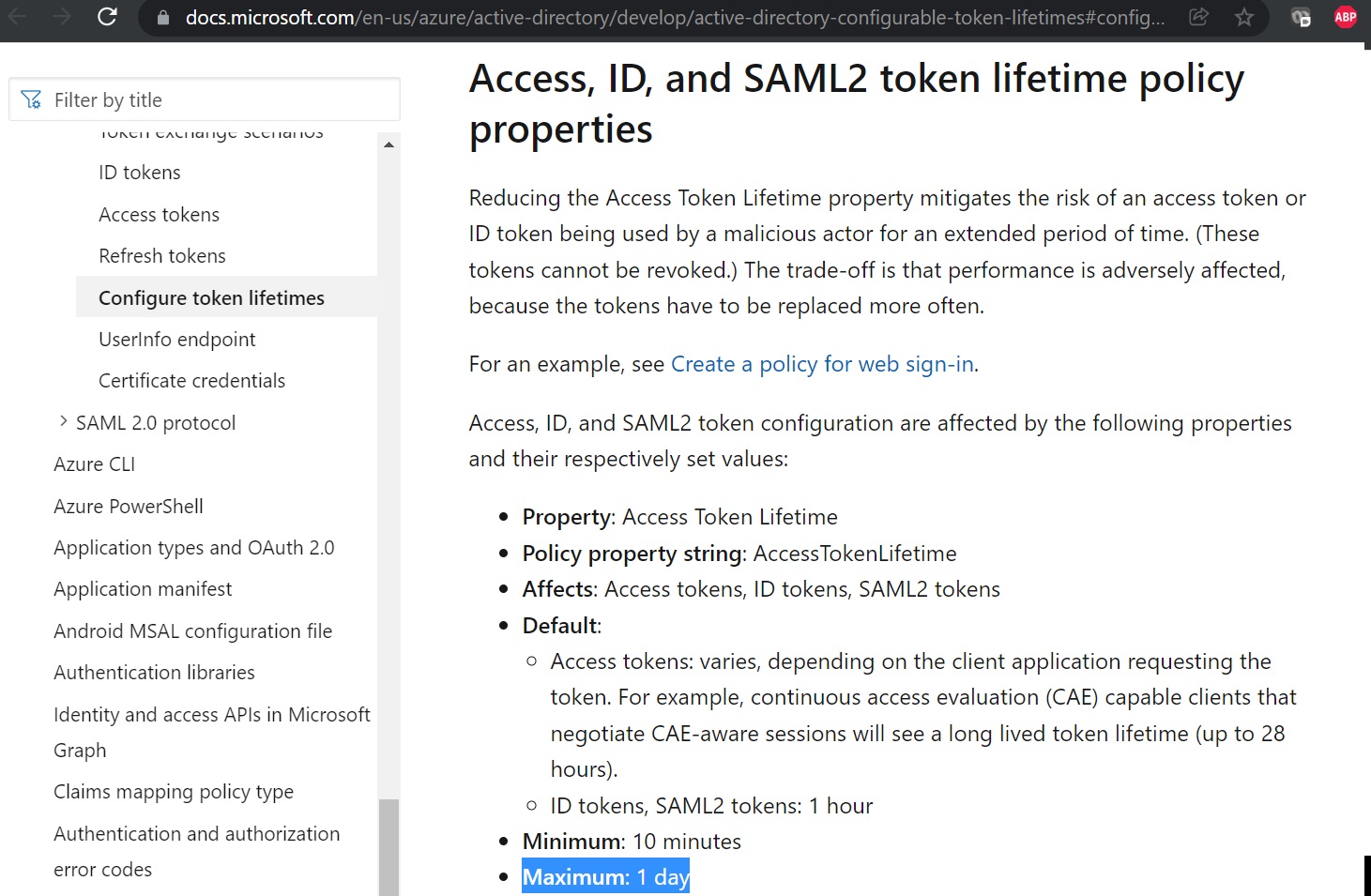
From what I see in the documentation that Azure ID access tokens rely on the default configuration which can only be customized to last for 1 day and refresh tokens are no longer supported.
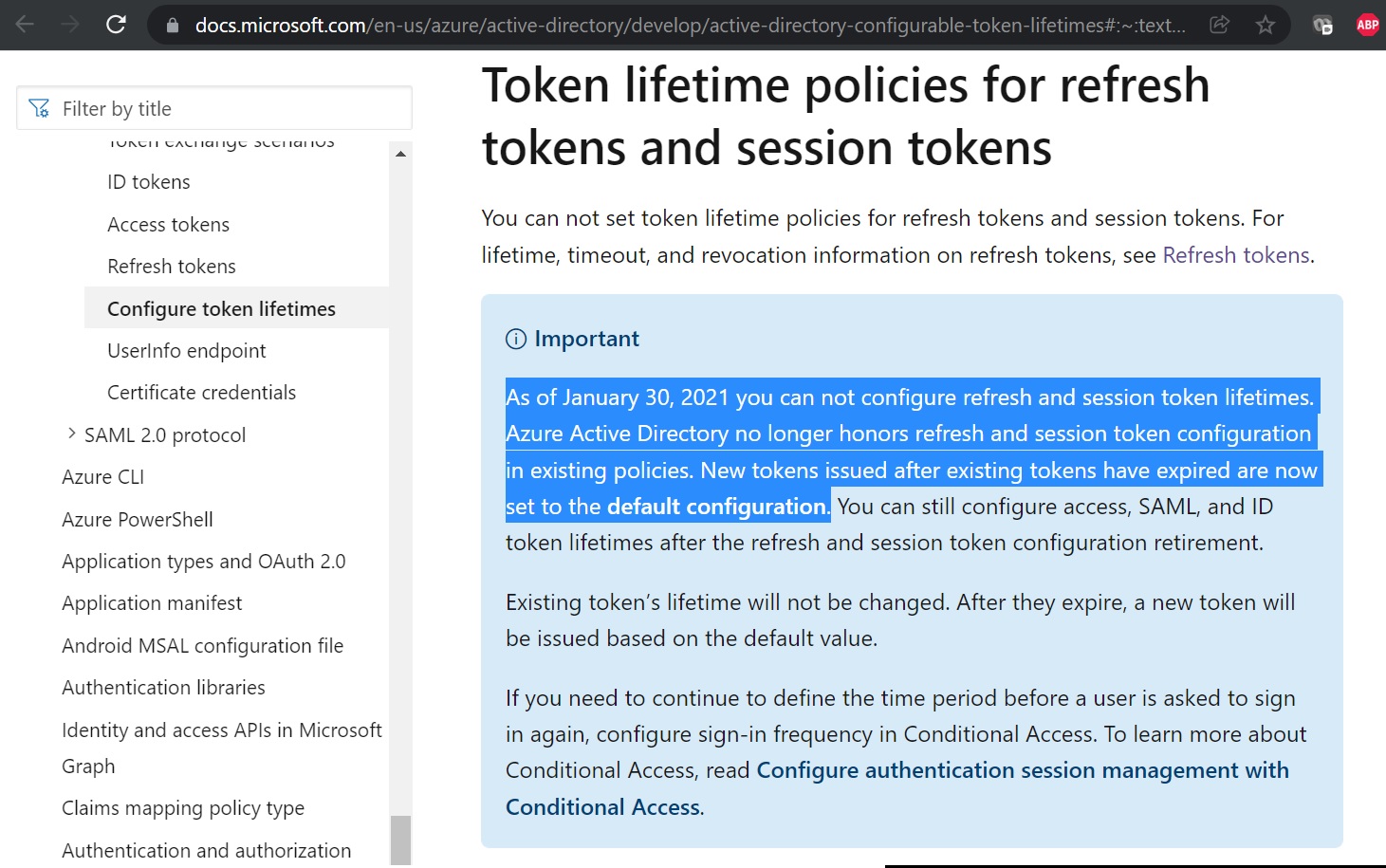
Sorry for delayed response.
Yes, Azure AD access_token life time rely on the default configuration (which is 1 hour at tenant level) but this can only be customized between minimum 10 minutes and maximum 1 day to specific application that you registered for authentication and here is an example for your reference. In addition to that, we can't request token with a longer lifetime as a parameter or header when submitting the x-www-form-urlencoded request.
Sorry for delayed response.
Azure AD access_token life time rely on the default configuration (which is 1 hour at the tenant level), but this can only be customized between minimum 10 minutes and maximum 1 day to specific application that you registered for authentication, and there's no supported way of requesting token with a longer lifetime with specific parameter or header when submitting the x-www-form-urlencoded request. To learn more about access token customization, refer How to configure token lifetime policies.
I believe increasing the lifetime of the token is not the best solution, so I explored further by getting a free trial subscription to FreshService, and here are my findings and alternative options that you may consider leveraging.
I see there is a way to add App in action so I was wondering if you could leverage Workflows like MS flow by using Logic Apps or Power Automation in Azure that support native authentication with Azure AD which can also be integrated with FreshService by this way you can create flow to access Azure sentinel also update tickets accordingly.
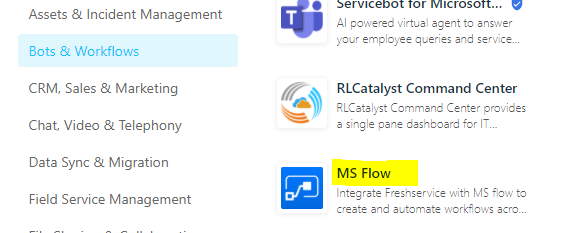
Second, I was thinking about leveraging Custom App, but not sure how feasible this option in your scenario as this would probably required development skill to create your own custom app and upload them to your workflow. Lets say you can write logic to invoke HTTP web request from app to retrieve access_token. Freshservice developers docs says it uses Node Javascript architecture for custom app, so you could leverage sample (NodeJs - Reqeust) below:

Architecture for custom app

**Sample (NodeJs - Reqeust) **
    var request = require('request');
    var options = {
      'method': 'GET',
      'url': 'https://login.microsoftonline.com/cb35203e-6560-4d6a-a352-6758b354ff1a/oauth2/token',
      'headers': {
        'Content-Type': 'application/x-www-form-urlencoded'
      },
      form: {
        'grant_type': 'client_credentials',
            'client_id': '{replace-with-your-client-id}',
        'resource': 'https://management.azure.com',
         'client_secret': '{replace-with-your-client-secret}',
        'Origin': 'null'
      }
    };
    request(options, function (error, response) {
      if (error) throw new Error(error);
      console.log(response.body);
    });
' cx='32' cy='32' r='32' /%3E%3Ctext x='50%25' y='55%25' dominant-baseline='middle' text-anchor='middle' fill='%23FFF' %3ETR%3C/text%3E%3C/svg%3E)
I was able to get this working, you need to add a Credential in Freshservice Credential Manager using the OAuth 2.0 type, then use those credentials in the Freshservice Workflow.
This will automatically handle retrieving the access token and refresh token for you and you can just focus on parsing the JSON
' cx='32' cy='32' r='32' /%3E%3Ctext x='50%25' y='55%25' dominant-baseline='middle' text-anchor='middle' fill='%23FFF' %3EJL%3C/text%3E%3C/svg%3E)
When setting up the credential, I'm having an issue where the response from Microsoft is returning raw JSON in a new tab, with the token and "success", but it's not passing that on to the Credentials Storage in Freshservice, so adding the credential never actually completes.
Did you run into this? And if so what did you do to fix it?
' cx='32' cy='32' r='32' /%3E%3Ctext x='50%25' y='55%25' dominant-baseline='middle' text-anchor='middle' fill='%23FFF' %3ESA%3C/text%3E%3C/svg%3E)
Hi! @Timothy Ransom Could you please post your Credential Manager parameters for Azure AD as a sample? Not your secrets obviously.
' cx='32' cy='32' r='32' /%3E%3Ctext x='50%25' y='55%25' dominant-baseline='middle' text-anchor='middle' fill='%23FFF' %3EDH%3C/text%3E%3C/svg%3E)
Greetings,
@Anonymous Was having the same issue as described about. I have successfully created the Oauth 2.0 credential in the Freshservice Credential Manager. Now how do I get the access token in the workflow using the new credential. I have tried generating a session to the Microsoft Graph API from the workflow as well as a POST to get an access token in the reponse but nothing has worked. Please let me know how you were able to pull in the access token into the workflow. Thanks!