Microsoft Teams | Microsoft Teams for business | Other
Additional features, settings, or issues not covered by specific Microsoft Teams categories

This browser is no longer supported.
Upgrade to Microsoft Edge to take advantage of the latest features, security updates, and technical support.
' cx='32' cy='32' r='32' /%3E%3Ctext x='50%25' y='55%25' dominant-baseline='middle' text-anchor='middle' fill='%23FFF' %3EI%3C/text%3E%3C/svg%3E)
Hello Teams Community
Please i need your help on this issue.
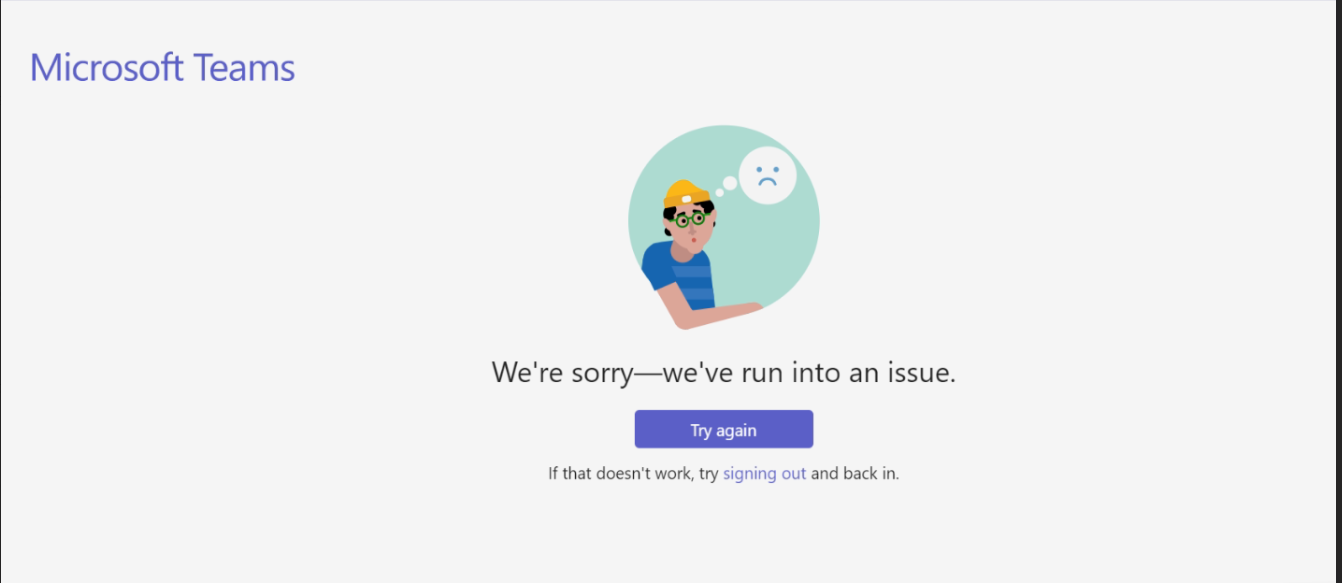
We have a user who is unable to log into the teams.
Here is the error message:
' cx='32' cy='32' r='32' /%3E%3Ctext x='50%25' y='55%25' dominant-baseline='middle' text-anchor='middle' fill='%23FFF' %3EYS%3C/text%3E%3C/svg%3E)
Hi @IBN ,
Please have a look at the lower left corner of error message screen and see if there's any error code which might be helpful for further analysis.
Besides, below are some troubleshooting steps you could try and see it can help:
If the answer is helpful, please click "Accept Answer" and kindly upvote it. If you have extra questions about this answer, please click "Comment".
Note: Please follow the steps in our documentation to enable e-mail notifications if you want to receive the related email notification for this thread.
Hi @IBN ,
I'm writing to check if your issue has been resolved. If the replies above are helpful, do you mind accepting it as answer? This can be beneficial to others who read this thread. If you still have further concern on this, please feel free to let us know.