' cx='32' cy='32' r='32' /%3E%3Ctext x='50%25' y='55%25' dominant-baseline='middle' text-anchor='middle' fill='%23FFF' %3EAS%3C/text%3E%3C/svg%3E)

' cx='32' cy='32' r='32' /%3E%3Ctext x='50%25' y='55%25' dominant-baseline='middle' text-anchor='middle' fill='%23FFF' %3ECZ%3C/text%3E%3C/svg%3E)

That was not the file I was asking for. However, the file you attached (and which I failed to observe when I read your first post, my apologies) explains why your setup fails.
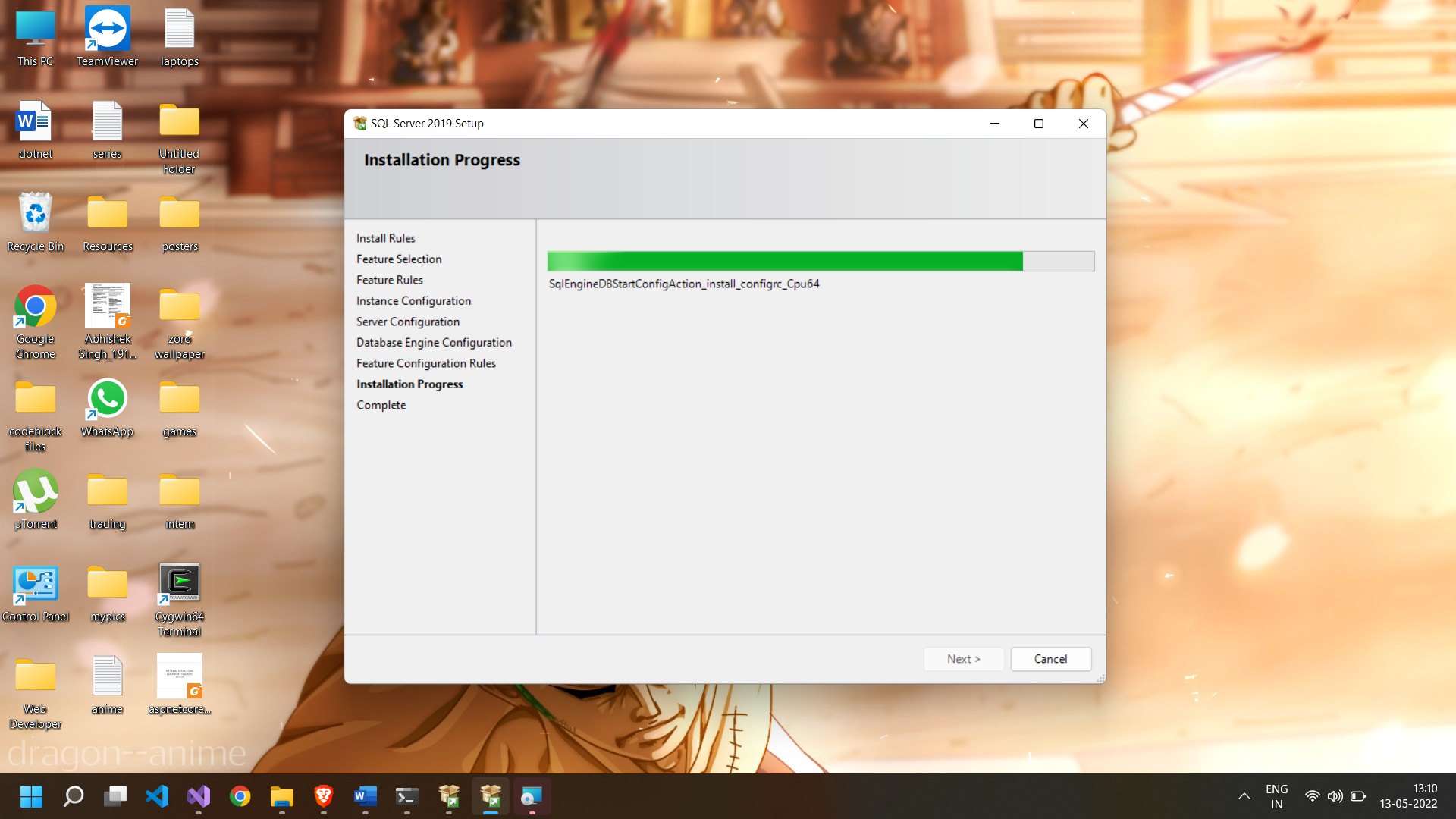
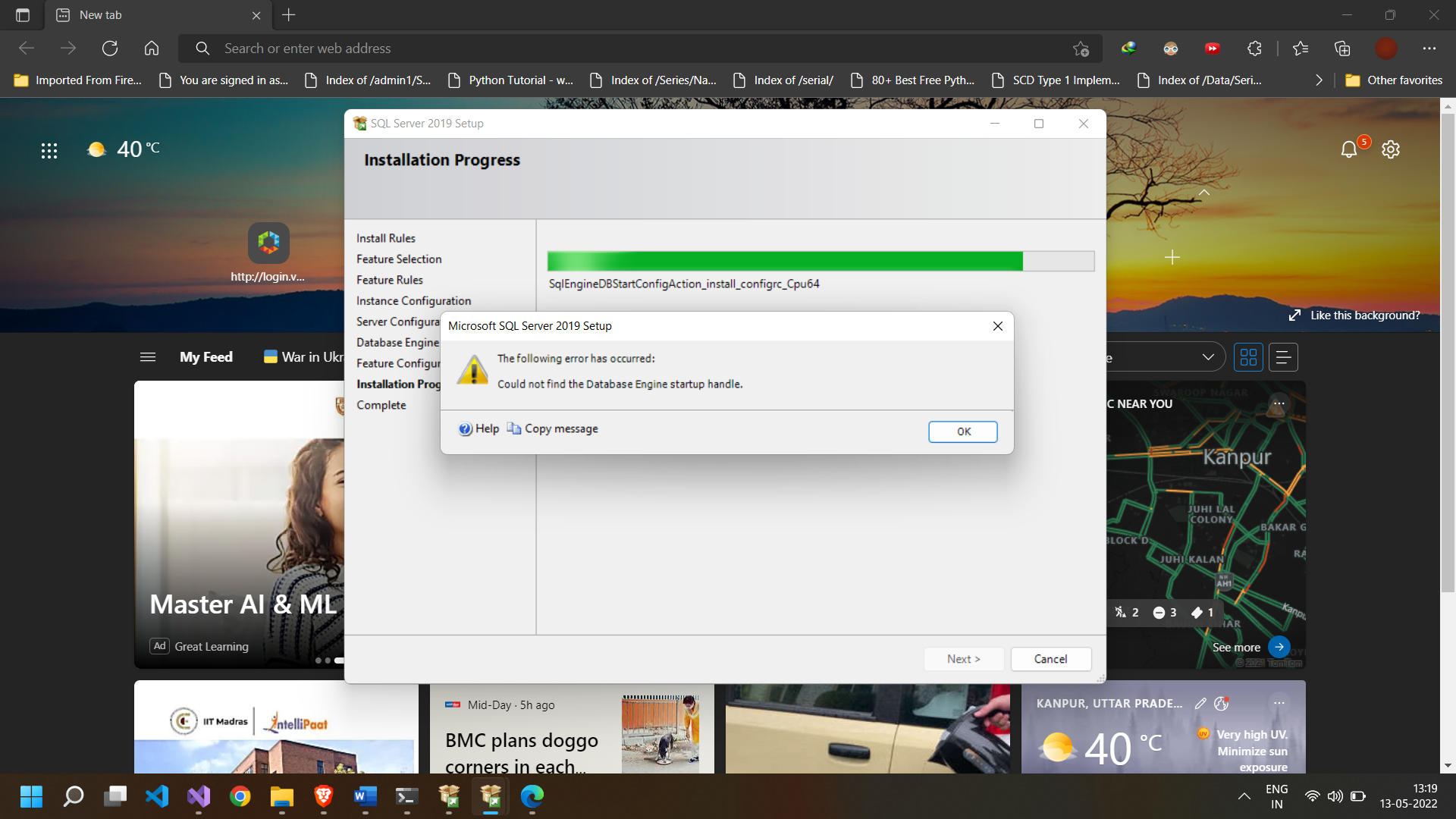
You are victim for a bug in the Setup wizard. When your Windows locale is Hindi (India), the Setup Wizard will select Indic_General_90_CI_AS as the default collation. But this collation is not valid as a server or database collation. When you run the Setup wizard and you come to the Server Configuration page, go to the the Collation tab. Click the Change button. You can exit directly. That page knows that the collation above is not permitted, and will change the collation to Indic_General_90_CI_AS_SC_UTF8 which is legal. You can also make any other selection you may prefer.
As for that file I asked you to look at - don't look for it. With this particular error, you never get that file. (Most of the time when people get the error about the start up handle, there is a file, as SQL Server starts and stops. But in this case, SQL Server refuses to start due to the bad collation.)
' cx='32' cy='32' r='32' /%3E%3Ctext x='50%25' y='55%25' dominant-baseline='middle' text-anchor='middle' fill='%23FFF' %3EA%3C/text%3E%3C/svg%3E)
' cx='32' cy='32' r='32' /%3E%3Ctext x='50%25' y='55%25' dominant-baseline='middle' text-anchor='middle' fill='%23FFF' %3ESL%3C/text%3E%3C/svg%3E)
' cx='32' cy='32' r='32' /%3E%3Ctext x='50%25' y='55%25' dominant-baseline='middle' text-anchor='middle' fill='%23FFF' %3EHM%3C/text%3E%3C/svg%3E)
' cx='32' cy='32' r='32' /%3E%3Ctext x='50%25' y='55%25' dominant-baseline='middle' text-anchor='middle' fill='%23FFF' %3EDG%3C/text%3E%3C/svg%3E)

' cx='32' cy='32' r='32' /%3E%3Ctext x='50%25' y='55%25' dominant-baseline='middle' text-anchor='middle' fill='%23FFF' %3EFV%3C/text%3E%3C/svg%3E)