Note
Access to this page requires authorization. You can try signing in or changing directories.
Access to this page requires authorization. You can try changing directories.
Use the Event schema registry page in Real-Time hub to find and open the event schema sets and schemas you have permission to access across your tenant.
To open the page, select Event schema registry on the left navigation menu in Real-Time hub.
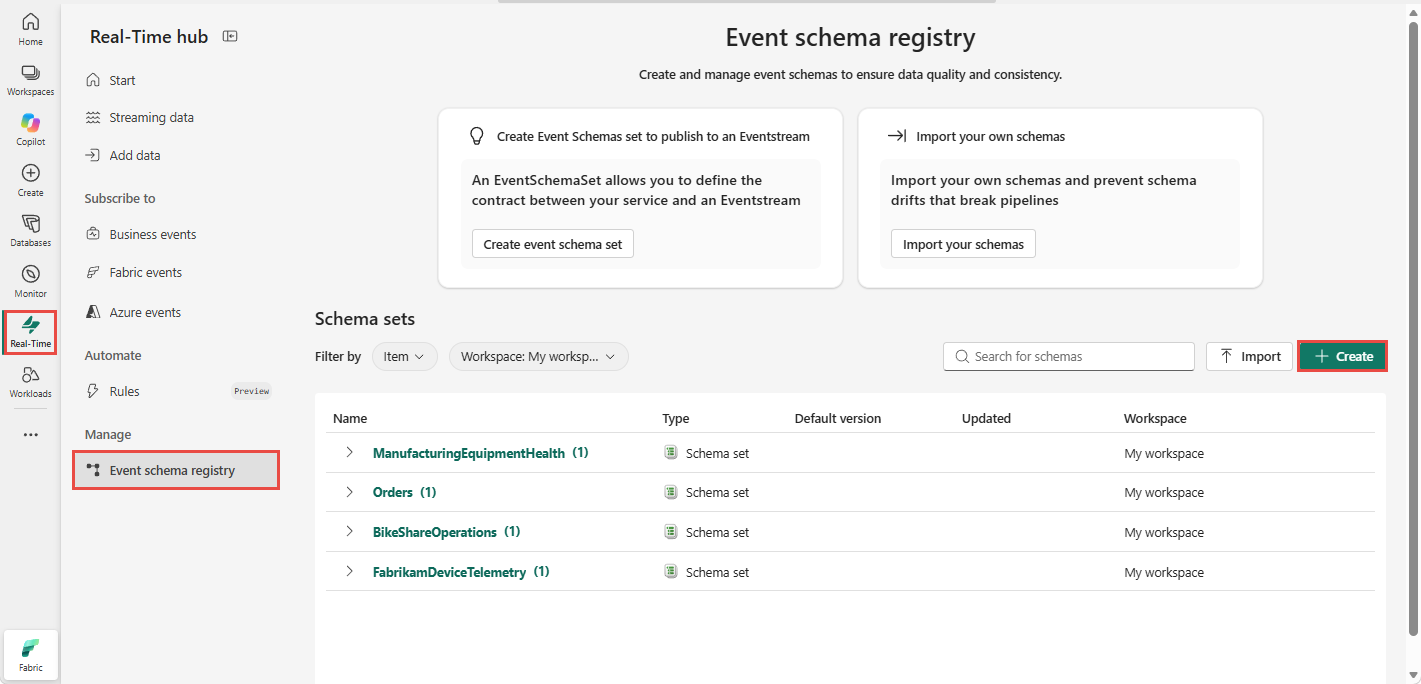
Explore schema sets and schemas
The page lists event schema sets. Expand a schema set to see its schemas. From the list, you can:
- Preview a schema definition without leaving the page.
- Open a schema to inspect its definition and versions.
- Open a schema set to manage the collection.
Search and filters
Use the search box to find a schema or schema set. Use the available filters, such as workspace, to narrow the list. The page only shows items you have permission to access.
Schema actions
From the Event schema registry page, you can create a schema or import Avro definitions into a new or existing schema set. For step-by-step instructions, see Create and manage event schemas in Real-Time hub and Import event schemas.