Introduction
Declarative agents extend Microsoft 365 Copilot allowing you to create assistants optimized for a specific scenario. By defining instructions, you configure the agent's behavior. By introducing extra knowledge, you can let the agent reason over information that's not part of its foundational model. By using skills, you give the agent the ability to interact with external systems, trigger certain behavior under system conditions, or use custom workflow logic. One type of skill is actions that allow a declarative agent to communicate with APIs both for retrieving and modifying data.
Example scenario
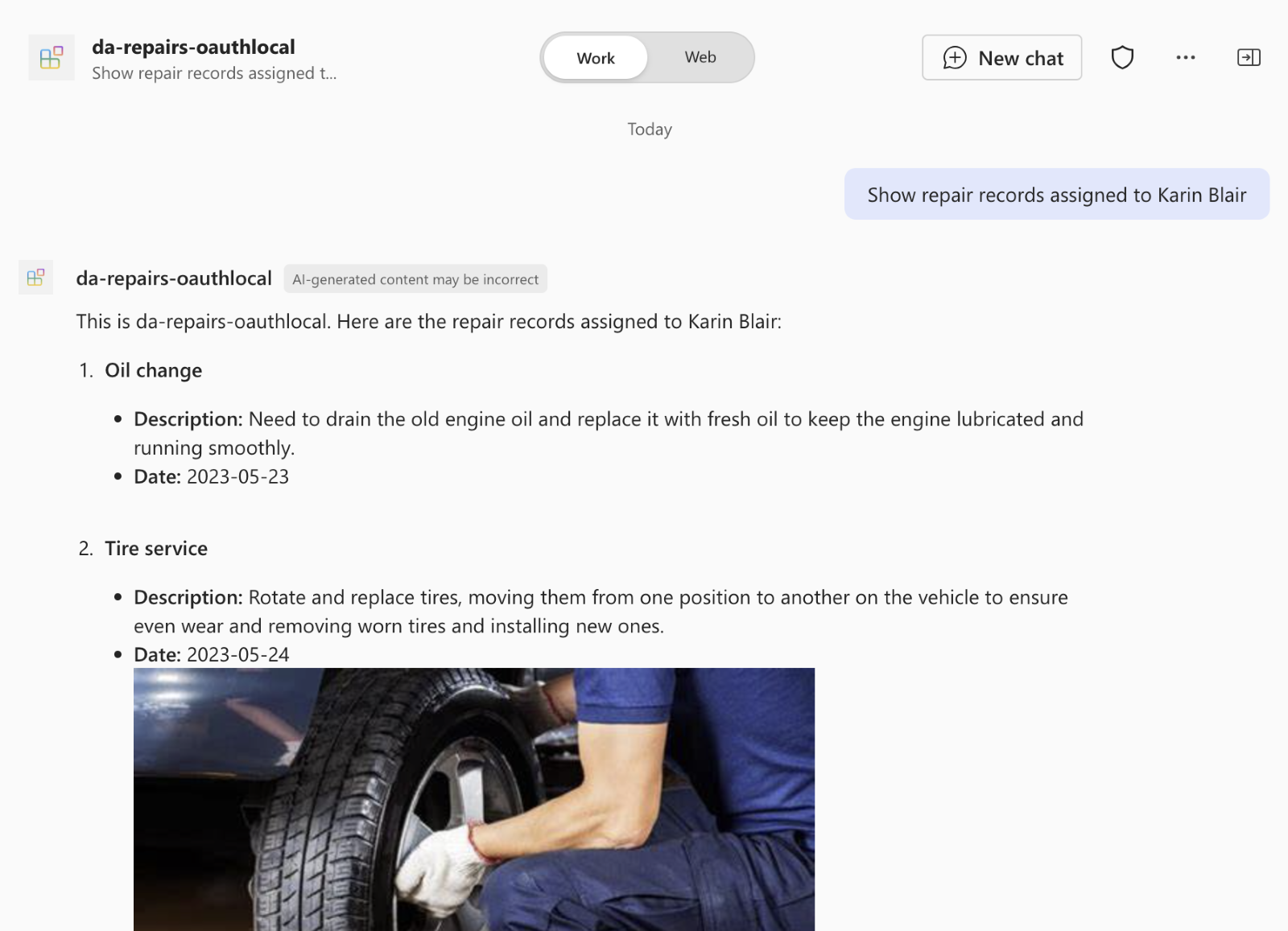
Suppose you work in a car repair shop. Your organization keeps track of the different repair requests using a specialized system. You and your colleagues regularly look up information about the different repairs. The current system offers a rudimentary search functionality that finds repairs only matching keywords. You would like to have an AI-powered assistant capable of answering questions about repairs, asked using natural language. There's an API secured with an API key that exposes the information about repairs to which you could connect. The information changes regularly so the assistant should query it in real time.
What will we be doing?
We analyze the key features of API plugins to help you decide when to use them:
- Custom actions: what should the agent be able to do? Does it need to access data beyond the foundational model?
- Data shape: what's the structure of the data that the agent needs to access?
- API accessibility: is the API accessible and does it provide the necessary data?
What is the main goal?
By the end of this module, you understand how API plugins enable declarative agents to communicate with external systems. You're also able to decide when API plugins are suitable for extending declarative agents.