Recommend Power Platform components for business solutions
A common mistake in Power Platform projects is to reach for a familiar tool before fully understanding the problem. Canvas apps, flows, and agents each have their strengths, but choosing the wrong component, or missing an opportunity to combine components, results in unnecessary rework.
As a functional consultant, your job is to analyze requirements and recommend the right combination of components. Since Power Platform's components are designed to work together, most real-world solutions use more than one.
Understand each component's purpose
Before you can recommend the right tools, you need a clear picture of what each component does best.
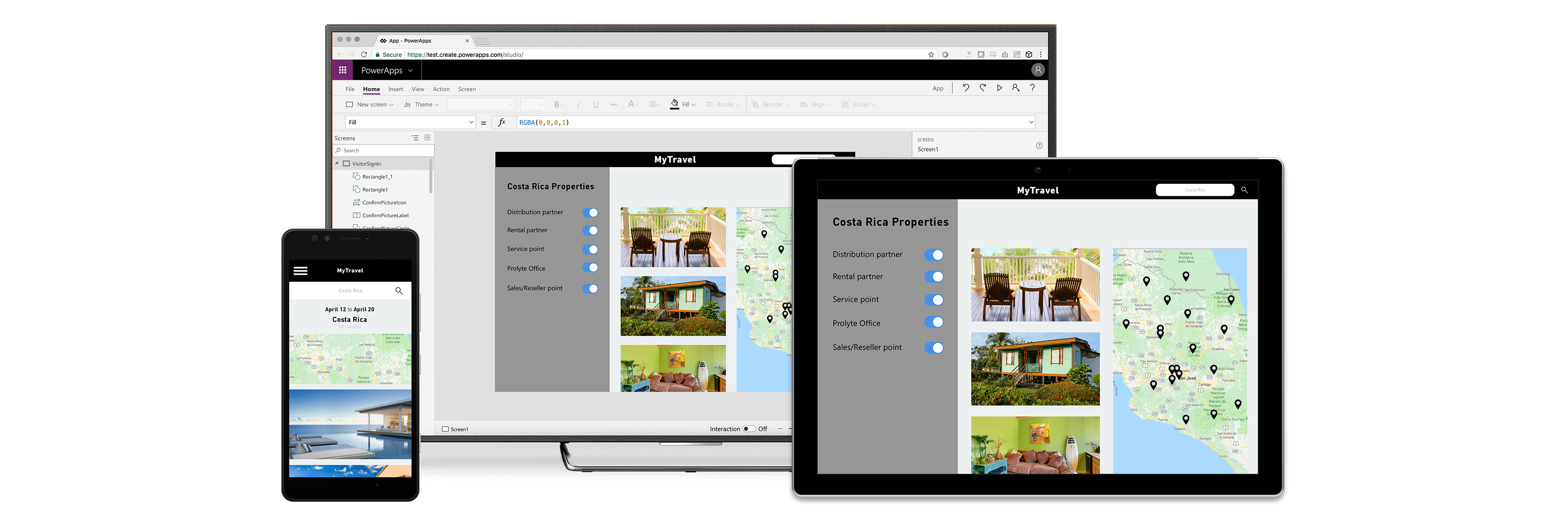
Power Apps is your primary component for building custom user interfaces. Canvas apps give you pixel-level control over the screen layout and work well for task-focused, mobile-friendly experiences. Model-driven apps are generated from your Dataverse data model and are ideal for complex, data-rich scenarios where users manage related records, like case management. Both app types can be embedded in Microsoft Teams.
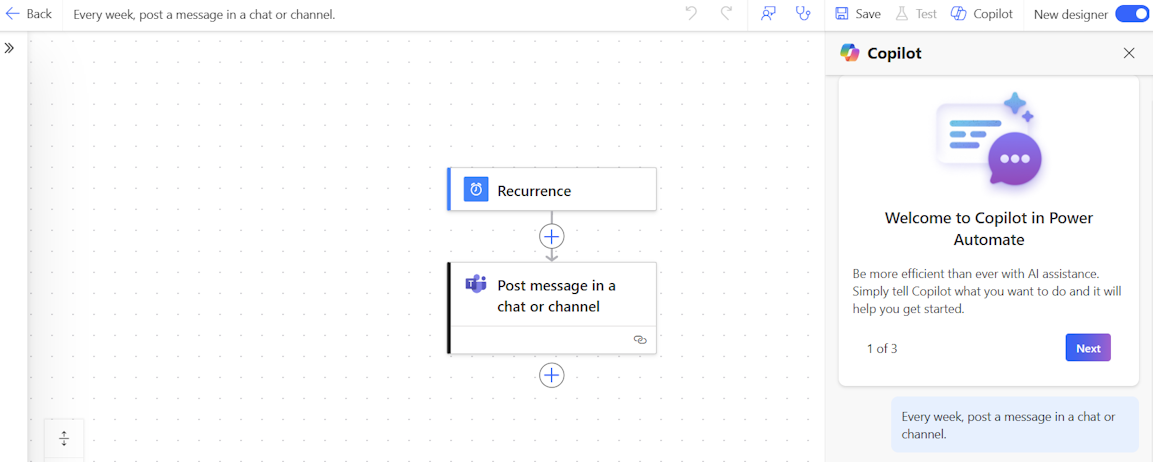
Power Automate handles process automation and integration. Cloud flows orchestrate logic across connectors and services, while desktop flows extend automation to applications that don't have application programming interfaces (APIs). When a process involves human decisions, like approvals, reviews, or exceptions, Power Automate's built-in approval actions create a structured human-in-the-loop experience.
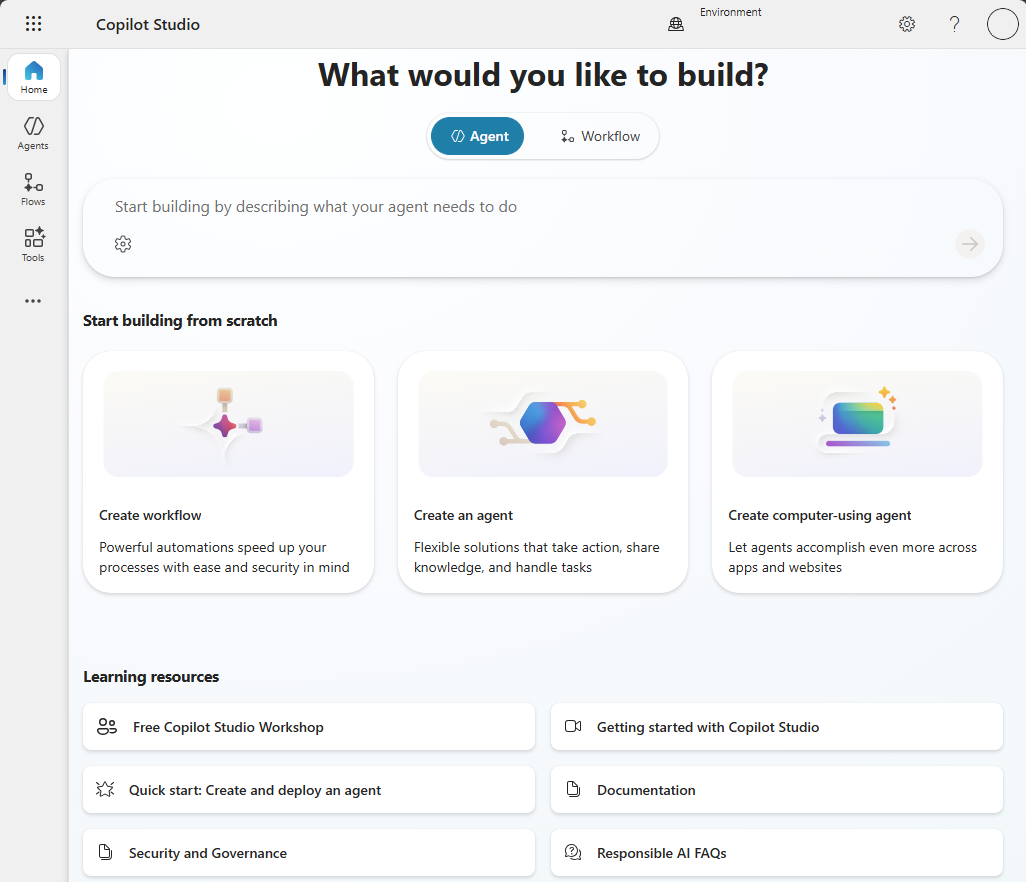
Microsoft Copilot Studio is your component for building agents, both conversational and autonomous. Conversational agents handle question-and-answer scenarios, guided troubleshooting, and customer service. Autonomous agents take action in response to triggers: a new record, a scheduled time, or an incoming email. When a business process involves natural language interaction or needs to operate without constant human input, Copilot Studio is the right layer.
AI Builder provides pretrained AI models and a prompt-building environment. When a process involves unstructured data like invoices, receipts, forms, images, AI Builder's document processing models extract the right fields automatically. When you need to generate, classify, summarize, or translate text as part of a workflow, Prompt Builder gives you a reusable, deployable prompt that flows and apps can call.
Note
AI Builder capabilities are accessed through AI Hub in Microsoft Copilot Studio. When you navigate to Copilot Studio, you'll find AI Hub as the central place to create and manage prompts and AI models.
Power Pages is the component for external-facing web experiences. When your solution needs to serve customers, partners, or the public, Power Pages provides a configurable web portal with secure authentication. It integrates with Dataverse and can embed Copilot Studio agents as Web Agents for conversational customer engagement.
Dataverse underpins everything. It's not just a database; it's a governed, schema-driven, enterprise data platform with built-in security roles, business rules, relationships, and auditing. Whenever your solution stores data that's shared across apps, flows, and agents, Dataverse is the right foundation.
Apply a requirements-to-components framework
When you receive a business requirement, work through four dimensions to identify the right components:
- Who uses it? Internal employees (Power Apps, Power Automate, Copilot Studio) or external users (Power Pages, Power Pages Web Agents)?
- What data is involved? Structured transactional data (Dataverse, model-driven app), unstructured documents (AI Builder), or analytical aggregations (Power BI)?
- Is the process human-driven or automated? Human decisions and UI interaction (Power Apps) versus logic that runs on its own (Power Automate, Copilot Studio autonomous agents)?
- Does it involve natural language? If users or systems need to interact through conversation or text generation, add Copilot Studio or AI Builder prompts to the mix.
The following table maps common requirement types to their primary component and typical additions:
| Requirement type | Primary component | Common additions |
|---|---|---|
| Internal app for employees | Power Apps (canvas or model-driven) | Dataverse, Power Automate |
| External customer portal | Power Pages | Dataverse, Copilot Studio Web Agent |
| Process automation | Power Automate | Dataverse, AI Builder |
| Conversational or autonomous agent | Copilot Studio | Dataverse, Power Automate (as agent actions) |
| Document intelligence | AI Builder | Power Automate, Dataverse |
| Data visualization and reporting | Power BI | Dataverse |
Apply the framework to Contoso
With this framework in hand, let's map Contoso's four priority requirements to the right components.
Invoice processing
The requirement: Contoso's finance team receives dozens of vendor invoices each week by email. Staff manually key fields into a spreadsheet, then forward the email chain to the appropriate manager for approval. When invoices arrive in different formats—some as PDFs, others as scanned images—errors creep in and approvals stall. There's no visibility into where an invoice is in the process, and chasing status takes time that should be spent on higher-value work.
The solution: The right approach combines AI Builder (to extract document fields automatically from any invoice format) with Power Automate (to orchestrate routing and approval logic based on vendor, amount, or category) and a Power Apps model-driven app (for reviewers to manage invoice records in Dataverse with full status visibility).
Call center support
The requirement: Contoso's call center agents handle a high volume of client inquiries: project status questions, billing queries, and document requests. To answer a single question, agents typically switch between four internal systems—a project tracker, a billing tool, a document repository, and a client database. The context-switching slows resolution times and increases the chance of giving clients inconsistent answers.
The solution: This problem calls for a Power Apps canvas app that brings all four data sources into a single unified interface. An embedded Copilot Studio agent surfaces answers from knowledge sources inline, so agents can respond to common questions without leaving the app or switching windows.
Client self-service
The requirement: Contoso's clients frequently contact the team to check engagement status, ask about upcoming deliverables, or submit supporting documents for active projects. These requests arrive by email and phone, creating repetitive work for account managers and delays for clients who just want a quick answer.
The solution: A Power Pages external portal with Dataverse as the backing store gives clients direct access to their engagement status and document submission workflows. A Copilot Studio Web Agent embedded in the portal handles FAQ and document guidance, reducing the volume of inbound requests.
Approval notifications
The requirement: Managers at Contoso are responsible for approving project scope changes, purchase requests, and time-off requests. Today, approval requests arrive as emails and get buried alongside hundreds of other messages. Requests go unnoticed, deadlines slip, and employees have no way of knowing whether their request is being tracked.
The solution: A Power Automate approval flow moves these decisions out of the inbox and into Microsoft Teams, where managers are already working. Adaptive card notifications present the key details and approval action in a single message, without requiring managers to open a separate application.
Notice that no single component handles any of these requirements alone. Effective Power Platform solutions are built by assembling components where each one contributes what it does best. In the next unit, you'll go deeper into how individual business processes map to AI-first solution patterns—including which built-in agents Microsoft provides to accelerate implementation.