TLDR: There are apps listed in the Task Manager > Startup apps that have been properly uninstalled and don't exist as files, folders or in the registry.
For the last several months my laptop has been consistently consuming high CPU levels even when nothing, or very little is running. With Chrome and Outlook open, it will be at 40-50% but when looking in task manager, adding the % used by each app only adds to ~15%.
After updating all my drivers and apps I disabled most of the programs that are supposed to open at startup (Task manager > Startup apps) and in doing so I discovered several apps listed there are aren't installed.
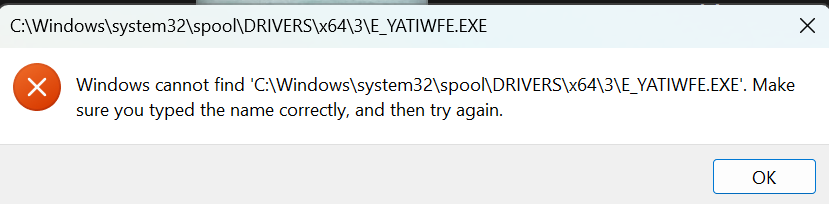
When I click on them and try to open the properities window I get errors like below. The files and folders associated with each app aren't there, and they were all uninstalled using the uninstall tools, not by simply deleting the files. I've also searched Regedit for records of some of the app and they don't exist in the registry either.
Aside from reinstalling Windows, what can I do?
There are two entries for Signal (one for Signal and the other for Signal-beta), which I've not actually be able to instal on my machine. I tried for several months to instal Signal, but it always errored and all attempts to find the problem (even with Signal's support) has failed.
Thanks
' cx='32' cy='32' r='32' /%3E%3Ctext x='50%25' y='55%25' dominant-baseline='middle' text-anchor='middle' fill='%23FFF' %3EJ1%3C/text%3E%3C/svg%3E)

