Good afternoon everyone,
If you search on Google for Windows 11 25H2 and LoopMIDI, you will find at least four posts from me. Unfortunately, I still haven’t found any answers or any solution.
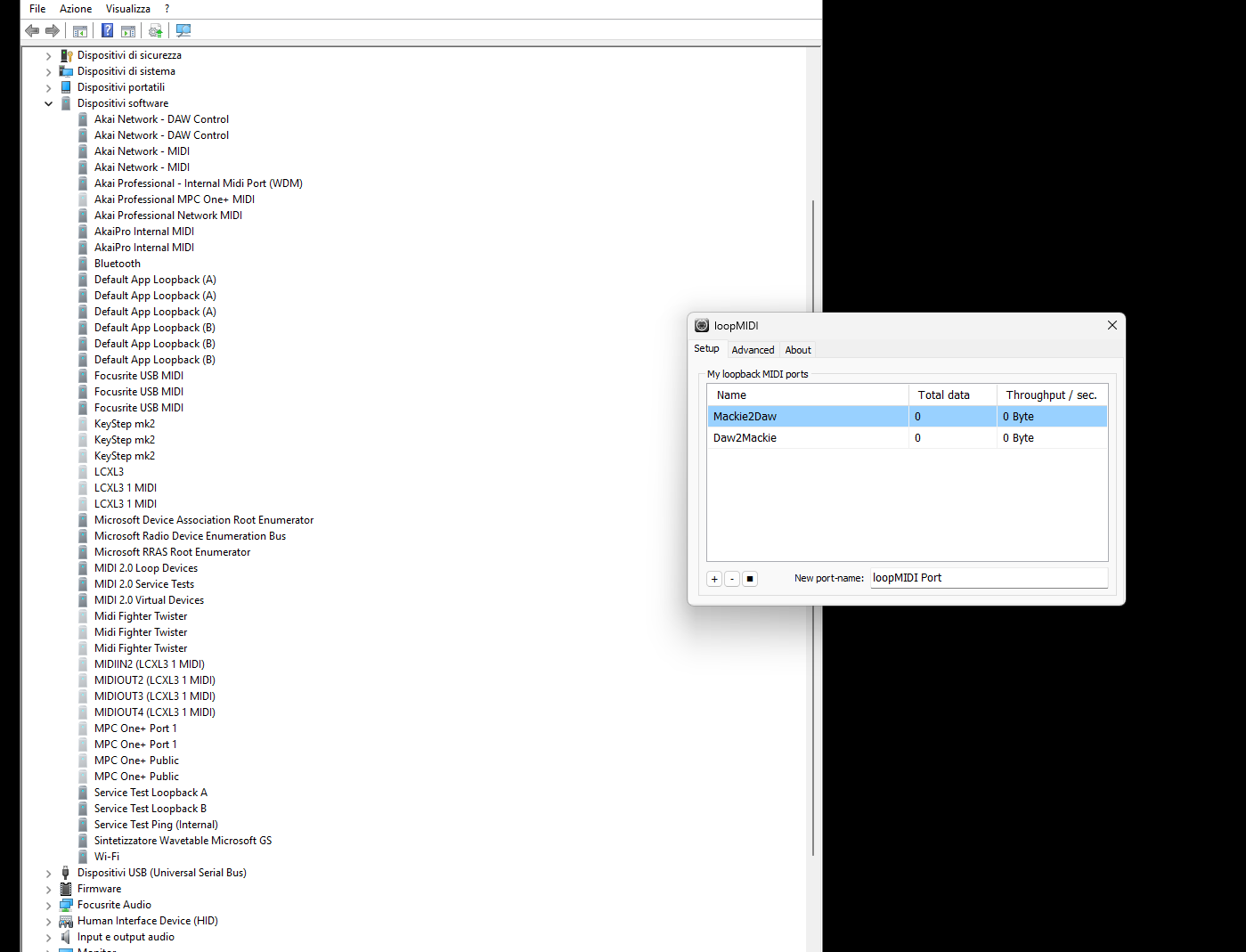
Here is a brief summary: I am running the latest official version of Windows 11 25H2 and I use LoopMIDI with a Stream Deck. Without making any system changes, yesterday morning the LoopMIDI virtual driver disappeared again from Device Manager. It is as if LoopMIDI was never installed.
This has been happening for months now and the situation is becoming unmanageable, because I have no idea what is causing the problem. The last time it happened, I rolled back to the official Windows version and removed all updates. Everything worked correctly until yesterday morning: I turned on the PC and LoopMIDI was gone.
I have the new Windows loopback ports enabled, but they do not work with the Stream Deck to operate as Mackie Control.
What I have done:
Reinstalled the official version of Windows
Completely removed everything from the PC and cleaned the registry from any trace of previous drivers
Installed MIDI Settings, but LoopMIDI is not recognized, so stopping and restarting the MIDI service has no effect. The device is simply not detected by the system
Installed SBVMidi, which only caused crashes and system reboots
Deleted MIDI entries from the registry using the dedicated tool, but with no success
The only thing that changed was an NVIDIA update. I reinstalled the Studio drivers, set power management to maximum performance, disabled overlays, never install the audio drivers, and performed a clean installation — still no success
I am desperate. I don’t know where else to look, and the most frightening part is that this happens suddenly from one day to the next.
Is there anyone who can help me?
Thank you very much.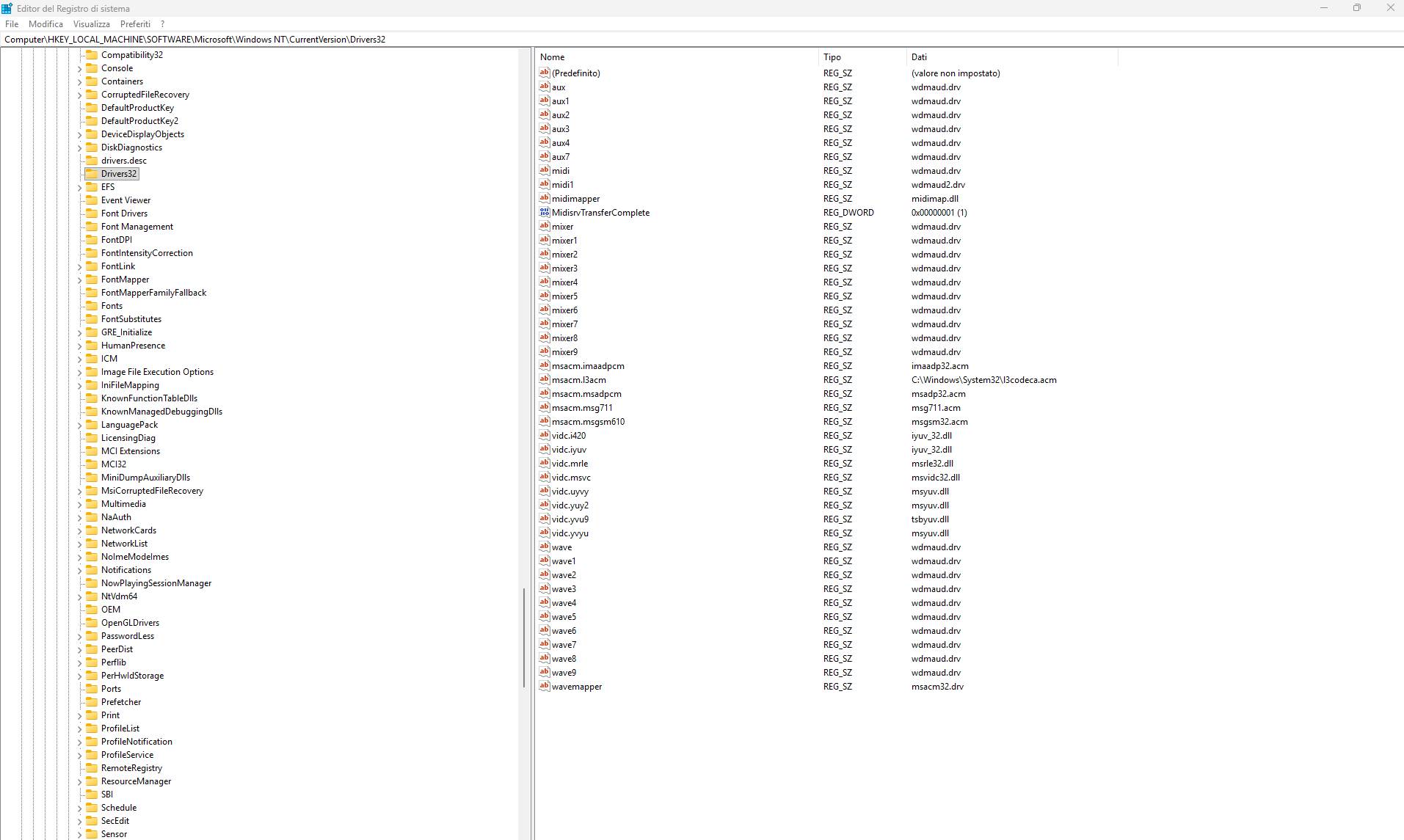
' cx='32' cy='32' r='32' /%3E%3Ctext x='50%25' y='55%25' dominant-baseline='middle' text-anchor='middle' fill='%23FFF' %3ERT%3C/text%3E%3C/svg%3E)

' cx='32' cy='32' r='32' /%3E%3Ctext x='50%25' y='55%25' dominant-baseline='middle' text-anchor='middle' fill='%23FFF' %3ELM%3C/text%3E%3C/svg%3E)
' cx='32' cy='32' r='32' /%3E%3Ctext x='50%25' y='55%25' dominant-baseline='middle' text-anchor='middle' fill='%23FFF' %3ETN%3C/text%3E%3C/svg%3E)
' cx='32' cy='32' r='32' /%3E%3Ctext x='50%25' y='55%25' dominant-baseline='middle' text-anchor='middle' fill='%23FFF' %3EXQ%3C/text%3E%3C/svg%3E)