Hi everyone,
I forgot to pause my Windows Update, and after it automatically installed the latest updates, the audio on my asus ux3405ma completely disappeared (again).
This happened once before, and I managed to fix it by using DDU (Display Driver Uninstaller) to clean the audio drivers and then reinstalling all necessary factory drivers (including Intel Chipset, Serial IO, ISST, and Realtek Audio) in the correct order. (https://learn.microsoft.com/en-us/answers/questions/5911745/internal-speakers-on-asus-zenbook-14-oled-(ux3405m?page=0&orderby=helpful&comment=answer-12811496&translated=false#newest-answer-comment)
However, after this recent update, the DDU method completely failed. I tried the whole clean uninstallation and reinstallation process again, but the sound is still gone. It gives me a "Failed to play test tone" error.To make matters worse, now my built-in camera is also dead and completely undetected by the system.
It feels like this Windows Update has deeply corrupted the core system endpoints or registry for both my audio and camera hardware :(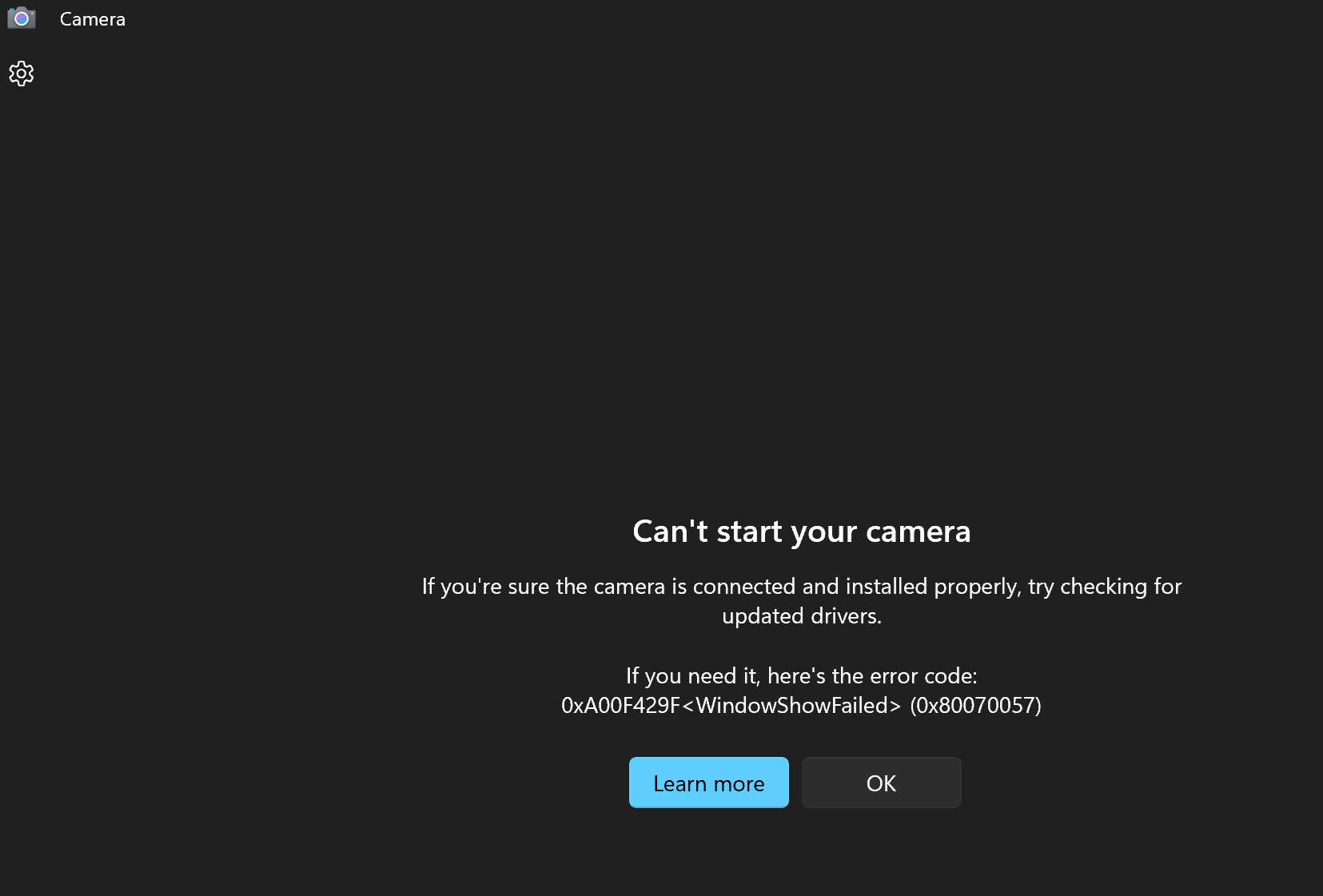
' cx='32' cy='32' r='32' /%3E%3Ctext x='50%25' y='55%25' dominant-baseline='middle' text-anchor='middle' fill='%23FFF' %3EF%3C/text%3E%3C/svg%3E)
