I hope you have understood my question
First, I have Windows 11 version 22H2 installed on my laptop
You say that disabling safe mode is not possible
I will give you two clues
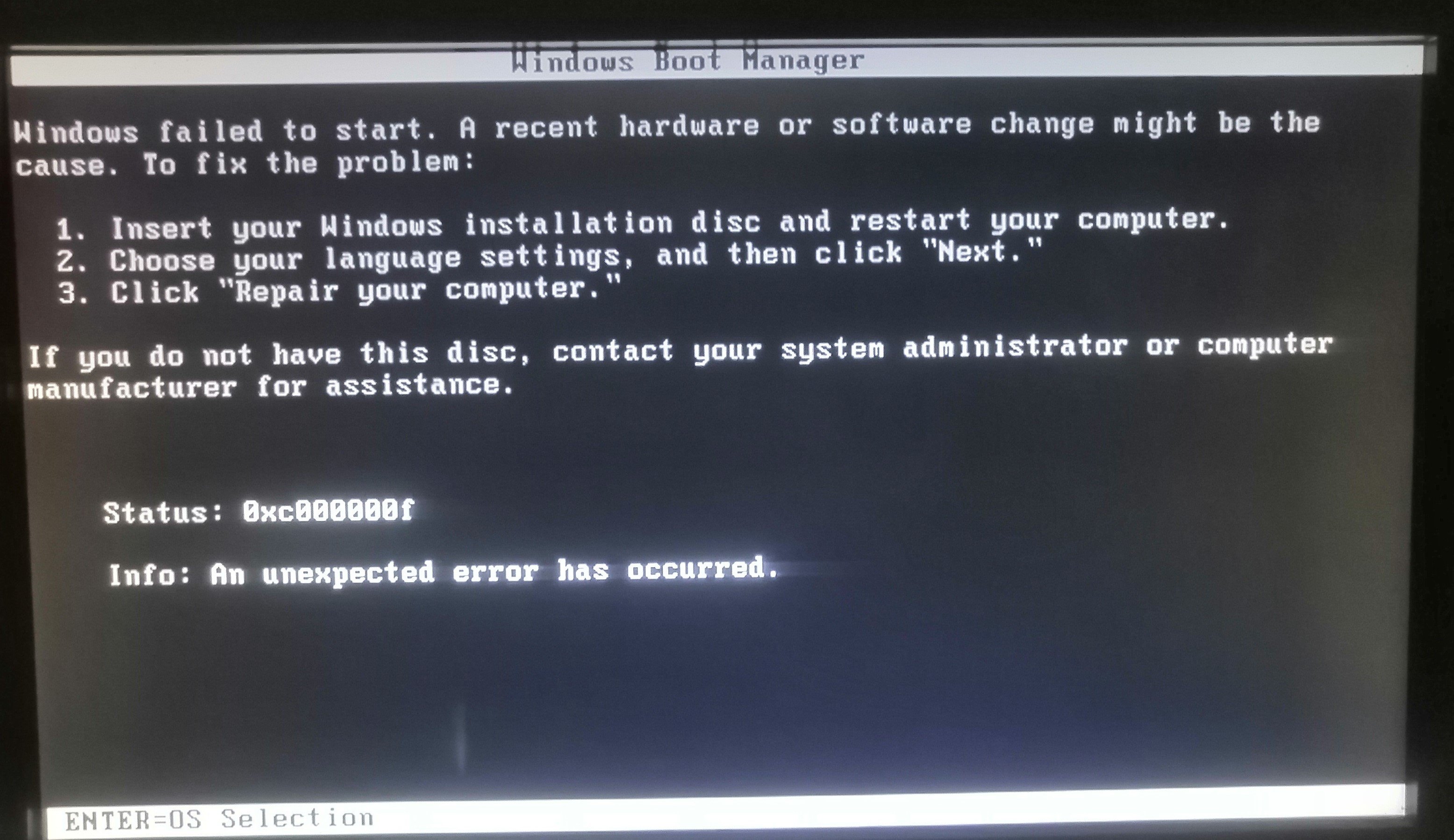
1 I can't get into safe mode at all on my Windows 10 computer. Whenever I log in, I get this message.
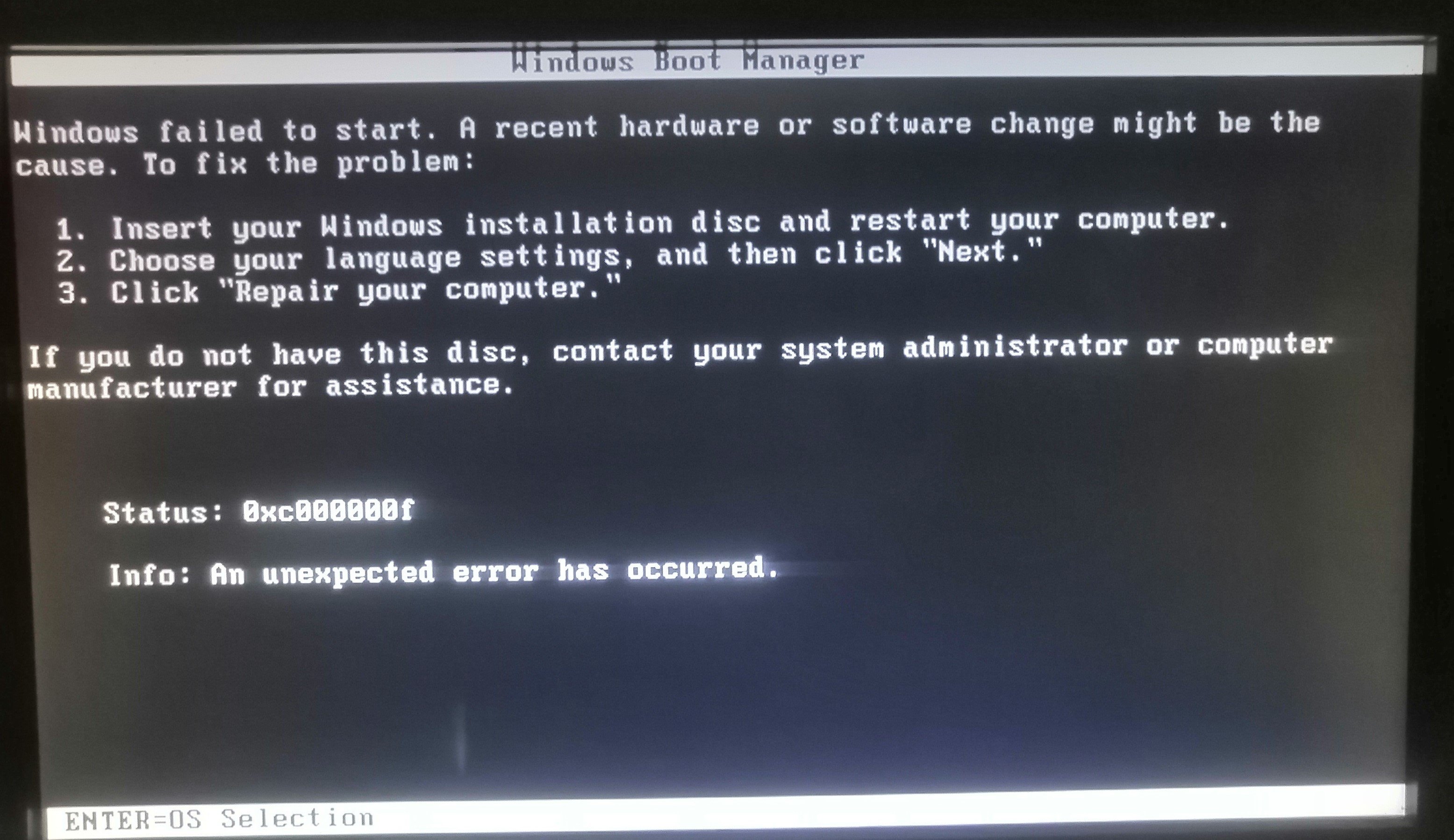
Secondly, I have reached this path
from regedit
HKEY_LOCAL_MACHINE\System\CurrentControlSet\Control\SafeBoot
and then I right-clicked on Minimal, then permissions, and activated something called deny. I activated it
And when I click on them, rename them, or do anything, these messages appear to me
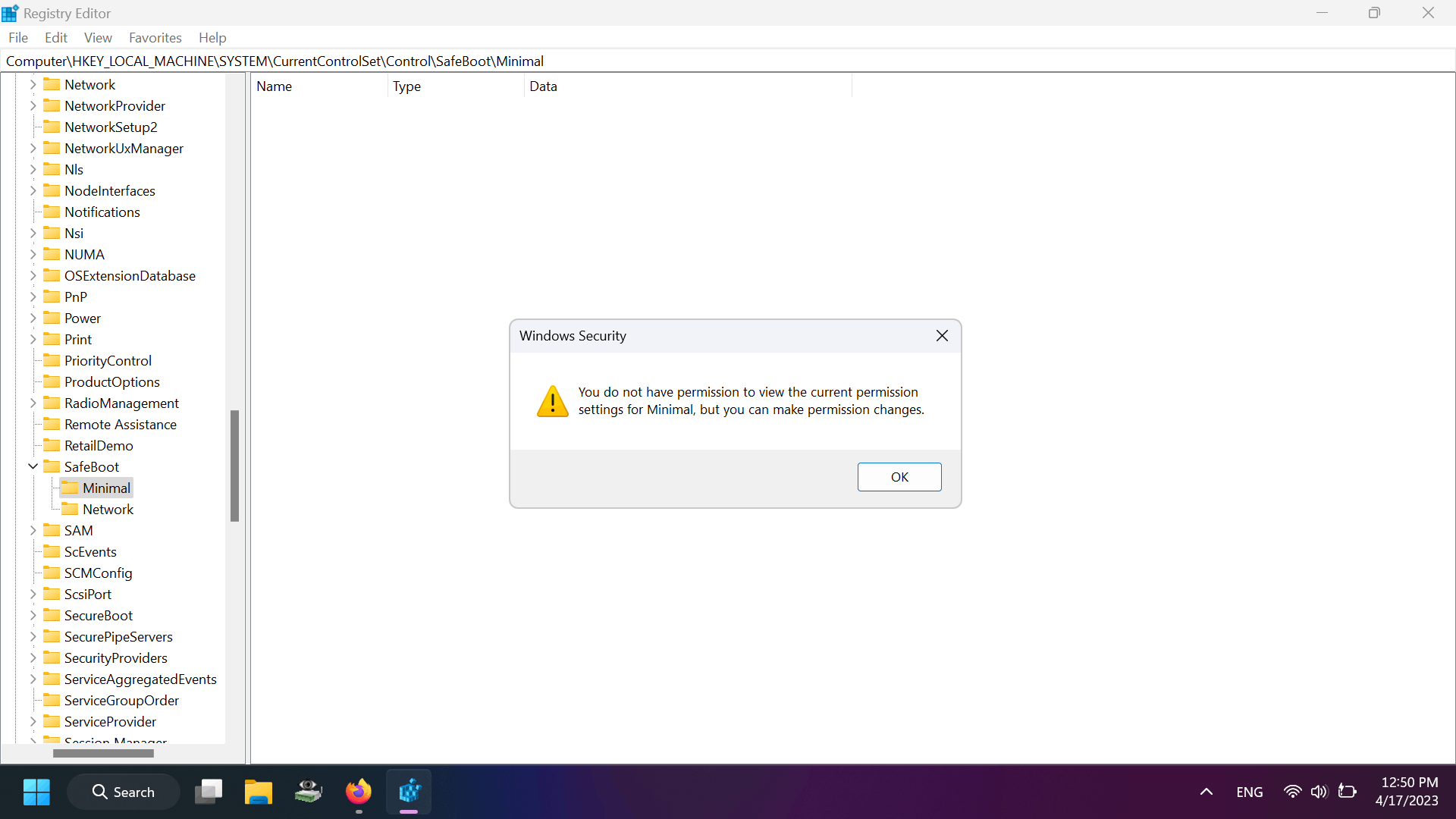
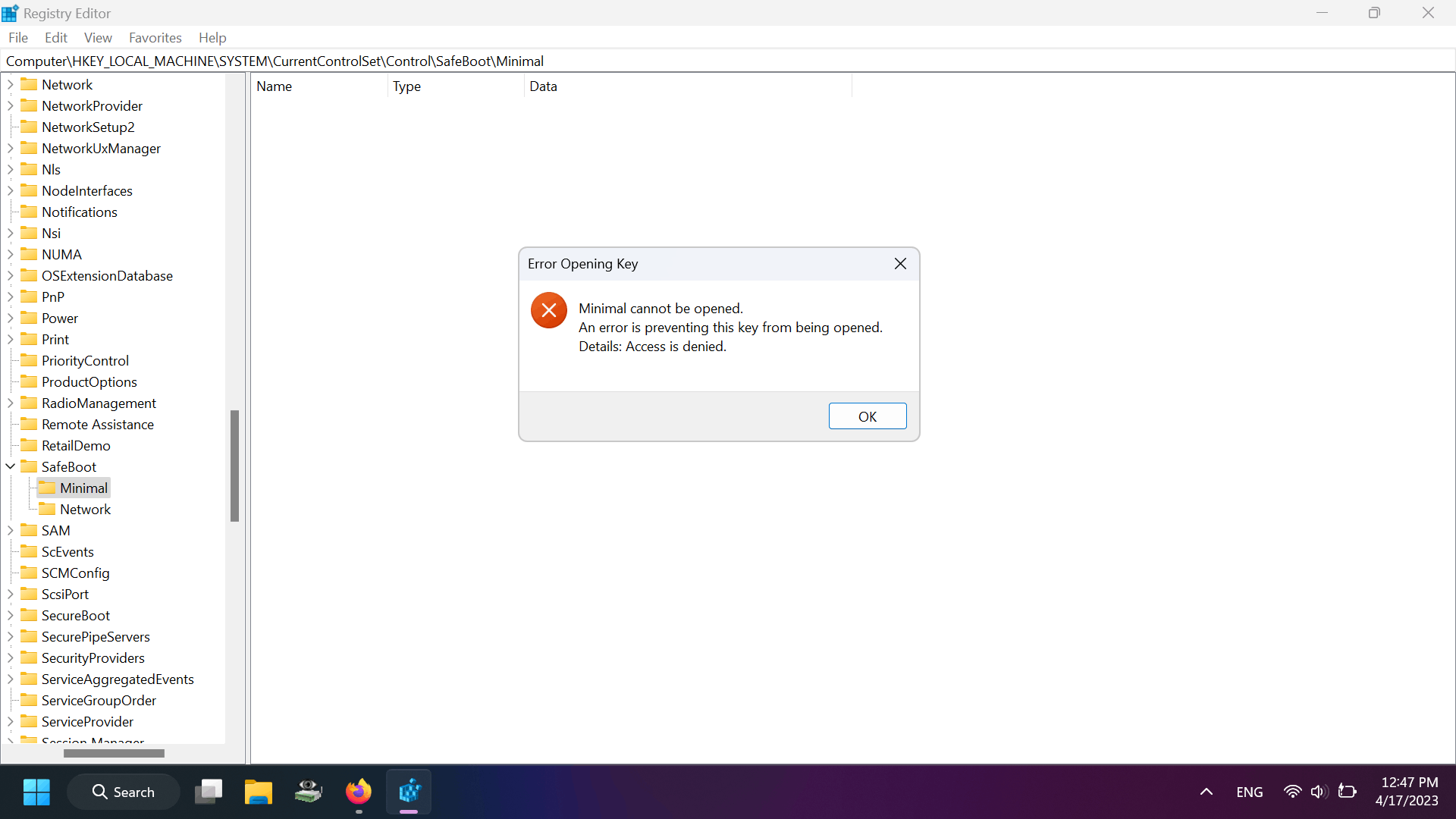
And you tried entering safe mode by pressing shift + restartAnd then startup settings, then press the number 4, 5, or 6, and I entered the safe mode
This was the result
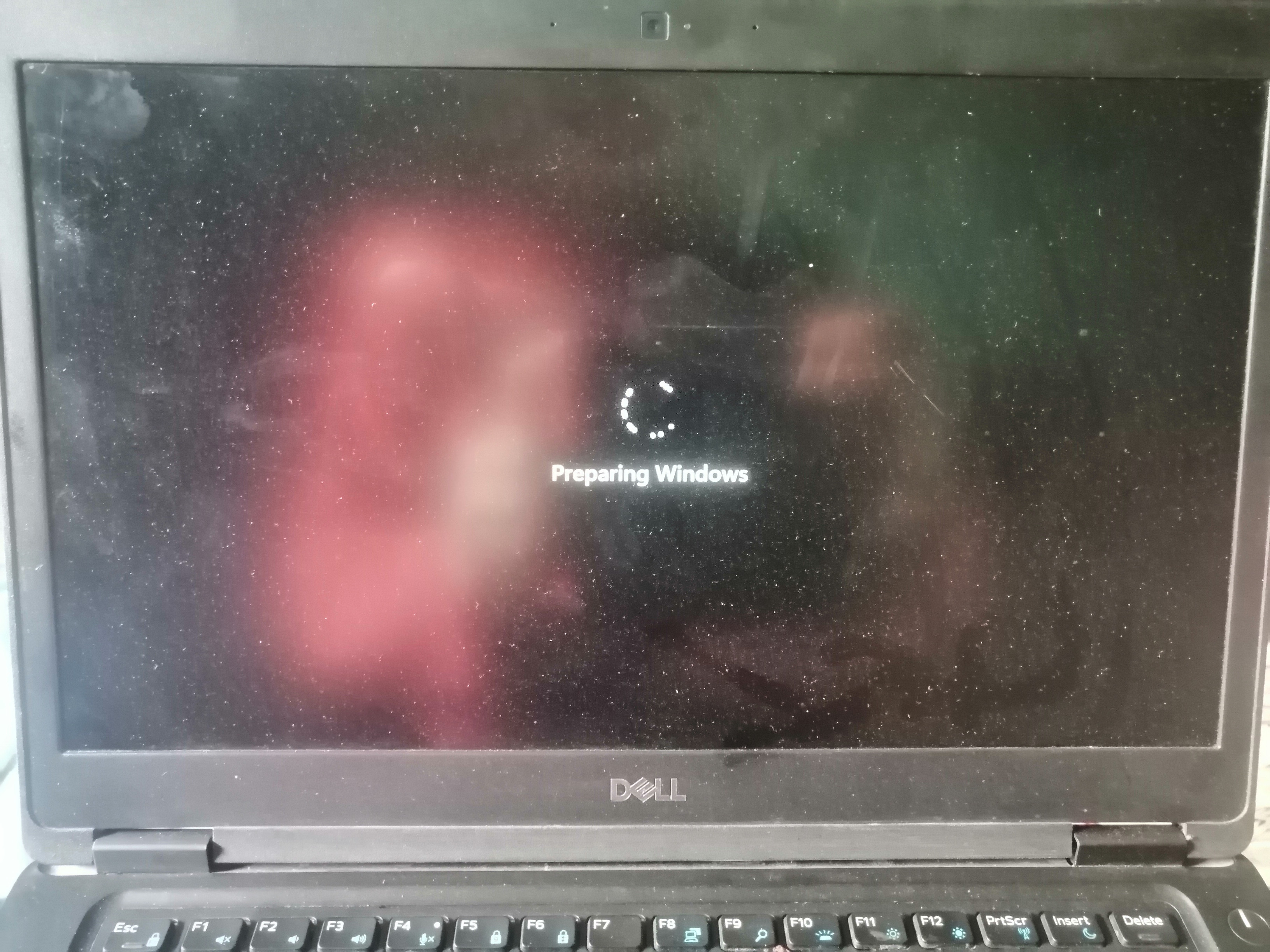 This picture is when he enters the safe mode after pressing number 4
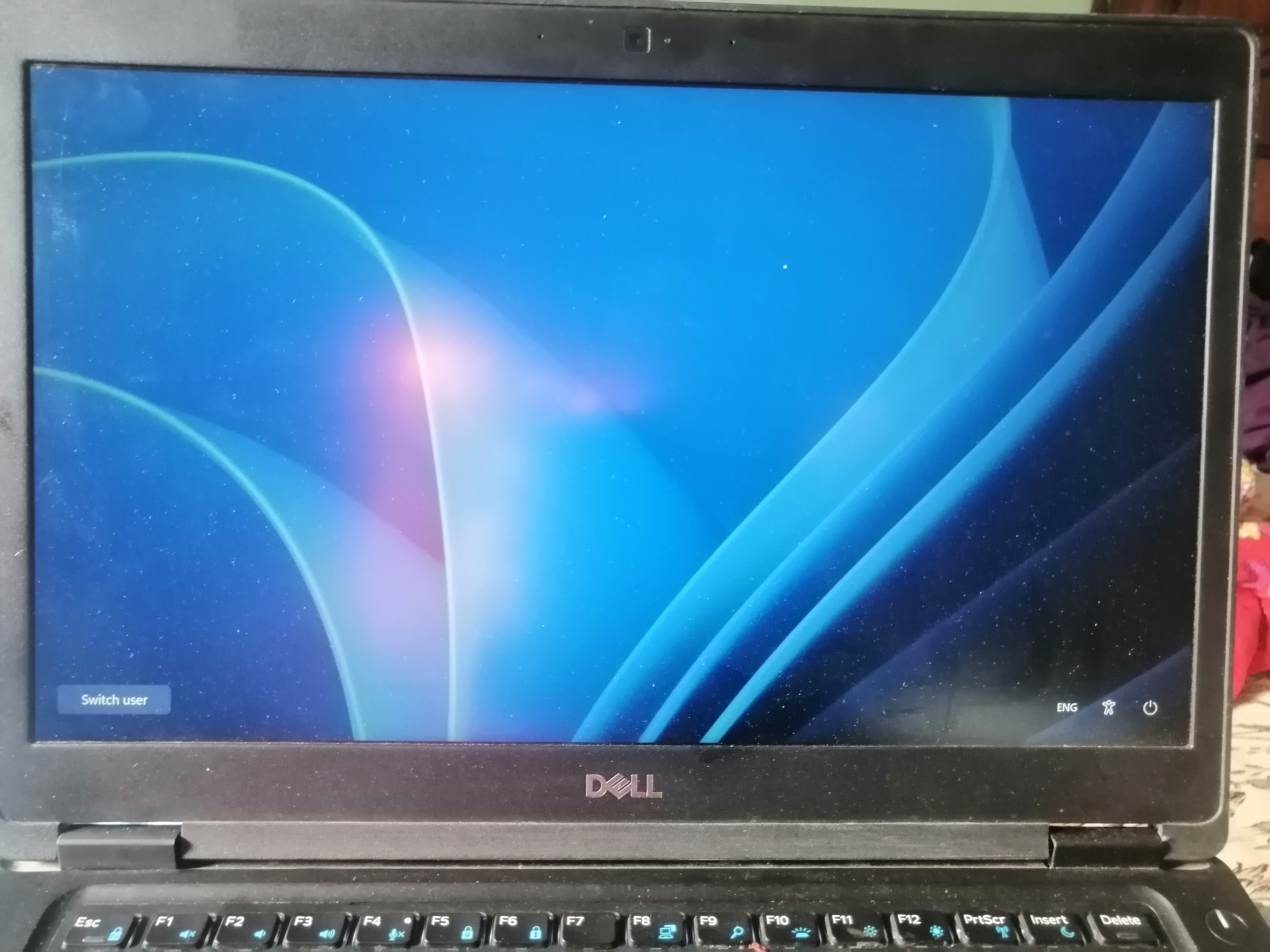
And when he actually entered the safe mode, the lock screen appeared to me, and nothing appeared in it except for the power button, which contains the restart, shutdown, and accessibility buttons.And a button named switch user pressed on it and it disappeared
Then I can't unlock the screen lock because it's not visible at all
This is all a response to you and proof that I can stop the safe mode permanently
But I now want an answer to one question
How is the computer running Windows 10, through which I cannot enter the safe mode, although when I enter this path
HKEY_LOCAL_MACHINE\System\CurrentControlSet\Control\SafeBoot
I find that it is very normal that there is nothing in it that has been changed. The names of the keys have not been changed at all or anything
So why when I enter safe mode this message appears to me and how do I do the exact same thing in Windows 11 to prevent myself from entering safe mode
As for your answer, why do I want to disable safe mode, and if I disable it, it is bad for my device
I download a program called cold turkey blocker, which is a blocking program
It blocks websites and programs, and I can stop it through safe mode by killing its service and deactivating it
I don't care if it's a mistake on my device or not. The most important thing for me is to study and focus only on studying and not being distracted on social media.
' cx='32' cy='32' r='32' /%3E%3Ctext x='50%25' y='55%25' dominant-baseline='middle' text-anchor='middle' fill='%23FFF' %3EA%3C/text%3E%3C/svg%3E)
