إشعار
يتطلب الوصول إلى هذه الصفحة تخويلاً. يمكنك محاولة تسجيل الدخول أو تغيير الدلائل.
يتطلب الوصول إلى هذه الصفحة تخويلاً. يمكنك محاولة تغيير الدلائل.
Note
This connector is owned and provided by CData.
Summary
| Property | Value |
|---|---|
| Connector |  CData Connect Cloud CData Connect Cloud |
| Products | Power BI (semantic models) Power Query Online |
| Release state | General availability |
| Category | Online Services |
| Authentication kinds | CData Connect account |
| Data source kind | CDataConnectCloud |
| Function Reference Documentation | CDataConnectCloud.ContentsCDataConnectCloud.ContentsV2 |
| Support link | Support |
Prerequisites
- A CData Connect Cloud account
- At least one connection configured in your CData Connect Cloud account
Supported capabilities
- Import
Parameters
Entry point: CDataConnectCloud.ContentsV2
Required parameter count: 0
Returns a table with relevant data from the connected data source in CData Connect Cloud.
| Parameter | Display name | Required | Type | Group | Nullable |
|---|---|---|---|---|---|
| options | Advanced Options | No | nullable record | Advanced Options | true |
Fields in options
| Field | Display name | Required | Type | Group | Declared default | Sample values | Nullable | Optional |
|---|---|---|---|---|---|---|---|---|
| options.Query | SQL statement - not supported with DirectQuery | No | text | Advanced Options | "" | "SELECT * FROM <Table>" | false | true |
Connect from Power Query Desktop
Follow these steps to connect to your CData Connect Cloud account:
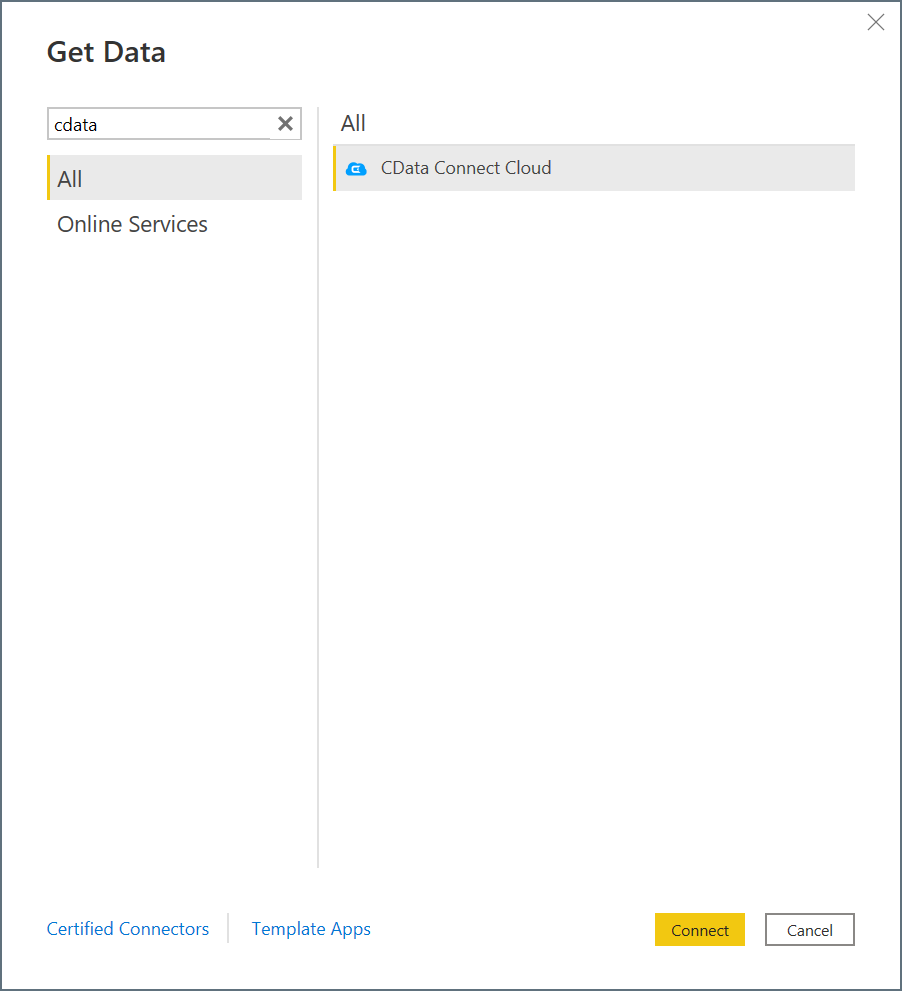
In Power BI Desktop, select Get Data.
In the search field, enter CData.
Select CData Connect Cloud in the list and then select Connect.
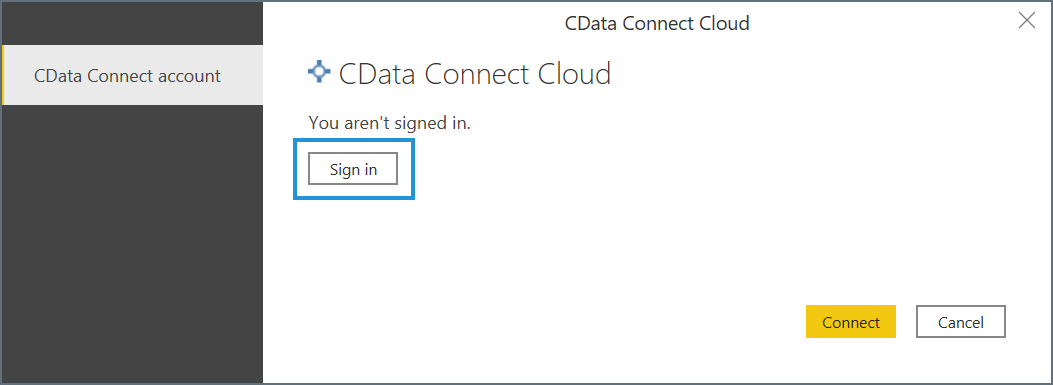
In the CData Connect Cloud connection window, select Sign in.
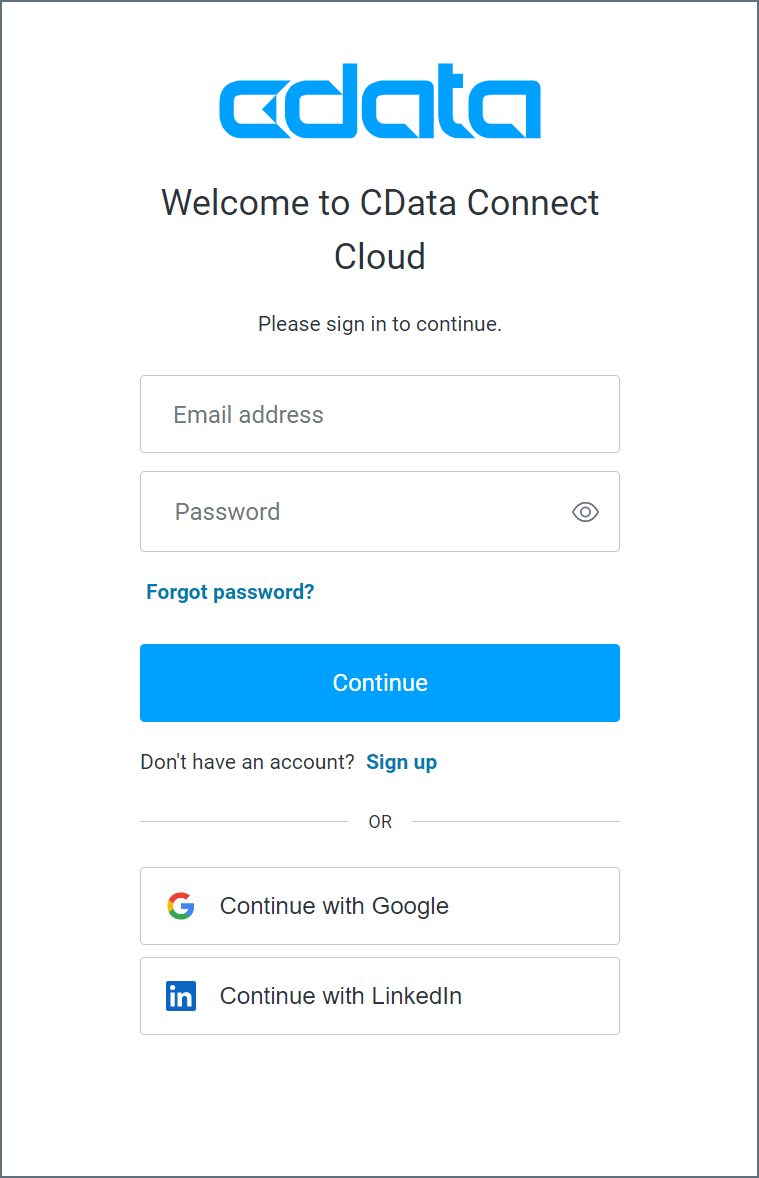
In the sign-in window, enter your CData Connect Cloud sign-in information, and then select Continue.
Select Connect in the connection window.
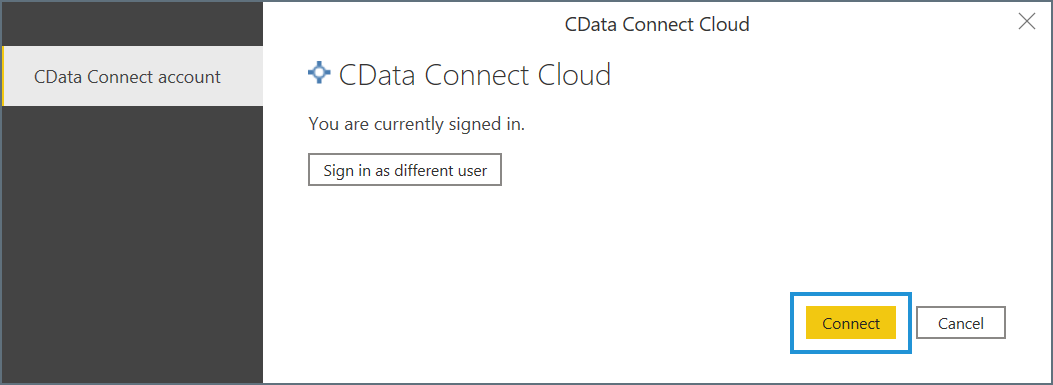
The Navigator window appears and allows you to import your data.
Import data
With the Navigator window open, follow these steps to access your CData Connect Cloud data:
Expand the CData Connect Cloud tree. Your connections appear as subtrees.
Select the data from each connection that you want to import.
Select Load or Transform Data.
- Load instructs the connector to execute the underlying query to CData Connect Cloud.
- Transform Data launches the Power Query editor and allows you to adjust the query before loading the data. When you're finished using the Power Query editor, select Close & Apply in the navigation ribbon to apply your changes and load the data.