إشعار
يتطلب الوصول إلى هذه الصفحة تخويلاً. يمكنك محاولة تسجيل الدخول أو تغيير الدلائل.
يتطلب الوصول إلى هذه الصفحة تخويلاً. يمكنك محاولة تغيير الدلائل.
Note
This connector is owned and provided by Celonis.
Summary
| Property | Value |
|---|---|
| Connector |  Celonis EMS Celonis EMS |
| Products | Power BI (semantic models) Power Query Online |
| Release state | General availability |
| Category | Other |
| Authentication kinds | Celonis |
| Data source kind | Celonis |
| Function Reference Documentation | Celonis.KnowledgeModelsCelonis.Navigation |
| Support link | Support |
Prerequisites
Before you can sign in to Celonis EMS, you must have a Celonis EMS account (username/password).
Supported capabilities
- Import
- Navigate using full hierarchy
Parameters
Entry point: Celonis.Navigation
Required parameter count: 1
| Parameter | Display name | Required | Type | Description | Sample values | Nullable | Additional metadata |
|---|---|---|---|---|---|---|---|
| URL | Celonis URL | Yes | text | Enter your team's Celonis EMS URL. | "https://team.eu-1.celonis.cloud" | false | {"Documentation.Category": "", "Documentation.Examples": [], "Documentation.LongDescription": "The type that represents a text URI.", "Documentation.Name": "Uri.Type", "Documentation.Description": "The type that represents a text URI."} |
Connect from Power Query Desktop
To make the connection, take the following steps:
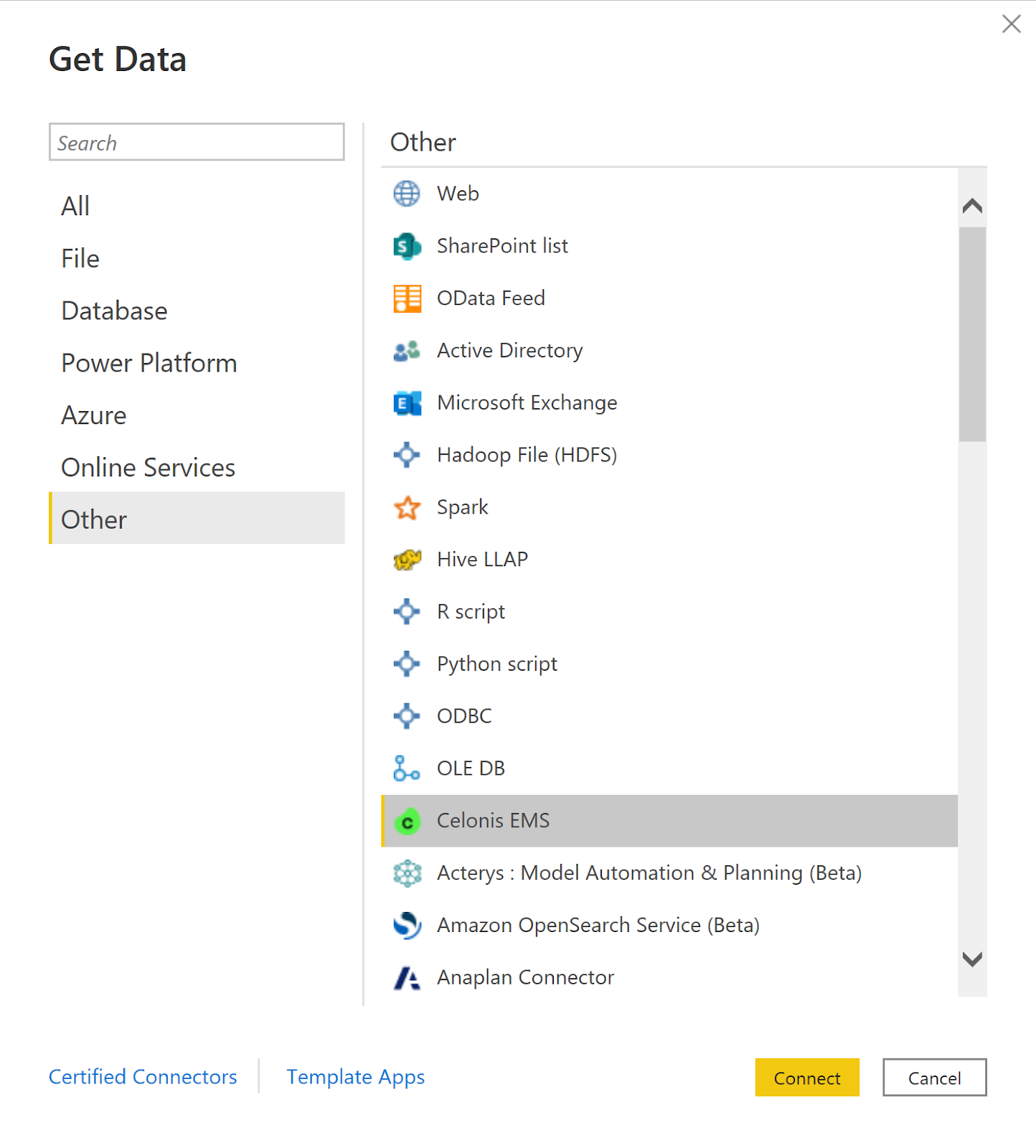
Select Get Data from the Home ribbon in Power BI Desktop. Select Celonis EMS in the connector selection and then select Connect.
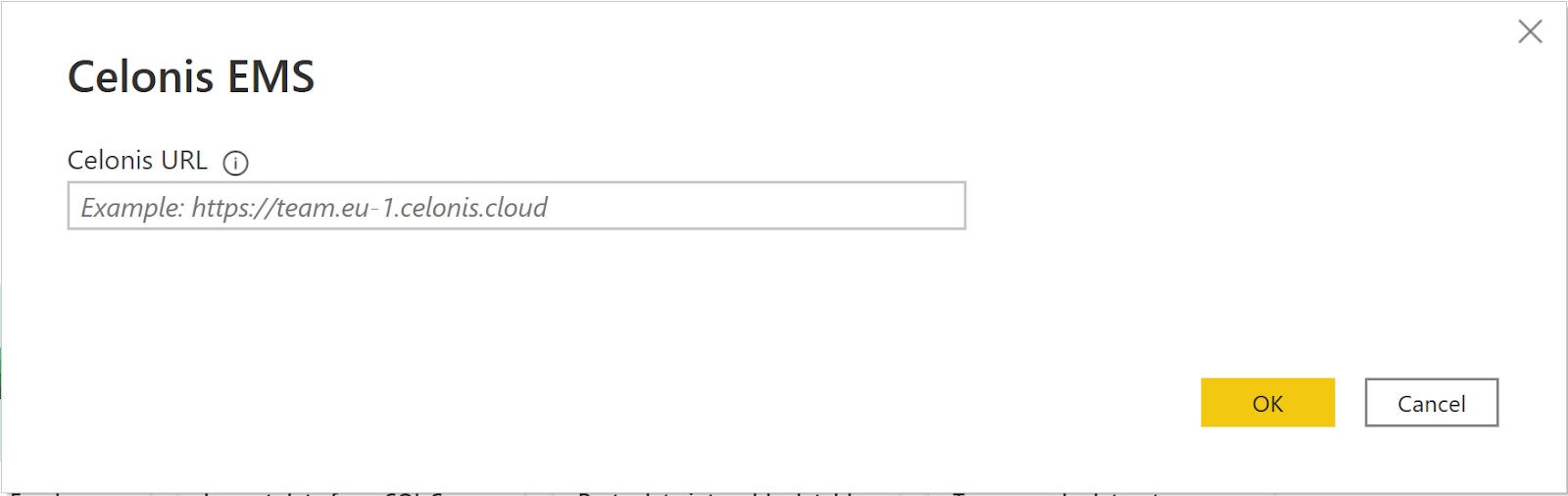
The Celonis EMS dialog now appears, with an example URL. Enter your Celonis EMS Team URL and then select OK.
Enter your Application Key or your Personal API Key generated in the Celonis EMS.
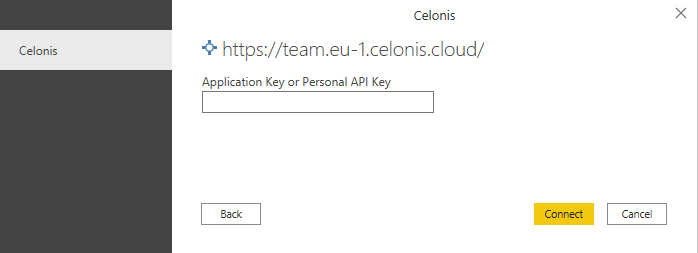
Once you're done, select Connect.
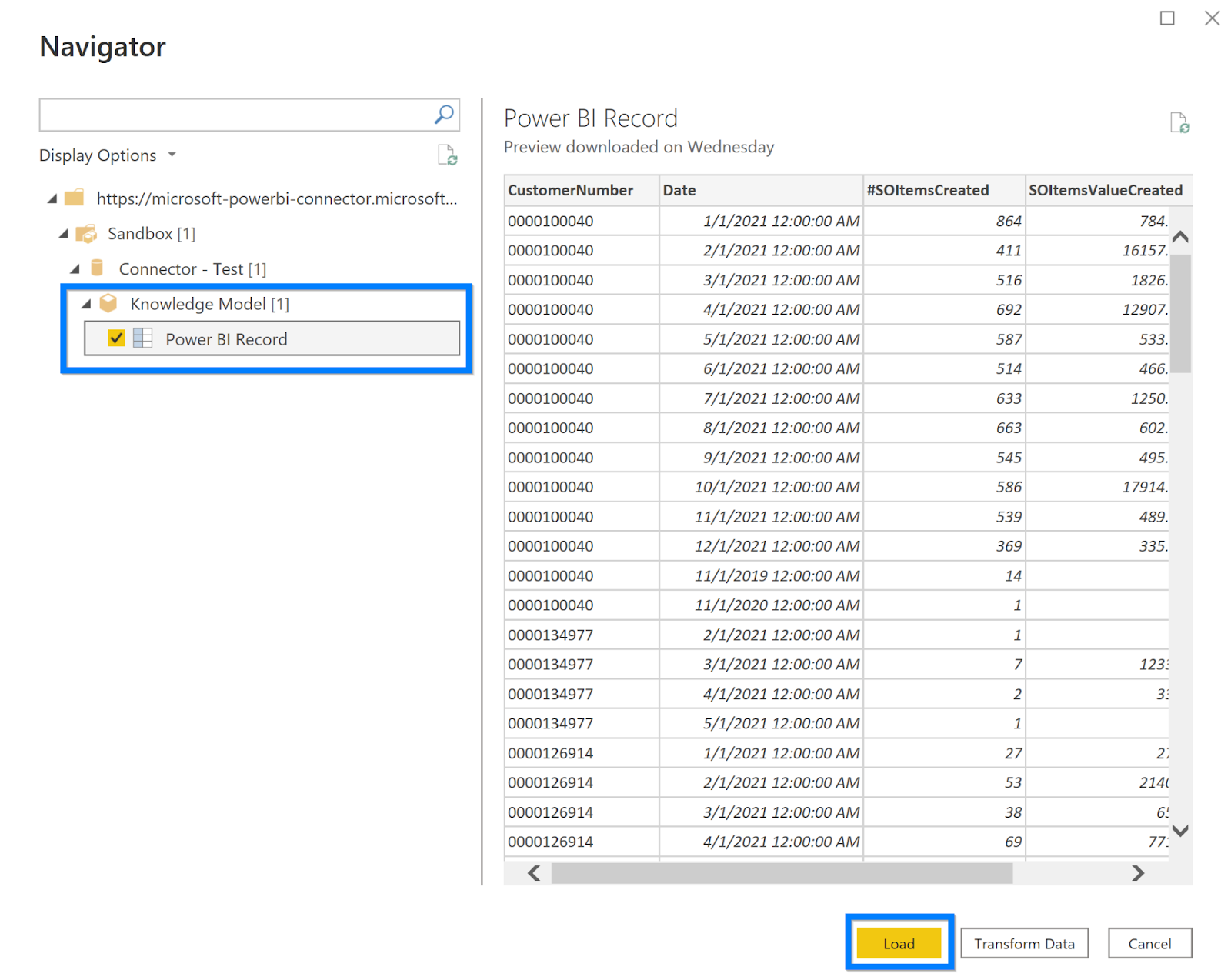
Upon a successful connection, the Navigator opens with the list of packages available in the given EMS team. Select the Knowledge Model Record you want to import and then select Load.
Limitations and considerations
You should be aware of the following limitations and issues associated with accessing Celonis EMS 1 data (doesn't apply for Celonis OCPM):
Celonis EMS has a built-in limit of 200-K rows and 20 columns returned per record.
Only defined records can be imported. Autogenerated records are excluded here.