Set up Shopify shipment methods
In Shopify, you can create multiple shipping rates that specify the shipping price and shipping conditions.
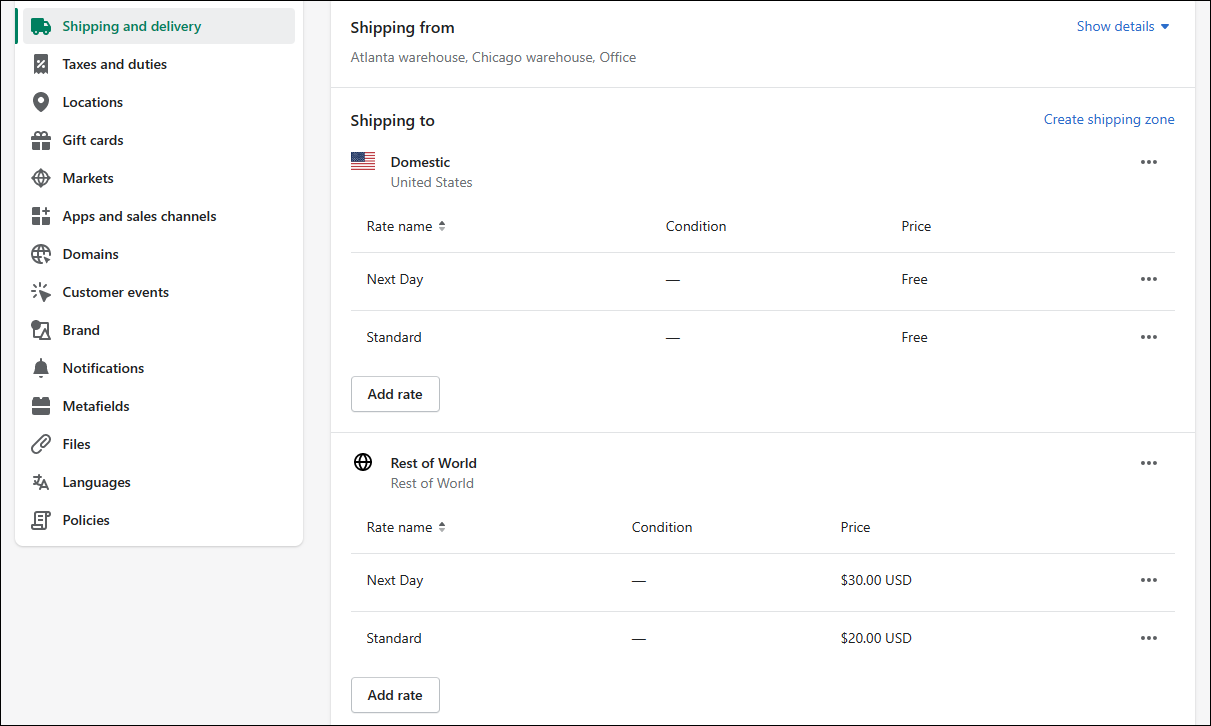
The previous image shows two shipping rates (Next Day and Standard). To insert the correct shipment method on the Business Central sales orders that are synced from Shopify, you need to map the Shopify shipment methods to Business Central shipment methods.
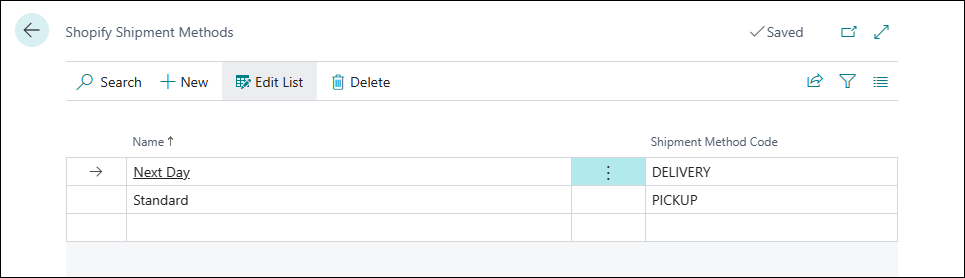
The Shopify shipment methods appear automatically in Business Central, where you can map them to shipment methods by following these steps:
Select the Search for Page icon, enter shopify shops and then select the related link.
Open the Shopify Shop Card page for the shop for which you want to sync the locations.
Select Related > Shipment Method Mapping.
The Shopify shipping rates appear automatically. In the Shipment Method Code field, you can map those rates to the Business Central shipment methods.