Get started with Microsoft MakeCode Arcade
The importance of coding and computer science is critical for the future of jobs. Coding and computer science will continue to evolve the way we learn and work. As schools and educators consider the ways to best prepare students with skill sets for these jobs, an emphasis on providing computer science education is becoming more and more top of mind.
Exactly how do we start teaching students about computer science? How do we get students started with coding?
Microsoft MakeCode Arcade is a code editor to build Retro Arcade games for browsers and handheld consoles. It affords students the ability to code in blocks, JavaScript, or Python.
Use Microsoft MakeCode Arcade
All you need is a computer with an internet connection to get started—there's nothing to download or install. MakeCode Arcade is free and works across all platforms and browsers. A computer, rather than a tablet or phone, provides the best experience. You're now ready to create using MakeCode Arcade!
Although it isn't required, consider singing in to MakeCode Arcade by using a Microsoft account or Microsoft 365 account (school or workplace). A Microsoft account is the personal user account you can create when you want to sign into Microsoft services like Outlook.com, Xbox, or Teams. You can also use Microsoft 365 accounts that are from school or your workplace. By using a Microsoft account, progress is automatically saved.
Certain features are only available to signed-in users. These features need to know your identity for tasks such as storing data in the cloud using Cloud Sync. With Cloud Sync, when you’re signed in to MakeCode, your projects are stored in the cloud where they’re accessible from anywhere.
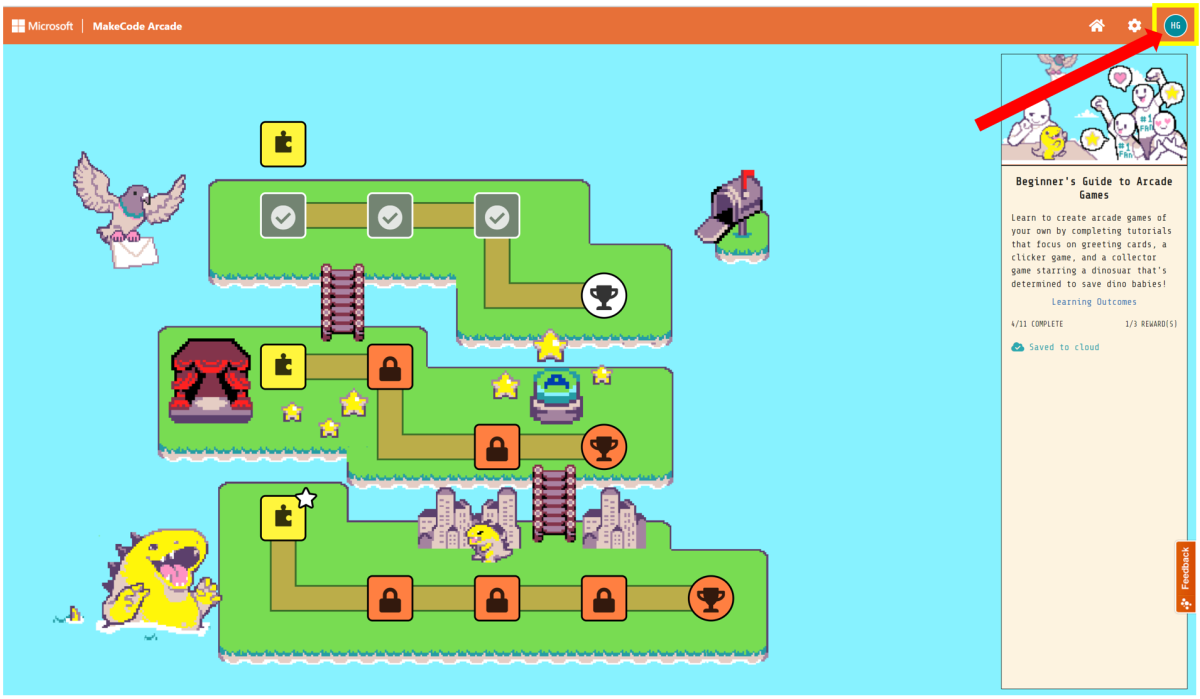
Once you sign in, you see your profile picture (or your sign-in initials if you don’t have a picture) displayed in the upper-right corner of the editor.
Task
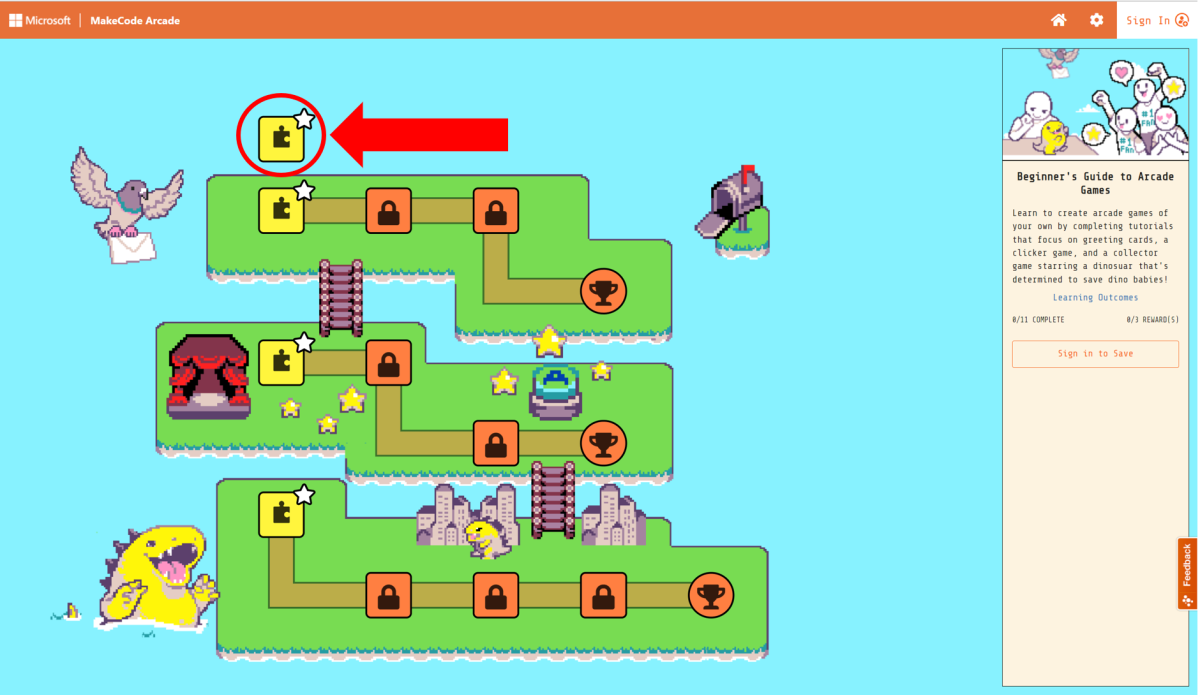
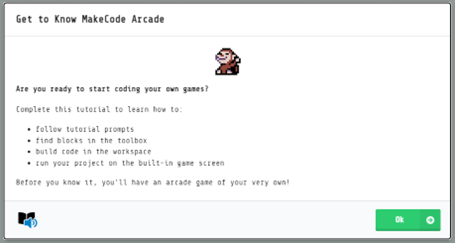
Let’s get familiar with how to use MakeCode Arcade. Complete the Get to Know MakeCode Arcade tutorial as an introduction to the features and vocabulary used in Arcade.