Security features in Windows 11
School administrators and IT leaders have a vital obligation to protect student privacy and safety at school and while online. Families are also concerned with their children’s digital safety. Given the increasing pressure from cybercriminals attempting to breach educational systems, uncompromising security is a critical consideration for school systems and IT professionals.
Windows 11 is the most secure Windows operating systems ever, with built-in security features from the chip to the cloud. This is partly why the minimum requirements for Windows 11 devices provide always-on security that helps lock down the device and block malware to safeguard students, teachers, and schools from cyberthreats.
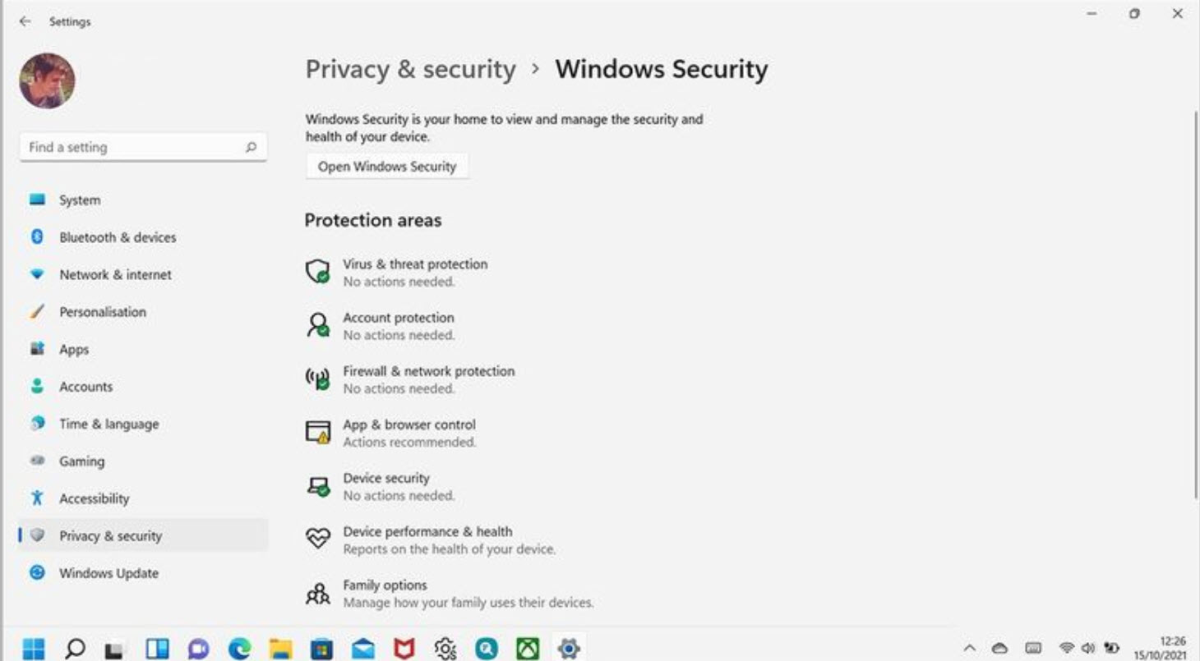
Security features:
- Offer built-in threat protection that helps detect and block malware using Windows Defender Antivirus.
- Help defend students from unsafe web content and downloads with Windows Defender SmartScreen, which is automatically enabled in Microsoft Edge for student devices.
- Protect access and identities and lock down unsafe apps with Microsoft Entra ID.
- Keep devices up to date with the latest educational settings via the cloud, without impacting learning.
Microsoft is committed to maintaining students’ privacy no matter where they are when they use Windows devices.