Windows 11 accessibility features
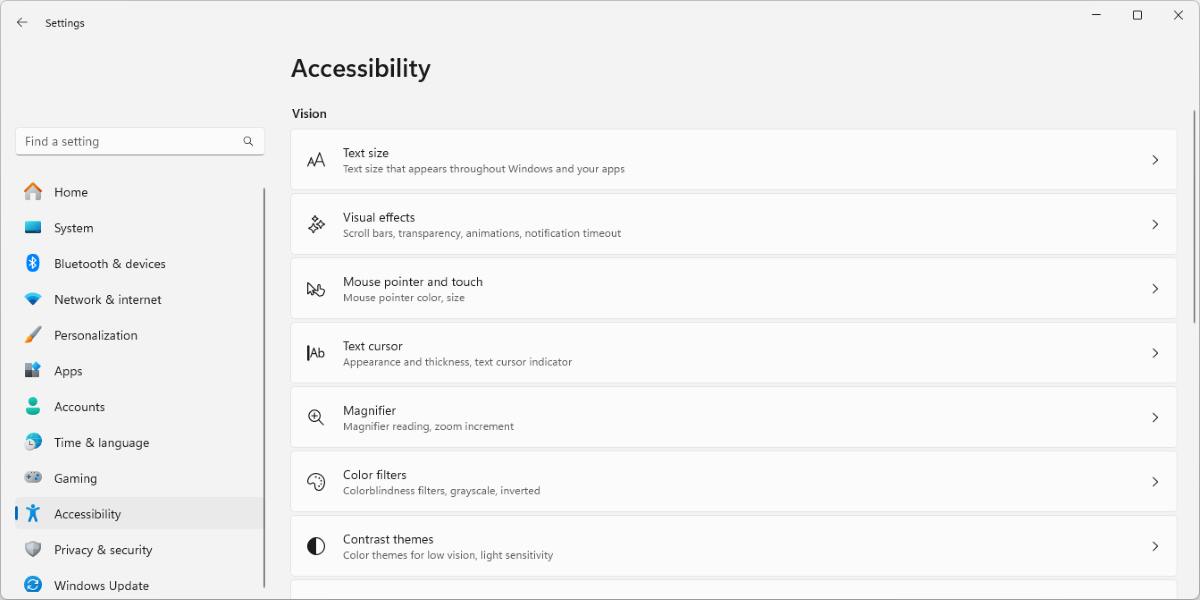
In Windows 11, accessibility features are integrated into the operating system. The Windows 11 operating system includes a comprehensive suite of built-in assistive technology tools for learning, vision, hearing, and mobility differences.
These features work across all Microsoft tools—in the Windows operating system, in Microsoft Edge, and in all the familiar Microsoft apps like Microsoft Word, Excel, and OneNote.
These accessibility features are built in which means IT departments don’t have to evaluate and purchase extra non-Microsoft software. It means one-stop personalized set-up, for IT staff or teachers, to support students with specific learning needs.
Assistive technology offers multiple benefits for students and educators, at work or at home. It:
- Enables educators of all abilities to participate fully in communicating, teaching, and collaborating.
- Supports values of inclusion and diversity for students of all abilities and learning styles.
- Gives students agency to access their own learning materials with minimal teacher interaction.
- Frees teachers during class time by offering simplified devices that students can access independently.
- Helps teachers deliver personalized learning to students of all abilities.
A Forrester study showed that reading and writing improved 20% when collaborative tools go to students with functional needs. When the entire class got them, the improvement was 30-40%.
These tools help teachers and others get the most from this built-in assistive technology.
- Users can record ideas or dictate papers using Voice Typing to quickly jot down notes or search online.
- Users can access files on their computers and on the web using voice commands.
- For learners who need help with staying focused and on task, it’s possible to reduce clutter and minimize distraction with a single step to change a setting.
- Students and teachers can magnify the cursor, activate real-time closed captions, and use Immersive Reader across Windows, Microsoft Edge, and all Microsoft apps, to help learners break down words and develop their reading skills. All of these controls are easily accessible, from the Action Center (reached from the taskbar).