Note
Access to this page requires authorization. You can try signing in or changing directories.
Access to this page requires authorization. You can try changing directories.
Important
Omnigent is in Beta. For the open-source documentation, see the Omnigent documentation.
Omnigent provides a common layer over Claude Code, Codex, Cursor, Pi, and the agents you write yourself: swap or combine harnesses without rewriting, keep them in check with policies and sandboxing, and collaborate in real time on the same live session, from any device. Define an agent in a short YAML file, then swap one line to change its harness or model while your tools, prompts, skills, and policies stay the same.
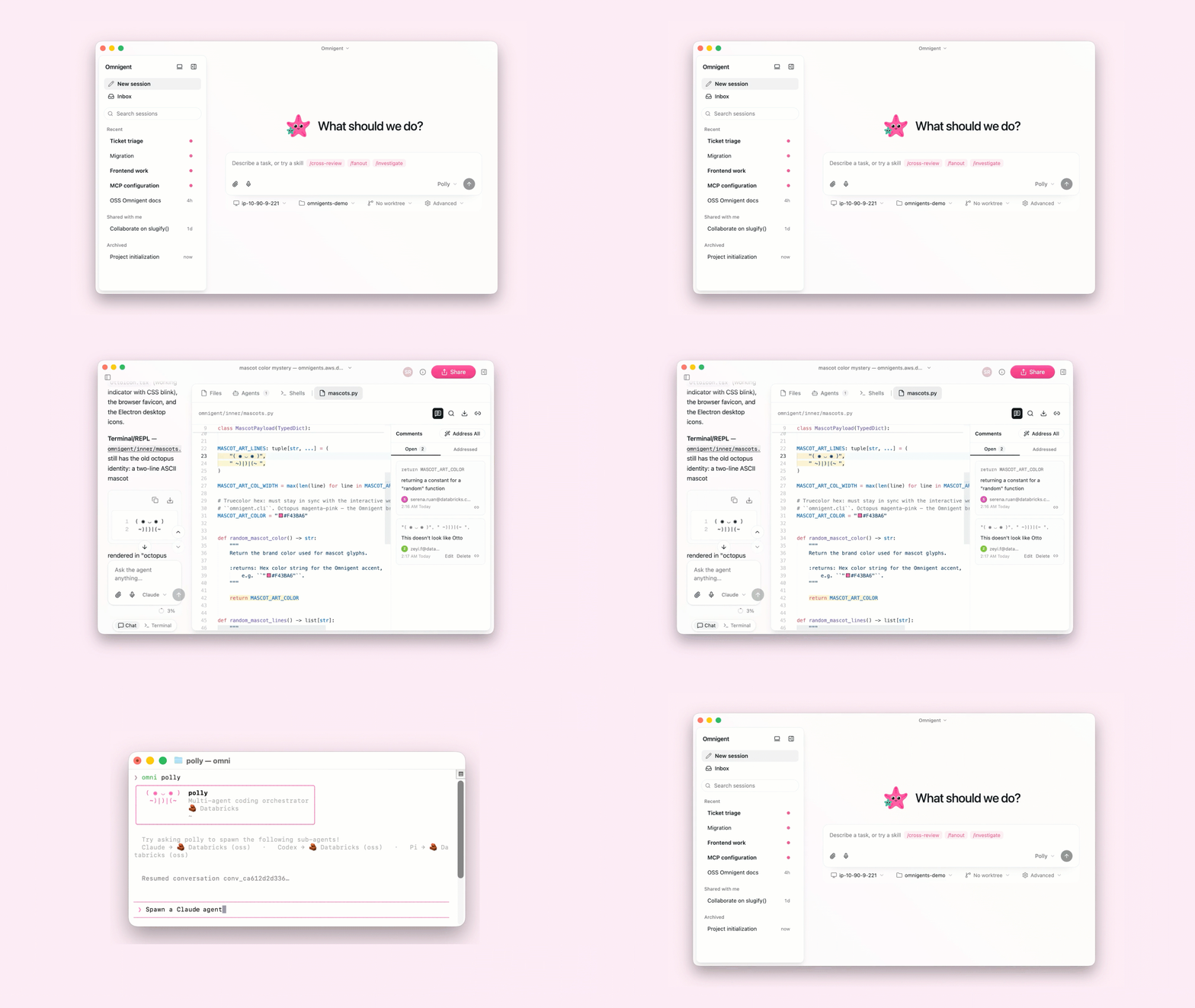
Azure Databricks provides a fully managed version of Omnigent, including:
- A Azure Databricks-operated Omnigent server that integrates with your workspace's identity provider.
- Model access through the Foundation Model APIs and Unity Gateway.
Omnigent is an open source project. For complete documentation, including concepts, harnesses, custom agents, interfaces, policies, and sandboxes, see the Omnigent documentation.
Get started
To set up Omnigent against your workspace and launch your first agent, see the Omnigent quickstart.
Availability
- Omnigent requires the Omnigent preview enabled for your workspace. See Manage workspace-level previews.
- Omnigent requires a workspace in a region that supports Unity Gateway. See Databricks feature availability by region.
Limitations
- Omnigent on Azure Databricks supports the built-in contextual policies and custom policies written in Common Expression Language (CEL). Custom Python policies are not supported.