Note
Access to this page requires authorization. You can try signing in or changing directories.
Access to this page requires authorization. You can try changing directories.
This article provides on overview of how Business Central integrates with other Microsoft applications.
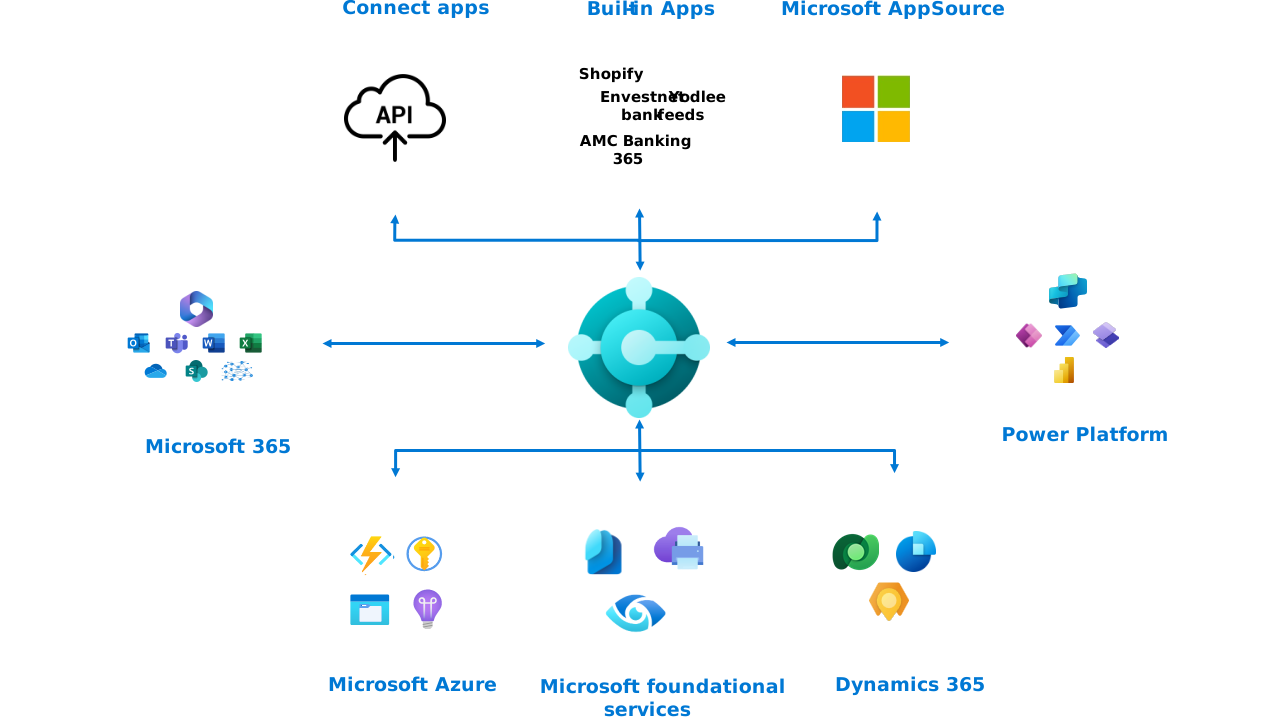
The article describes integration scenarios as seen from the business. However, it doesn't include technical details about how to use or set up every integration. To learn more about the technical details of integrations, go to Integration overview for Business Central (for administrators).
Note
Some integrations require a separate subscription or license. Refer to the documentation for the application for requirements and details.
Integrate with Office apps and Microsoft 365
Business Central integrates with multiple Microsoft 365 applications to gain extra features. Integrations help you stay in the flow of work by giving you access to the right data at the right time.
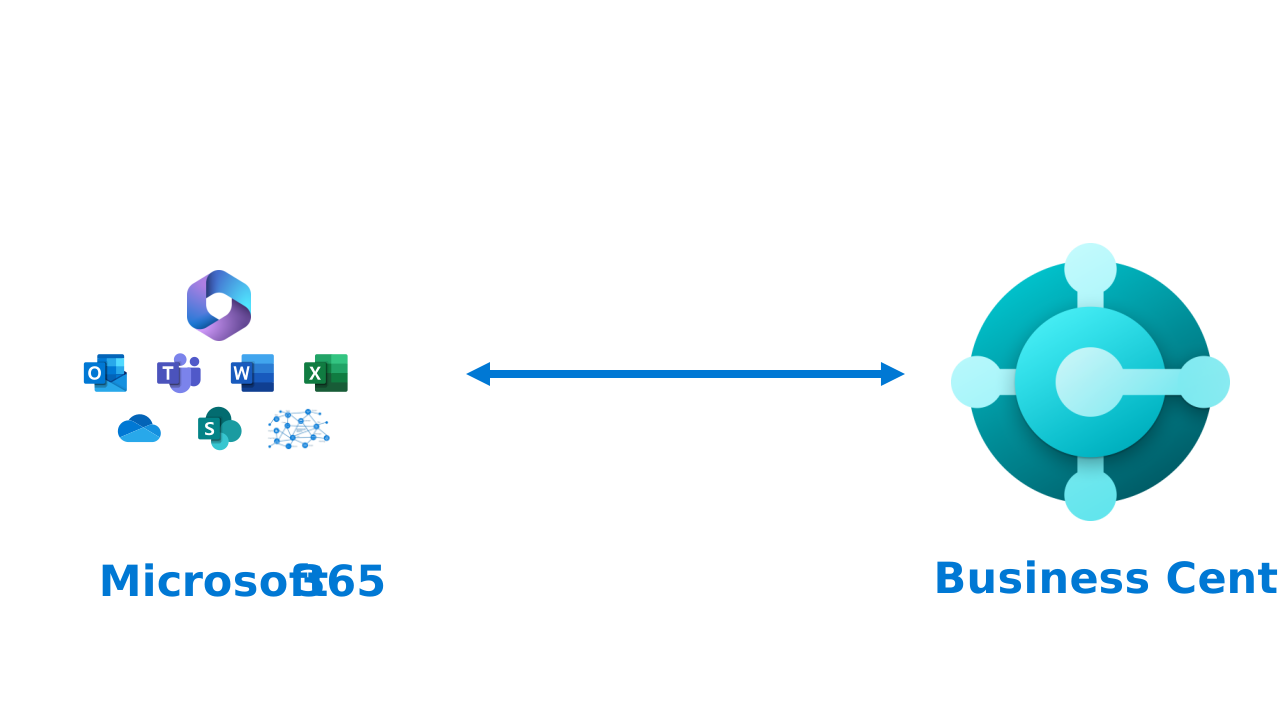
Business Central integrates to the following Microsoft 365 products and services:
- Microsoft Excel
- OneDrive for business
- Microsoft Outlook
- Microsoft Teams
- Microsoft Word
Examples of benefits of integrating with Office apps
Here are a few examples of how these integrations can help your business:
- Open your customer list in Microsoft Excel to quickly analyze sales trends and create reports without leaving your familiar spreadsheet environment.
- Store and share important business documents like invoices and contracts in OneDrive for business so your team can access them from anywhere.
- Turn an incoming email into a vendor invoice or sales quote directly in Microsoft Outlook, so you never lose track of important business opportunities.
- Share a customer card or sales order in a Microsoft Teams chat, so your colleagues can quickly see the details they need without switching apps.
- Generate professional-looking quotes and invoices using customized Microsoft Word templates that reflect your company's branding.
Learn more at Integrating Business Central with Microsoft 365.
Integrate Business Central with Power Platform
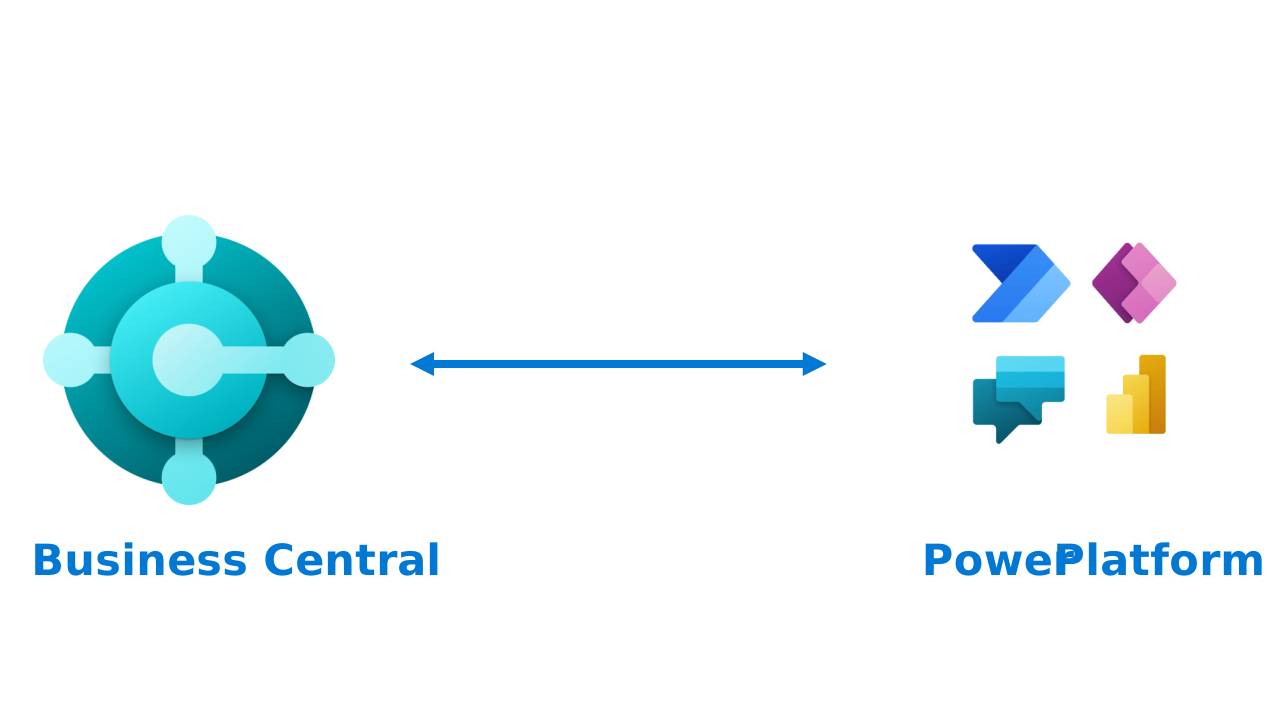
Business Central integrates with the following Power Platform products and services:
- Power Apps
- Power Automate
- Power BI
- Power Pages
Examples of benefits of integrating with Power Platform
Here are a few examples of how these integrations can help your business:
- Build a custom Power Apps mobile app that lets your warehouse team update inventory counts on the go, with data flowing straight into Business Central.
- Set up a Power Automate flow that automatically sends an approval request to your manager whenever a purchase order exceeds a certain amount.
- Create interactive Power BI dashboards that give your leadership team real-time visibility into revenue, cash flow, and outstanding receivables.
- Use Power Pages to build a self-service portal where your vendors can check the status of their invoices without contacting your accounts payable team.
Learn more in Integrating Business Central with Power Platform.
Built-in: Integrate Business Central with Dataverse
Business Central has four built-in ways to integrate with Dataverse:
- Data synchronization that replicates data between Business Central and Dataverse.
- Data virtualization with virtual tables in Dataverse via Business Central API for create, read, update, and delete (CRUD) operations.
- Data change (CRUD) events using webhooks.
- Business events (preview).
Examples of benefits of integrating with Dataverse
Here are a few examples of how these integrations can help your business:
- Keep customer and product data in sync across all your Dynamics 365 apps. Your teams always have the latest information, no matter which app they use.
- Use virtual tables to let other apps read and update Business Central data in real time without duplicating records across systems.
- Trigger automated workflows the moment a new sales order is created, so downstream processes like fulfillment and invoicing start immediately.
Learn more in Integrating Business Central with Microsoft Dataverse (administration documentation).
Built-in: Integrate Business Central with Dynamics 365 Sales
You can integrate Business Central with Dynamics 365 Sales by first setting up integration to Dataverse, and then completing the connection from Business Central application. Integrating to Dynamics 365 Sales lets you view information from Business Central while you're working in Dynamics 365 Sales. For example, when you prepare a sales quote, it could be useful to know whether you have enough inventory to fulfill the order.
Examples of benefits of integrating with Sales
Here are a few examples of how this integration can help your business:
- Let your sales team check real-time inventory levels and pricing directly in Dynamics 365 Sales, so they can make accurate promises to customers without switching apps.
- Automatically sync completed sales orders from Dynamics 365 Sales into Business Central for invoicing and fulfillment, eliminating manual data entry and reducing errors.
- Give your sales reps visibility into a customer's outstanding invoices and credit limits so they're informed in conversations and manage risk right from the deal stage.
Learn more at Integrating Business Central with Dynamics 365 Sales.
Built in: Integrate Business Central with Dynamics 365 Field Service
Service organizations require a front-to-back application in which finance, inventory, and procurement are tightly coupled with service delivery. They generate financial data with every transaction. Every work order represents cost and revenue, and every resource generates profit and loss. Customer interactions add entries on the general ledger. The integration between Business Central and Field Service streamlines the end-to-end process of managing service operations and ensures a smooth flow of information between the two applications.
Examples of benefits of integrating with Field Service
Here are a few examples of how this integration can help your business:
- Automatically consume inventory items in Business Central when a field technician uses parts on a work order, keeping your stock levels accurate without any extra paperwork.
- Convert completed work orders into customer invoices quickly, so your billing team can close the books faster.
- Give your service managers full visibility into project costs and resource profitability by combining field service data with your financial records in one place.
Learn more at Integrate with Microsoft Dynamics 365 Field Service.
Built-in: Integrate Business Central with Shopify
You can integrate Business Central with Shopify by installing and configuring the Shopify Connector app. By connecting your Shopify stores to Business Central, you can maximize your business productivity and manage and view insights from your business and your Shopify store as one unit.
Examples of benefits of integrating with Shopify
Here are a few examples of how this integration can help your business:
- Automatically sync your product catalog, pricing, and inventory levels between Business Central and Shopify, so your online store always shows accurate availability.
- Pull Shopify orders directly into Business Central for fulfillment and invoicing, saving your team from tedious copy-and-paste work.
- Get a unified view of your online and offline sales performance, making it easier to spot trends and plan for growth.
Learn more at Get started with the Shopify connector.
Related information
Integrating Business Central with Office apps and Microsoft 365
Integrating Business Central with Power Platform
Integrating Business Central with Microsoft Dataverse (administration documentation)
Integrating Business Central with Dynamics 365 Sales
Integrate with Microsoft Dynamics 365 Field Service
Integrating Business Central with Shopify