Σημείωμα
Η πρόσβαση σε αυτήν τη σελίδα απαιτεί εξουσιοδότηση. Μπορείτε να δοκιμάσετε να εισέλθετε ή να αλλάξετε καταλόγους.
Η πρόσβαση σε αυτήν τη σελίδα απαιτεί εξουσιοδότηση. Μπορείτε να δοκιμάσετε να αλλάξετε καταλόγους.
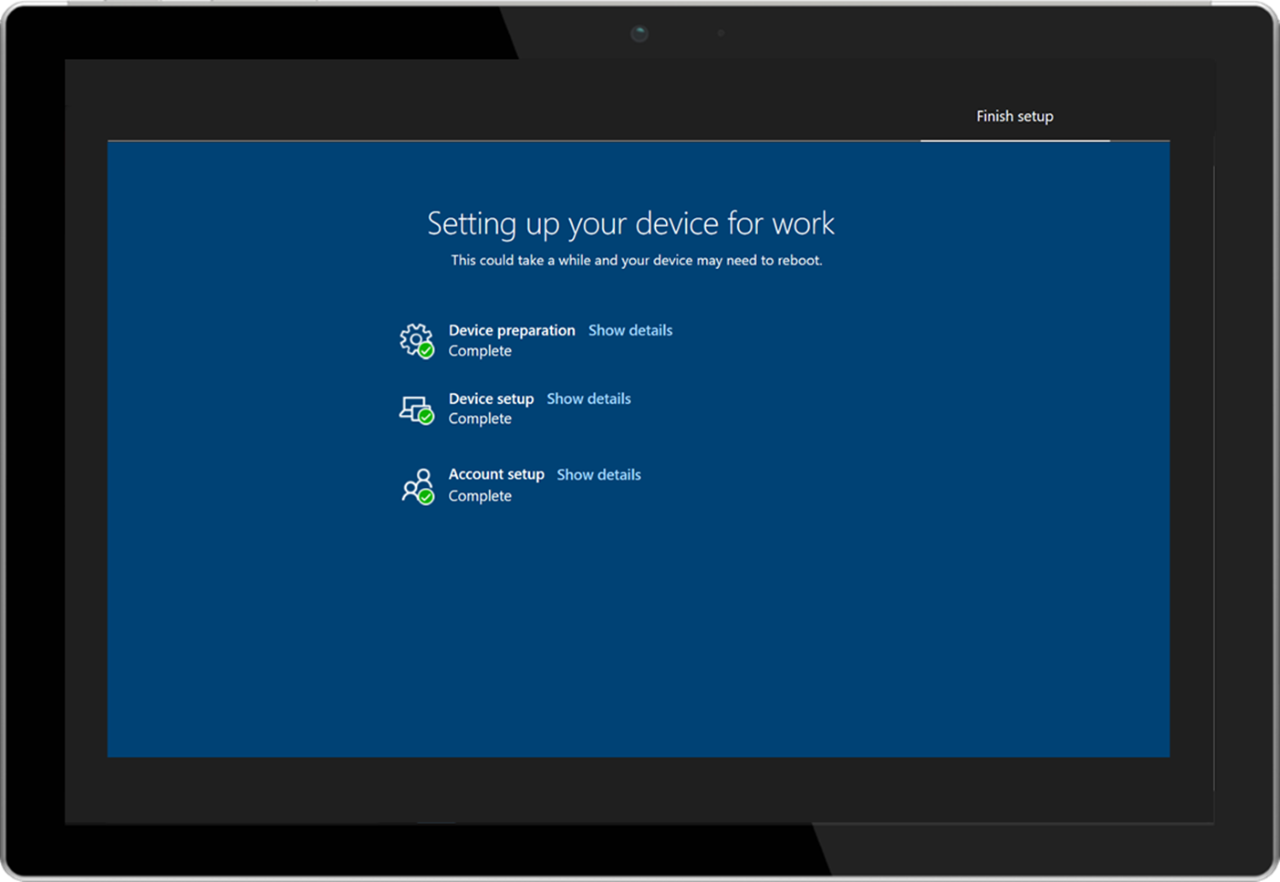
When a user signs into a device for the first time, the Enrollment Status Page (ESP) displays the device's configuration progress. The ESP also makes sure the device is in the expected state before the user can access the desktop for the first time.
The ESP tracks the installation of applications, security policies, certificates, and network connections.
ESP profiles
An administrator can deploy ESP profiles to a licensed Intune user and configure specific settings within the ESP profile. A few of these settings include:
- Force the installation of specified applications.
- Allow users to collect troubleshooting logs.
- Specify what a user can do if device setup fails.
For more information, see Set up the Enrollment Status Page.