Cost Management
A Microsoft offering that enables tracking of cloud usage and expenditures for Azure and other cloud providers.
This browser is no longer supported.
Upgrade to Microsoft Edge to take advantage of the latest features, security updates, and technical support.
' cx='32' cy='32' r='32' /%3E%3Ctext x='50%25' y='55%25' dominant-baseline='middle' text-anchor='middle' fill='%23FFF' %3EJH%3C/text%3E%3C/svg%3E)
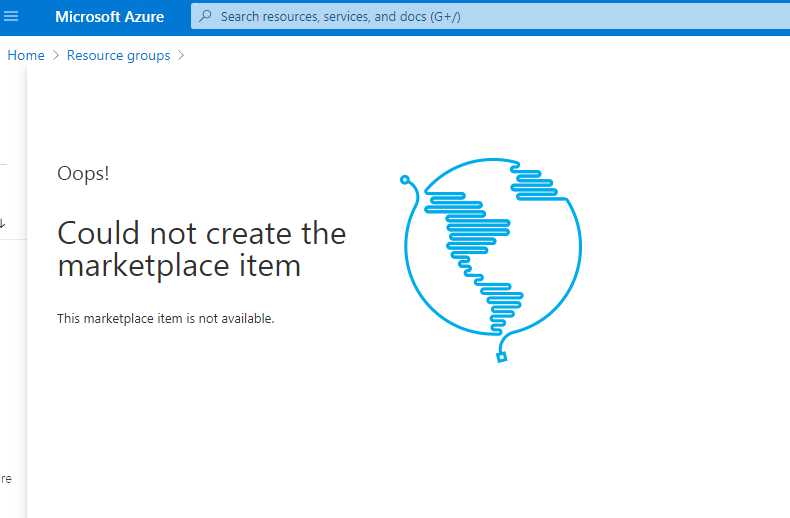
I recently created a Student Account to study and learn Microsoft Azure, but I can't create anything.
This is the error
Oops!
Could not create the marketplace item
This marketplace item is not available.
A Microsoft offering that enables tracking of cloud usage and expenditures for Azure and other cloud providers.

Hello @jonard honrado ,
Welcome to Microsoft Q&A forum!
The issue could be that your subscription for Marketplace might be set to an un supported region. I request you to follow the steps below to change the region:
If problem persist, you could reach out to Azure subscription management team by raising a support request using this link - https://support.microsoft.com/en-us/getsupport?wf=0&tenant=ClassicCommercial&oaspworkflow=start_1.0.0.0&locale=en-us&supportregion=en-us&pesid=15470&ccsid=636233463407635340
------------------------------------------------------------------------------------------------------------------------