' cx='32' cy='32' r='32' /%3E%3Ctext x='50%25' y='55%25' dominant-baseline='middle' text-anchor='middle' fill='%23FFF' %3ETR%3C/text%3E%3C/svg%3E)


Hi there,
All you need to do is to set the print spooler service to start automatically on Windows startup.
- Open services window: press Windows key + R and type “services.msc”
- Locate Print Spooler (Remote Procedure Call) Service in the list, then right-click on it and choose the Properties.
- Check if Startup type is set to Automatic, if not change it to Automatic then click Apply > OK.
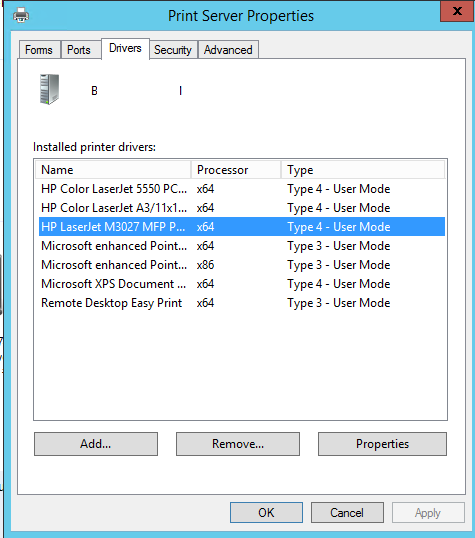
If this is done, you can try updating the Printer driver, uninstall all other unwanted drivers, and see if that is helpful.
Hope this answers all your queries, if not please do repost back.
If an Answer is helpful, please click "Accept Answer" and upvote it : )