Microsoft 365 and Office | SharePoint | For business | Windows
A group of Microsoft Products and technologies used for sharing and managing content, knowledge, and applications.

This browser is no longer supported.
Upgrade to Microsoft Edge to take advantage of the latest features, security updates, and technical support.
' cx='32' cy='32' r='32' /%3E%3Ctext x='50%25' y='55%25' dominant-baseline='middle' text-anchor='middle' fill='%23FFF' %3ELC%3C/text%3E%3C/svg%3E)
Hello,
I'm developing a SharePoint site which includes several lists, used within company.
For some users, from time to time, they couldn't display the list or facing error when trigger flow.
It may works to change internet explorer, IE, edge, chrome, etc., or just wait.
But I never faced that issue. I use edge always.
Could you help to advise what to do? It frustrated the users a lot.
Thank you very much!
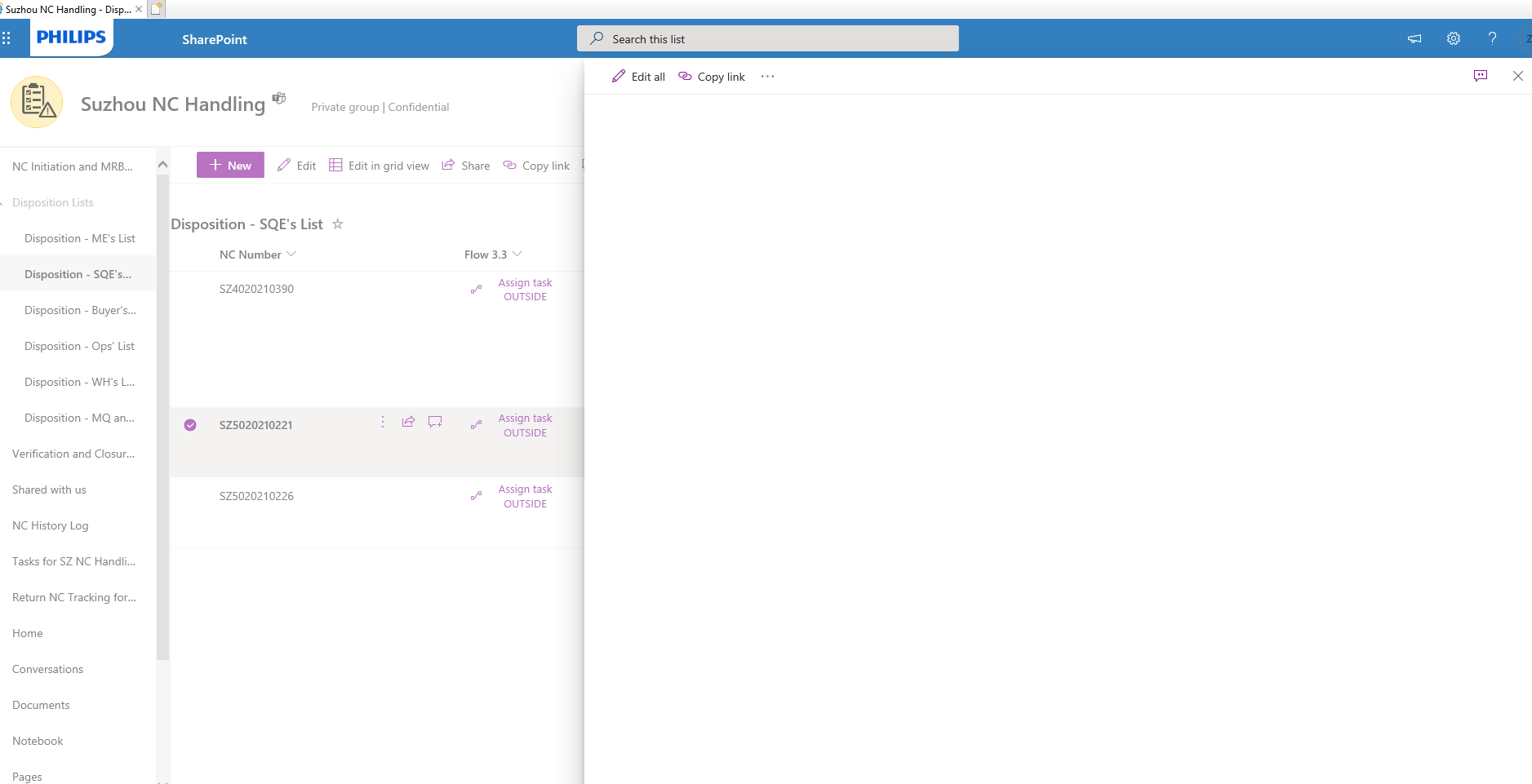
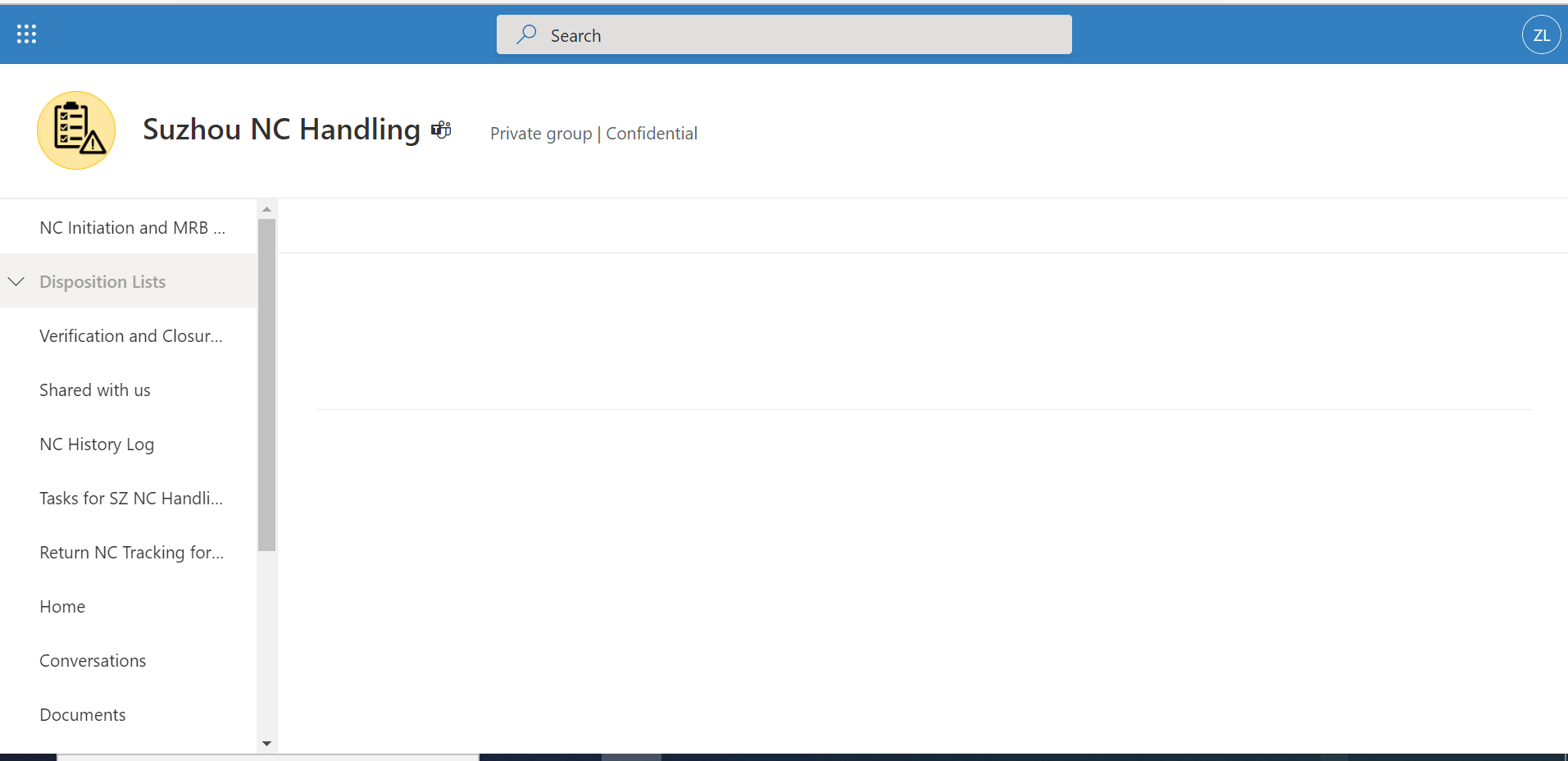
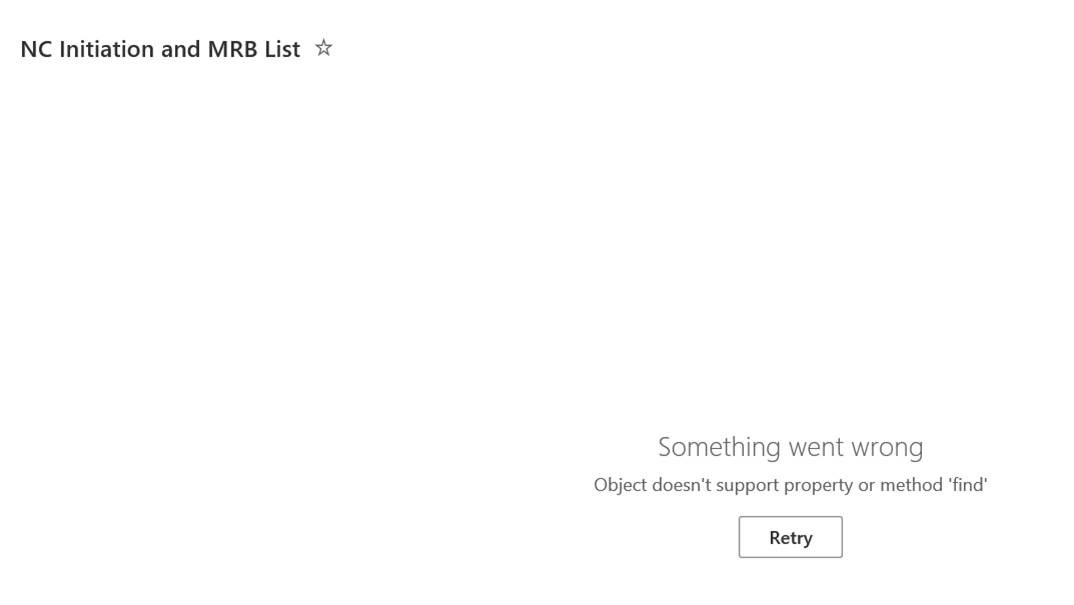
Typical error screenshot as below:

Check that the browser you're using is up to date and clear the browser cache to compare the result.
Try with your browser's InPrivate, Incognito, or Guest mode.
In addition, the recommended browser for Microsoft 365 apps and services is the new Microsoft Edge.
More information:
https://learn.microsoft.com/en-us/lifecycle/announcements/m365-ie11-microsoft-edge-legacy
If the answer is helpful, please click "Accept Answer" and kindly upvote it. If you have extra questions about this answer, please click "Comment".
Note: Please follow the steps in our documentation to enable e-mail notifications if you want to receive the related email notification for this thread.
I told one user to clear the cache, and the display works.
Till now not sure if it works for "objective doesn't support property or method "find"" issue.
I couldn't open the post of "objective doesn't support property or method "find"" issue.
Is there a possible resolve date? or how can we do it currently?
I will request users to use latest version edge (x64) and setting to clear cache always when closing.
and see how it goes.
I have updated the link above, please check it.
Currently there is no available solution for it.

@LIU, Claire If Julie's reply helps you, please remember to accept her reply as answer via the "Accept Answer" button, it will be beneficial to others in this forum who meet the same issue in the future. Thanks for your understanding and cooperation.