' cx='32' cy='32' r='32' /%3E%3Ctext x='50%25' y='55%25' dominant-baseline='middle' text-anchor='middle' fill='%23FFF' %3EDD%3C/text%3E%3C/svg%3E)



' cx='32' cy='32' r='32' /%3E%3Ctext x='50%25' y='55%25' dominant-baseline='middle' text-anchor='middle' fill='%23FFF' %3EA%3C/text%3E%3C/svg%3E)
Hi @Duchemin, Dominique ,
What is difference between them?
https://www.microsoft.com/en-us/edge
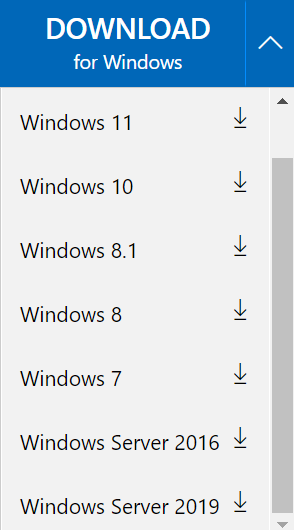
The download file(MicrosoftEdgeSetup.exe) mentioned in the above section is actually an update setup for Microsoft Edge, not installation package for Edge. I tried downloading the this update setup for the window 11 version in Window 10, and execute this successfully. So I think they are exactly the same.
there are two files to be downloaded but seems independent from the Operating Systems...
MicrosoftEdgeEnterpriseX64.msi
MicrosoftEdgePolicyTemplates.cab
The msi type file mentioned in this section is actually the installation package of Microsoft Edge. The cab type file is that when you need to manage policies in Edge, you need to download and set it correctly. But if you don't need to manage Edge policies, I think you can ignore this file. For more details, you could refer to this doc: Configure Microsoft Edge policy settings on Windows.
Best regards,
Xudong Peng
If the answer is the right solution, please click "Accept Answer" and kindly upvote it. If you have extra questions about this answer, please click "Comment".
Note: Please follow the steps in our documentation to enable e-mail notifications if you want to receive the related email notification for this thread.