Note
Access to this page requires authorization. You can try signing in or changing directories.
Access to this page requires authorization. You can try changing directories.
An output error policy is a configuration in Azure Stream Analytics that controls how the job handles data conversion errors when an output event doesn't conform to the schema of the target sink. Azure Stream Analytics provides two policies: Retry and Drop.
To configure the policy in the Azure portal, open a Stream Analytics job, select Error policy under Settings, and then choose the policy you want.
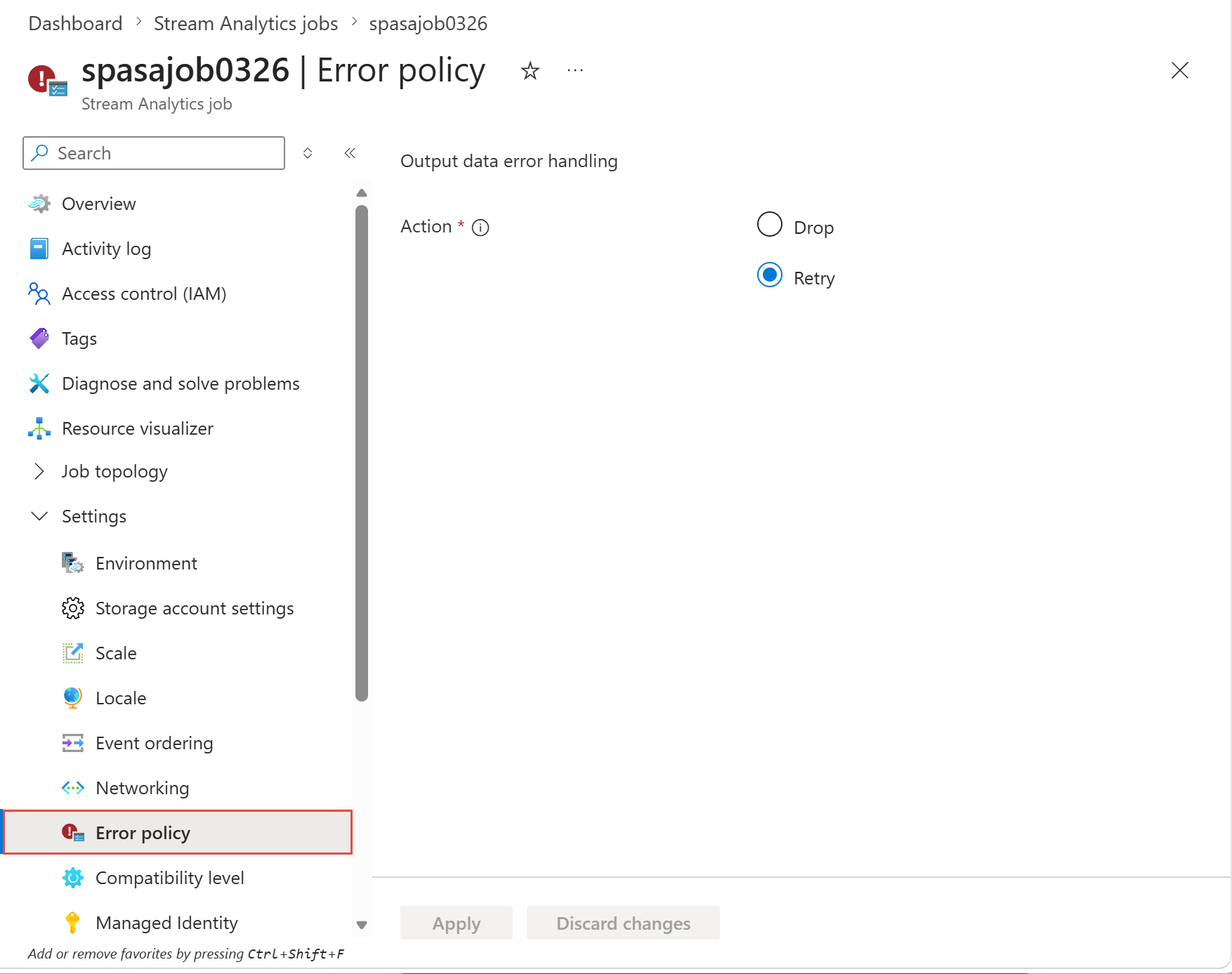
Retry policy
When a data conversion error occurs, Azure Stream Analytics retries writing the event indefinitely until the write succeeds. There's no timeout for retries. The event that's retrying blocks all subsequent events from processing. This policy also blocks the output where the error occurred and any other outputs that share the same input.
Retry is the default output error handling policy. The retry interval varies based on the output and can range from a few seconds to a few minutes over subsequent retries.
Drop policy
Azure Stream Analytics drops any output event that results in a data conversion error. You can't recover dropped events for reprocessing later.
Note
Azure Stream Analytics retries all transient errors (for example, network errors) regardless of the output error handling policy configuration.