Azure Virtual Machines
An Azure service that is used to provision Windows and Linux virtual machines.
This browser is no longer supported.
Upgrade to Microsoft Edge to take advantage of the latest features, security updates, and technical support.

folks,
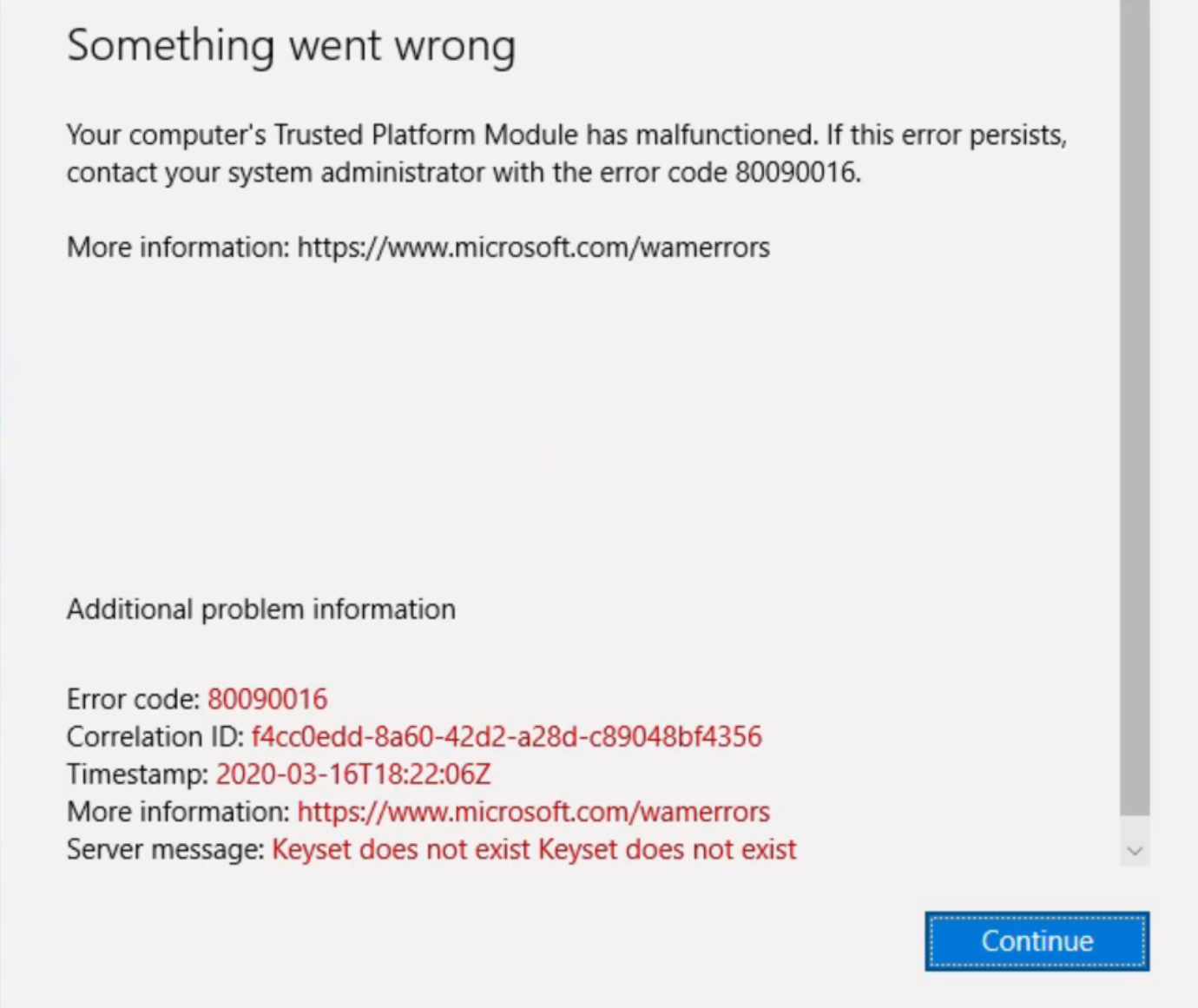
We have WVD with persistence profile with fslogix. Not all users, but two or three users are getting office error as shown below. User's account is sign in, but when trying to do anything getting this error...We have AAD (no on premise AD). Any suggestions?
An Azure service that is used to provision Windows and Linux virtual machines.
Answer accepted by question author
ok, wasn't able to fix the way i want to. So i deleted vhd file and have user log back in. Fslogix created profile, fixed issue by restoring data from one drive. closing this call...thanks everyone
' cx='32' cy='32' r='32' /%3E%3Ctext x='50%25' y='55%25' dominant-baseline='middle' text-anchor='middle' fill='%23FFF' %3EDC%3C/text%3E%3C/svg%3E)
@Arif Usman , please help me understand what you mean by 'persistence profile'? Is this not using FSLogix? Is this using FSLogix but pointing the profile to the VMs hard drive?
these are all persistence profiles
these all persistence profiles
Is the environment set to use machine based encryption to encrypt the FSLogix VHD Files? If so, if the user is logged on to a different machine, then they would not be able to decrypt the VHD.
I am not certain of the exact configuration that "WVD with persistence profile with fslogix" refers to. Generally I would think of that as non-pooled desktops, but in that case, 1- the user should always go back to the same VM so my comment would not apply and 2- I would need to understand the reason / configuration for FSLogix.
In general, using non-persistent profiles that have been encrypted using a machine based mechanism (such as TPM) is not supported, and I suspect that this is possible the issue here.