For some reason my Windows 10 Desktop computer can't seem to keep any restore points. I manually create a restore point, and it seems they get deleted right away. All Restore points, not just a few.
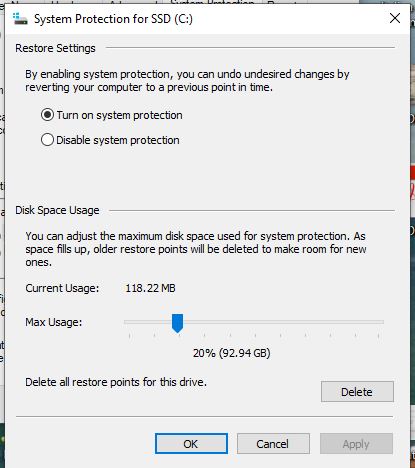
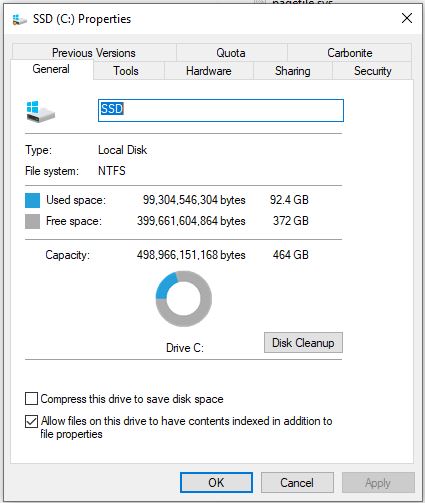
System restore has been enabled on all drives, there is plenty of space, and I am able to successfully manually create a restore point. I have also noticed that sometimes restore points are created ok when some new software is installed. However, all restore
points get deleted pretty quick.
I have run chkdsk /f, sfc /scannow, made sure the Shadow Volume copy is set to automatic and is running, deleted the system pagefile.sys and created another copy, all without success.
I can't find any programs that might be deleting the files. I have CCleaner installed but it is not setup to delete these files, and the people over there say it doesn't do it anyway. I have uninstalled the program and the problem persists.
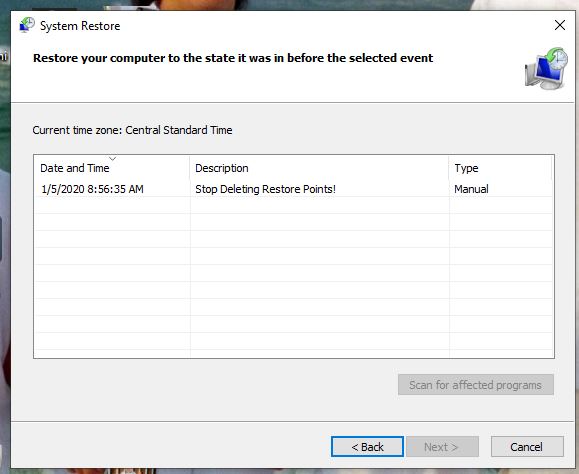
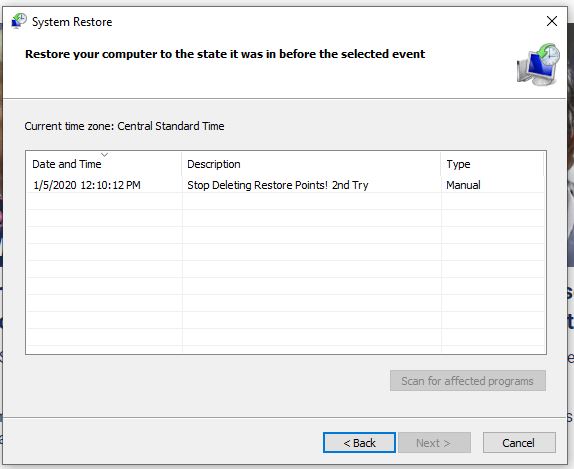
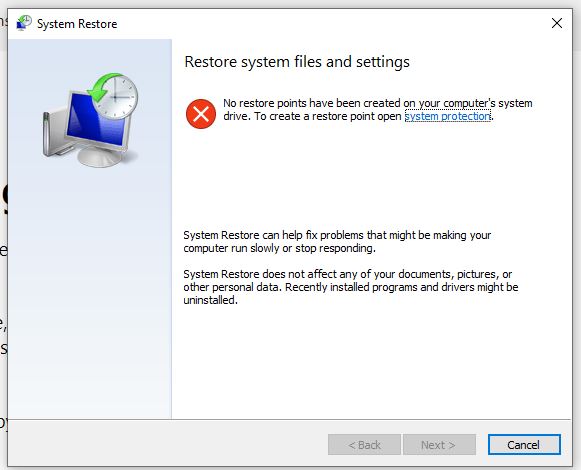
I am attaching some screen shots of my system restore configuration showing a manually create restore point that has been deleted within hours. The last picture shows the new restore point I just created to try and test the system again. Notice how the previous
restore point is gone.
(Update) I just checked my restore points and now even the "2nd Try" restore point is gone. See last picture.
Any Help would be appreciated!
' cx='32' cy='32' r='32' /%3E%3Ctext x='50%25' y='55%25' dominant-baseline='middle' text-anchor='middle' fill='%23FFF' %3EA%3C/text%3E%3C/svg%3E)


