Azure App Service
Azure App Service is a service used to create and deploy scalable, mission-critical web apps.
This browser is no longer supported.
Upgrade to Microsoft Edge to take advantage of the latest features, security updates, and technical support.
' cx='32' cy='32' r='32' /%3E%3Ctext x='50%25' y='55%25' dominant-baseline='middle' text-anchor='middle' fill='%23FFF' %3EDA%3C/text%3E%3C/svg%3E)
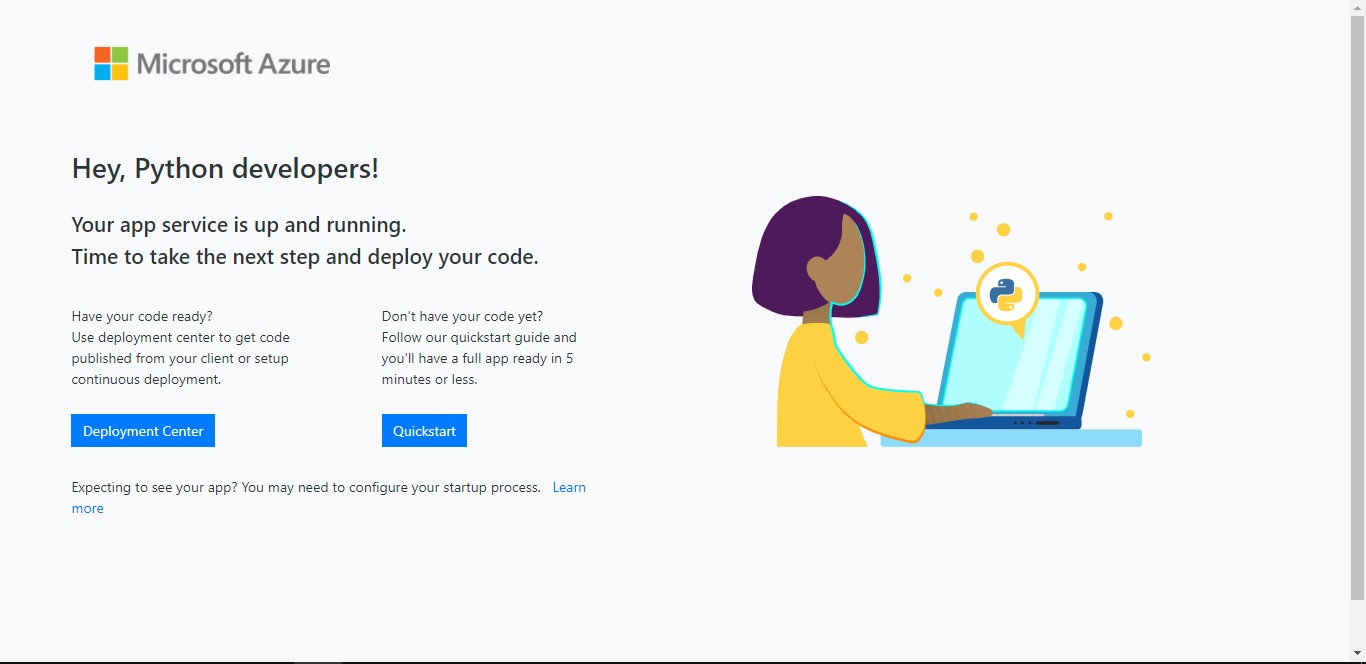
I already deploy my machine learning model in azure web apps and when I try to direct to the link it said my code not deploying.The tutorial in https://learn.microsoft.com/en-us/azure/app-service/quickstart-python?tabs=bash&pivots=python-framework-flask confusing for me.I try google to see what happen but I dont get the solution in SO or other site.My model already in my github repository at server.py and house_model_pickle.pkl https://github.com/dwissaaj/HOUSE_ML .Can annyone help me what to do?Can anyone give me quick problem or other reference?
Azure App Service is a service used to create and deploy scalable, mission-critical web apps.

Hi @dwi aji ,
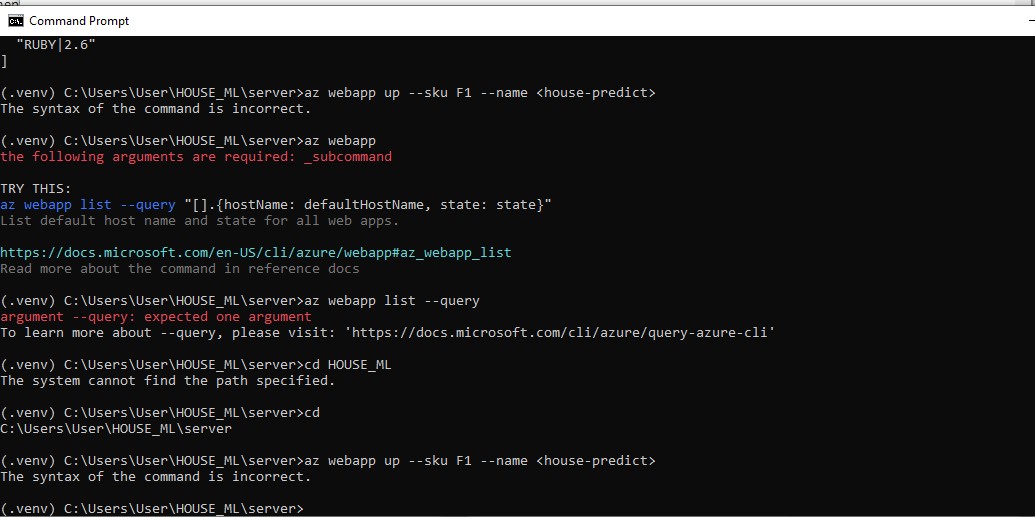
So in the doc you mentioned, here
Replace <app_name> with a name that's unique across all of Azure (valid characters are a-z, 0-9, and -). A good pattern is to use a combination of your company name and an app identifier.
**<house-predict> ** isn't a valid app name, <> are invalid characters. house-predict would be valid, but it may be taken as that would be a generic app name. Following that same tutorial, it would look more something like this at your terminal prmopt:
git clone https://github.com/dwissaaj/HOUSE_ML.git

cd HOUSE_ML\server

az webapp up --sku F1 --name dwiaji-house-predict

az webapp browse --name dwiaji-house-predict
Regards,
Ryan
I figure it out already but still the web app not deploy the code so my website still on page that I need to deploy,When I see log -- tail there is nothing wrong
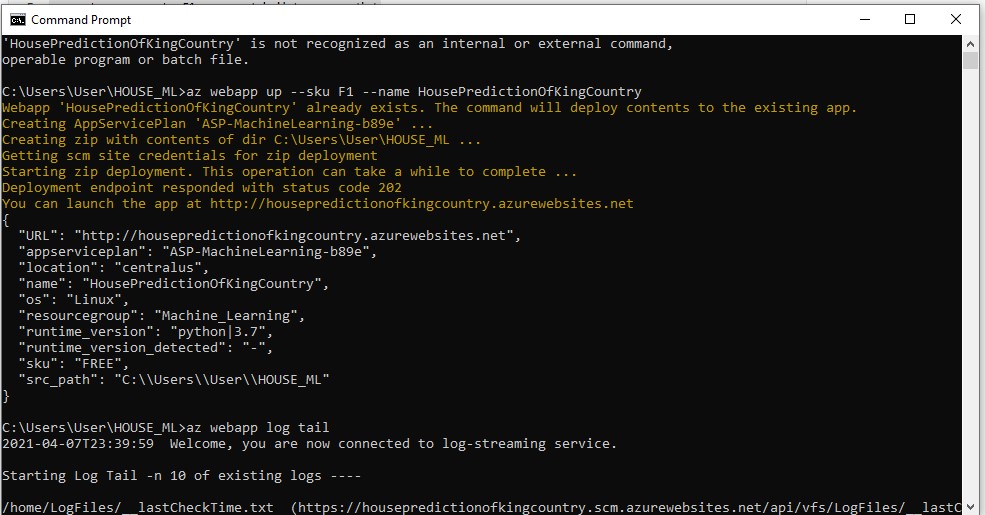
@dwi aji , make sure you that you enable diagnostics logging for apps in Azure App Service so that you can view your application logs at https://[name-of-your-app].scm.azurewebsites.net/api/logs/dockerlogs, replacing [name-of-your-app] with the name of your deployed web app. They will contain any errors your application encounters that can prevent startup.