Dear Cilver22
Good day! Thank you for posting in Microsoft Community. We are happy to help you.
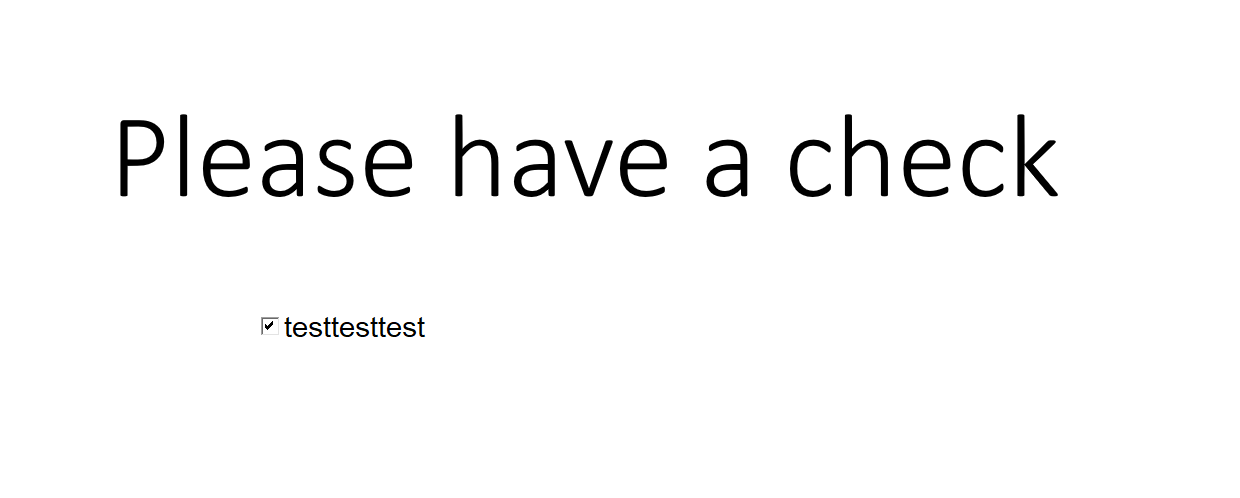
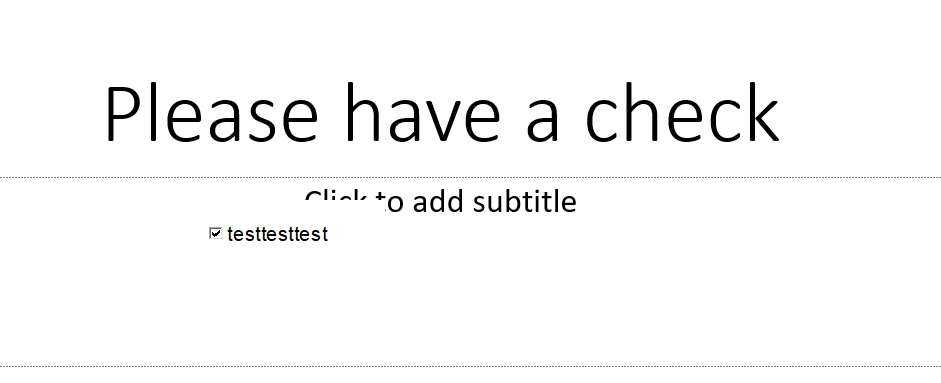
Based on your description, it seems that when the presentation is played it shows missing words in the checkboxes with the Active X control in PowerPoint slides.
We did a test on our end, but we can't reproduce the same result as yours:
In Presentation mode:
Non-presentation mode:
Given this situation, please try to create a new presentation, then check if the same behavior will happen again.
Besides, in PowerPoint, choose File>Options>Advanced, scroll to the Display section and check the Disable Slide Show hardware graphics acceleration option then restart PowerPoint and see the outcome.
Meanwhile, to help you better and for the further troubleshoot, we would like to collect more detailed information you're experiencing so that we can have a further investigation:
- May I know does all presentations have this behavior when use the checkboxes control?
- What about other Active X controls?
- Can you tell us your PowerPoint product information? Go to File>Account then shares a screenshot to us.
We’re looking forward to your reply and will continue to help you all the time!
Your understanding and patience will be highly appreciated. I hope that you are keeping safe and well!
Sincerely,
Stacey | Microsoft Community Moderator
' cx='32' cy='32' r='32' /%3E%3Ctext x='50%25' y='55%25' dominant-baseline='middle' text-anchor='middle' fill='%23FFF' %3EA%3C/text%3E%3C/svg%3E)
