Microsoft 365 and Office | SharePoint Server | For business
A family of Microsoft on-premises document management and storage systems.

This browser is no longer supported.
Upgrade to Microsoft Edge to take advantage of the latest features, security updates, and technical support.
' cx='32' cy='32' r='32' /%3E%3Ctext x='50%25' y='55%25' dominant-baseline='middle' text-anchor='middle' fill='%23FFF' %3ELD%3C/text%3E%3C/svg%3E)
Hello community,
Please, i have a problem with a page layout and the page itself... I have created some page layouts and some pages using the new layouts and added a call to the CSS that auto adjust the size of the content to 100%.
My problem is when creating a new page and adding some images in the RichImageFields and set the width to 100% in the ribbon (SharePoint page editor) and saving the page, it applies a specific width and overwrrites the CSS linked. Even adding a Script Editor webpart and appliying the CSS to ".img, .ms-rtestate-field, .column with important¡" doesn't fix the problem.
When adjusting the width via editor, this overwrrites the CSS, the width is added by sharepoint and i cannot delete it from editor.

Tried using Script Editor, but no luck.
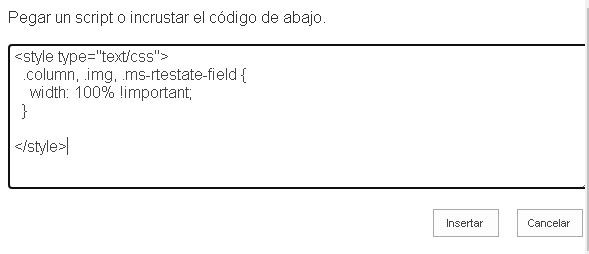
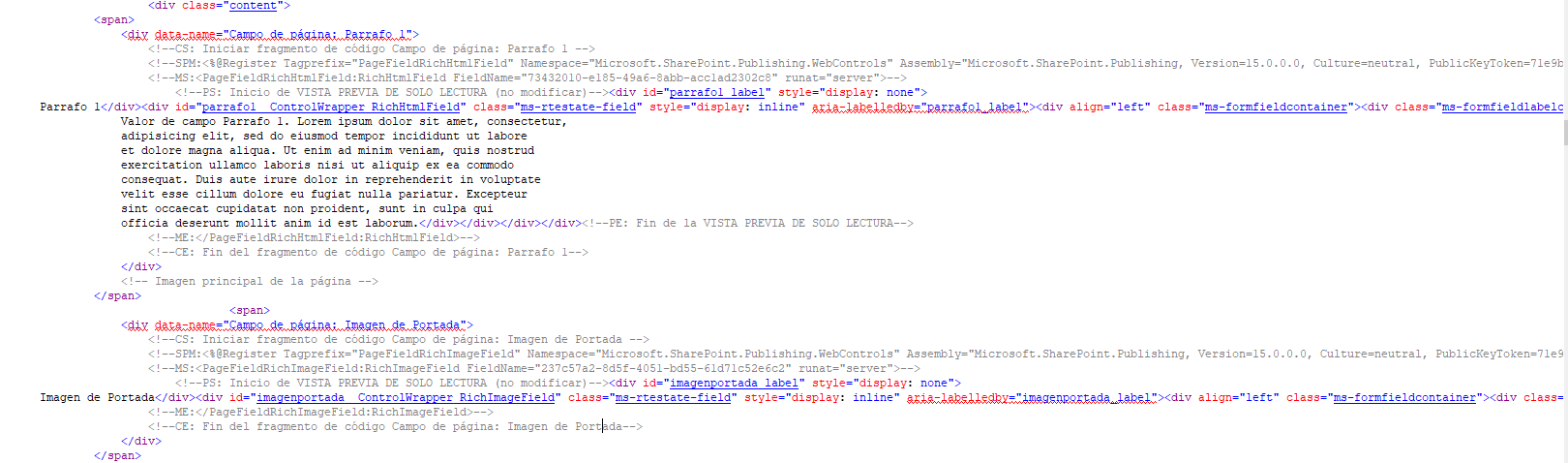
Layout code:
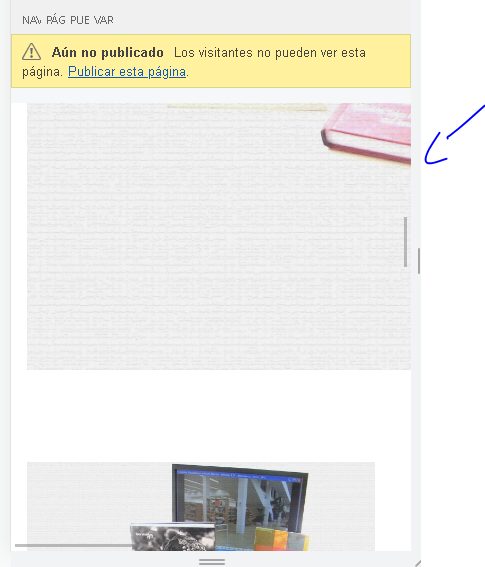
Page Image overlap (phone view):
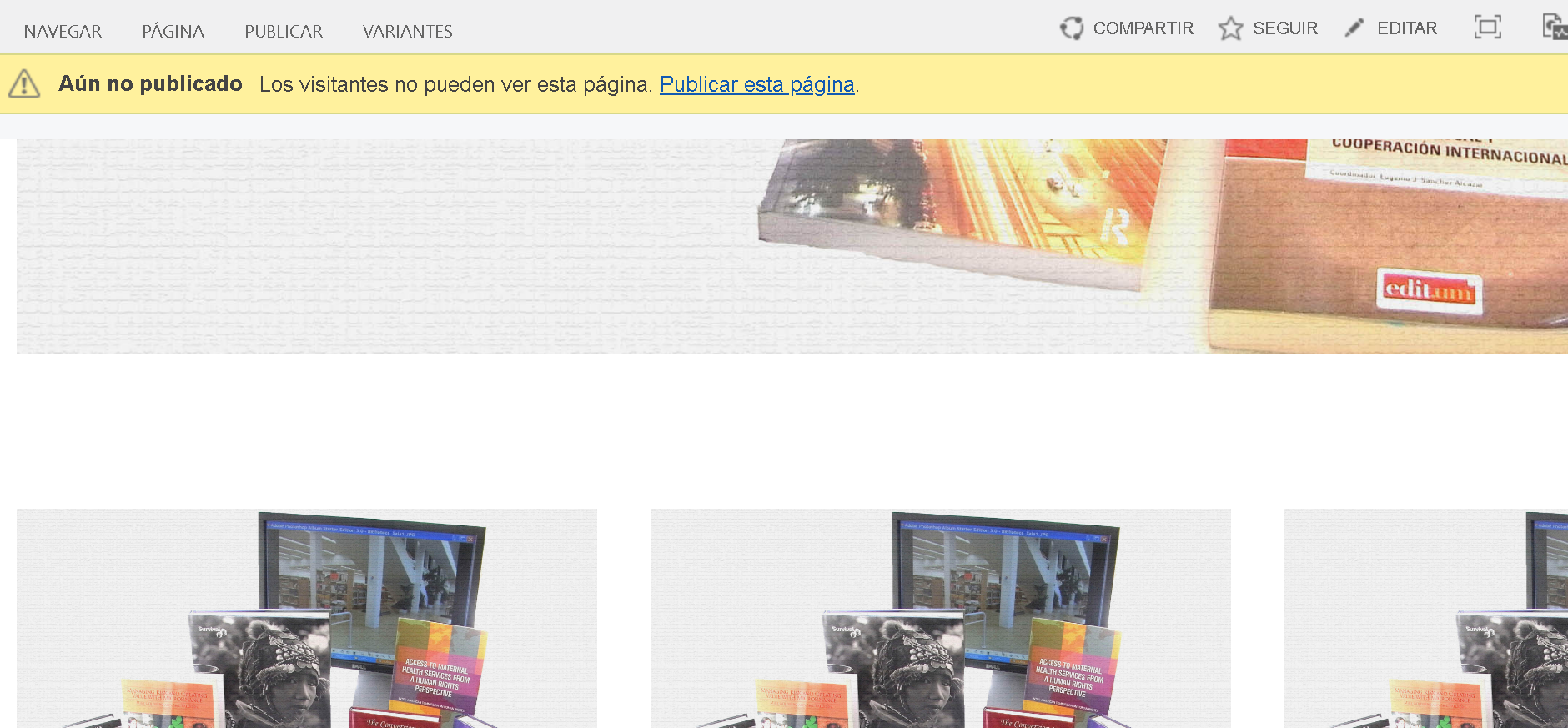
Desktop overlap, zoom in:
Can be this achieved by some way? JS?
Appreciate your help.
Regards,
LC.
A family of Microsoft on-premises document management and storage systems.
The process of building custom applications and tools that interact with Microsoft SharePoint, including SharePoint Online in Microsoft 365.
The process of building custom solutions for SharePoint Server.
Answer accepted by question author
' cx='32' cy='32' r='32' /%3E%3Ctext x='50%25' y='55%25' dominant-baseline='middle' text-anchor='middle' fill='%23FFF' %3EMM%3C/text%3E%3C/svg%3E)
Hi @Luis David Colón Vegas ,
Try to use the below css instead:
.ms-rtestate-field>img{
    width: 100% !important;
}
If an Answer is helpful, please click "Accept Answer" and upvote it.
Note: Please follow the steps in our documentation to enable e-mail notifications if you want to receive the related email notification for this thread.