Developer technologies | .NET | Other
Microsoft Technologies based on the .NET software framework. Miscellaneous topics that do not fit into specific categories.
This browser is no longer supported.
Upgrade to Microsoft Edge to take advantage of the latest features, security updates, and technical support.
' cx='32' cy='32' r='32' /%3E%3Ctext x='50%25' y='55%25' dominant-baseline='middle' text-anchor='middle' fill='%23FFF' %3EN6%3C/text%3E%3C/svg%3E)
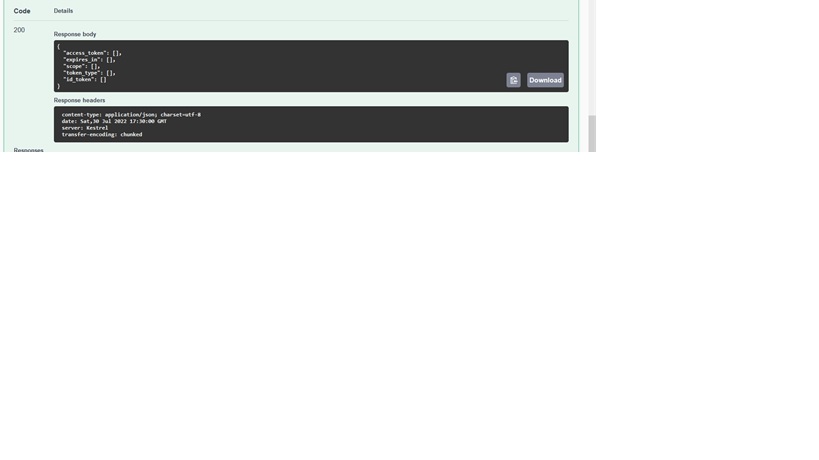
When return type in Controller is JObject the values in the json object are displayed null.
But If I am trying to print on Console the out put is Ok.
How to deal with this?
Microsoft Technologies based on the .NET software framework. Miscellaneous topics that do not fit into specific categories.
An object-oriented and type-safe programming language that has its roots in the C family of languages and includes support for component-oriented programming.

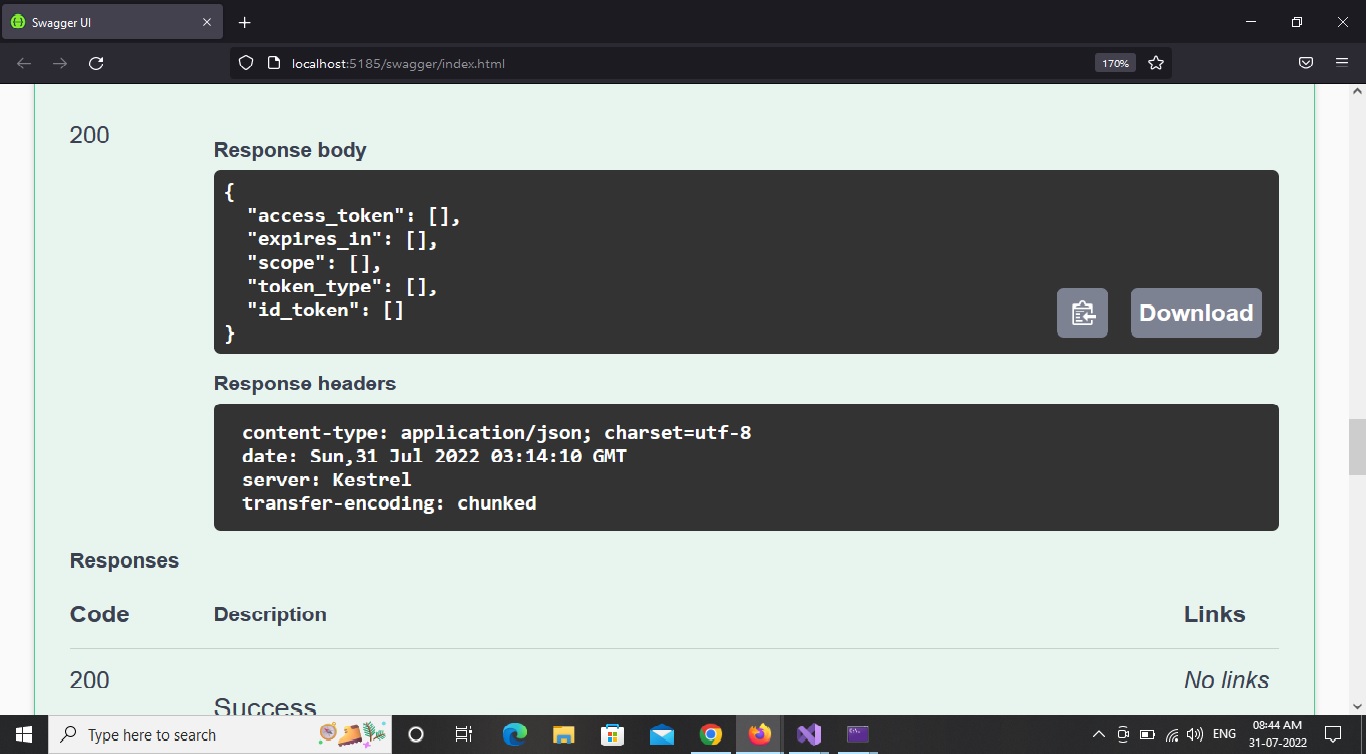
Response looks like this
{
"access_token": [],
"expires_in": [],
"scope": [],
"token_type": [],
"id_token": []
}
I have been using the repository model in Web Api project
And the code the repository looks like this.
var client = new RestClient("https://oauth2.googleapis.com");
        var request = new RestRequest("/token", Method.Post);
        request.AddHeader("Content-Type", "application/json");
        request.AddHeader("Accept", "application/json");
         var body = JsonConvert.SerializeObject(data);
        request.AddBody(body, "application/json");
        var response = await client.PostAsync(request);
        var response_json = JObject.Parse(response.Content);
         return response_json;
From the Controller the code looks like
public async Task<JObject> Test([FromBody] Oauth oauth)
        {
            var response = await _client.Testmethod(oauth);
            return response;

        }

In which part of your code did you print to console to check the data?
In the repository part just above the return statement
Console.WriteLine(response_json);
return response_json

@et6newbie-4004, Welcome to Microsoft Q&A, I noted that your code var body = JsonConvert.SerializeObject(data); has the data field, but I didn't see that the value of data. Could you provide it?
' cx='32' cy='32' r='32' /%3E%3Ctext x='50%25' y='55%25' dominant-baseline='middle' text-anchor='middle' fill='%23FFF' %3EM0%3C/text%3E%3C/svg%3E)
I had a similar problem. It worked in the Console but not on the web page. Copilot couldn't solve it initially, but subsequently it gave me this answer.
My initial code was this:
    JObject JSONMainObj = new JObject(
        new JProperty("lastUpdated", DateTime.Now.ToString("yyyy-MM-dd HH:mm:ss")),
        new JProperty("version", "1.0.0")
      );
    foreach (var property in JSONMainObj.Properties())
    {
        if (property.Value.Type == JTokenType.String)
        {
            Console.WriteLine($"{property.Name}: {property.Value}");
        }
    }
  return Results.Ok(JSONMainObj);
In the Console it returned this:
lastUpdated: 2025-06-03 21:58:36
version: 1.0.0
but on a web page it returned:
{"lastUpdated":[],"version":[]}
Copilot's suggestion was to:
It suggested changing the last line to:
return Results.Content(JSONMainObj.ToString(), "application/json");
The Console output was the same but the web page output was now correct:
{
  "lastUpdated": "2025-06-03 22:07:54",
  "version": "1.0.0"
}
(All thanks to Copilot, and I know the question is 3 years old)
' cx='32' cy='32' r='32' /%3E%3Ctext x='50%25' y='55%25' dominant-baseline='middle' text-anchor='middle' fill='%23FFF' %3EBS%3C/text%3E%3C/svg%3E)
Most likely the server is returning an error. You don’t check the response code.
Is there any way around to get the correct JSON response.