Note
Access to this page requires authorization. You can try signing in or changing directories.
Access to this page requires authorization. You can try changing directories.
This article explains how to review and triage data security alerts in Microsoft Defender for Cloud. Use these alerts to identify threats and take remediation actions faster.
Prerequisites
Before you review data security alerts, make sure these components are enabled:
- Enable Defender cloud security posture management (Defender CSPM).
- Enable sensitive data discovery.
- Enable Defender for Storage.
- Enable Defender for Databases.
View data security alerts
Data security alerts in Defender for Cloud help you identify threats and vulnerabilities in your data environments.
To view data security alerts:
Sign in to the Azure portal.
Go to Defender for Cloud > Data and AI security dashboard.
Locate the Data closer look section and select either View all managed databases alerts or View all storage alerts.
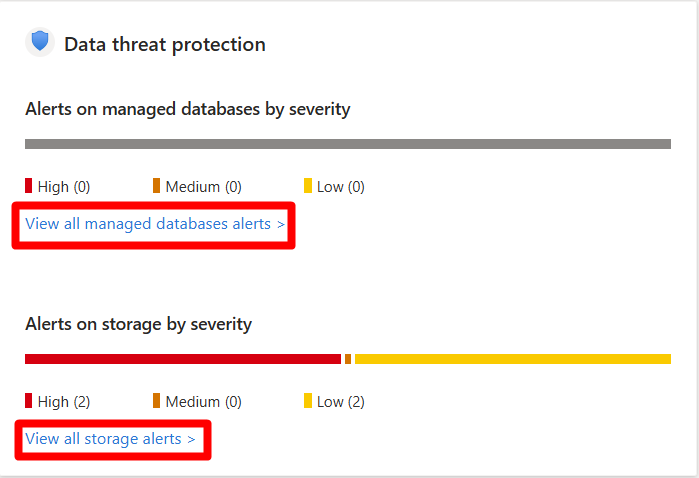
Once you navigate to the alerts page, you can then investigate each security alert, and respond to the alerts.