Note
Access to this page requires authorization. You can try signing in or changing directories.
Access to this page requires authorization. You can try changing directories.
A deployment plan is a standard Fabric item. It doesn't introduce a permission model of its own: access to a plan comes from your workspace role, just like access to a notebook or a data pipeline.
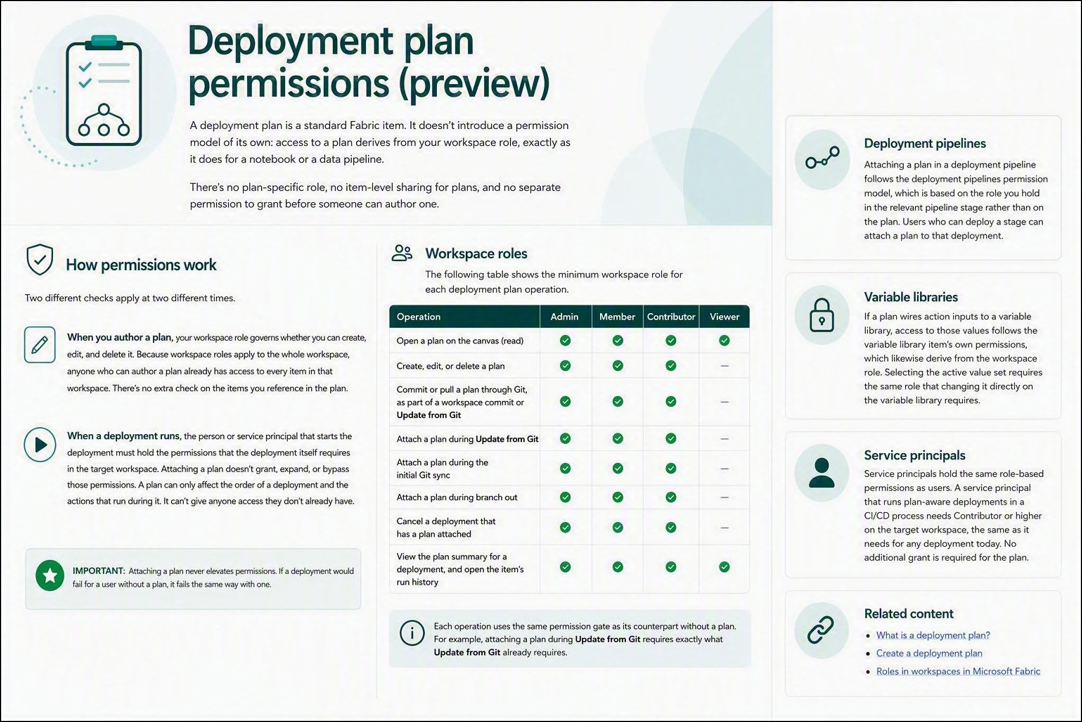
There's no plan-specific role, no item-level sharing for plans, and no separate permission to grant before someone can author one.
How permissions work
Two different checks apply at two different times.
When you author a plan, your workspace role governs whether you can create, edit, and delete it. Because workspace roles apply to the whole workspace, anyone who can author a plan already has access to every item in that workspace. There's no extra check on the items you reference in the plan.
When a deployment runs, the person or service principal that starts the deployment must hold the permissions that the deployment itself requires in the target workspace. Attaching a plan doesn't grant, expand, or bypass those permissions. A plan can only affect the order of a deployment and the actions that run during it. It can't give anyone access they don't already have.
Important
Attaching a plan never elevates permissions. If a deployment would fail for a user without a plan, it fails the same way with one.
Workspace roles
The following table shows the minimum workspace role for each deployment plan operation.
| Operation | Admin | Member | Contributor | Viewer |
|---|---|---|---|---|
| Open a plan on the canvas (read) | ✅ | ✅ | ✅ | ✅ |
| Create, edit, or delete a plan | ✅ | ✅ | ✅ | |
| Commit or pull a plan through Git, as part of a workspace commit or Update from Git | ✅ | ✅ | ✅ | |
| Attach a plan during Update from Git | ✅ | ✅ | ✅ | |
| Attach a plan during the initial Git sync | ✅ | ✅ | ✅ | |
| Attach a plan during branch out | ✅ | ✅ | ✅ | |
| Cancel a deployment that has a plan attached | ✅ | ✅ | ✅ | |
| View the plan summary for a deployment, and open the item's run history | ✅ | ✅ | ✅ | ✅ |
Each operation uses the same permission gate as its counterpart without a plan. For example, attaching a plan during Update from Git requires exactly what Update from Git already requires.
Deployment pipelines
Attaching a plan in a deployment pipeline follows the deployment pipelines permission model, which is based on the role you hold in the relevant pipeline stage rather than on the plan. Users who can deploy a stage can attach a plan to that deployment.
Variable libraries
If a plan wires action inputs to a variable library, access to those values follows the variable library item's own permissions, which likewise derive from the workspace role. Selecting the active value set requires the same role that changing it directly on the variable library requires.
Service principals
Service principals hold the same role-based permissions as users. A service principal that runs plan-aware deployments in a CI/CD process needs Contributor or higher on the target workspace, the same as it needs for any deployment today. No additional grant is required for the plan.