Note
Access to this page requires authorization. You can try signing in or changing directories.
Access to this page requires authorization. You can try changing directories.
This article outlines the steps to create a Profisee connection.
Supported authentication types
The Profisee connector supports the following authentication types for copy and Dataflow Gen2 respectively.
| Authentication type | Copy | Dataflow Gen2 |
|---|---|---|
| Organizational account | n/a | √ |
Set up your connection for Dataflow Gen2
You can connect Dataflow Gen2 in Microsoft Fabric to Profisee using Power Query connectors. Follow these steps to create your connection:
- Check capabilities to make sure your scenario is supported.
- Complete prerequisites for Profisee.
- Get data in Fabric.
- Connect to Profisee data.
Capabilities
- Import
Prerequisites
Before using the Profisee connector, you must have:
- A Profisee account (username and password)
- A running Profisee instance (version 2022.R1 or higher)
Get data
To get data in Data Factory:
On the left side of Data Factory, select Workspaces.
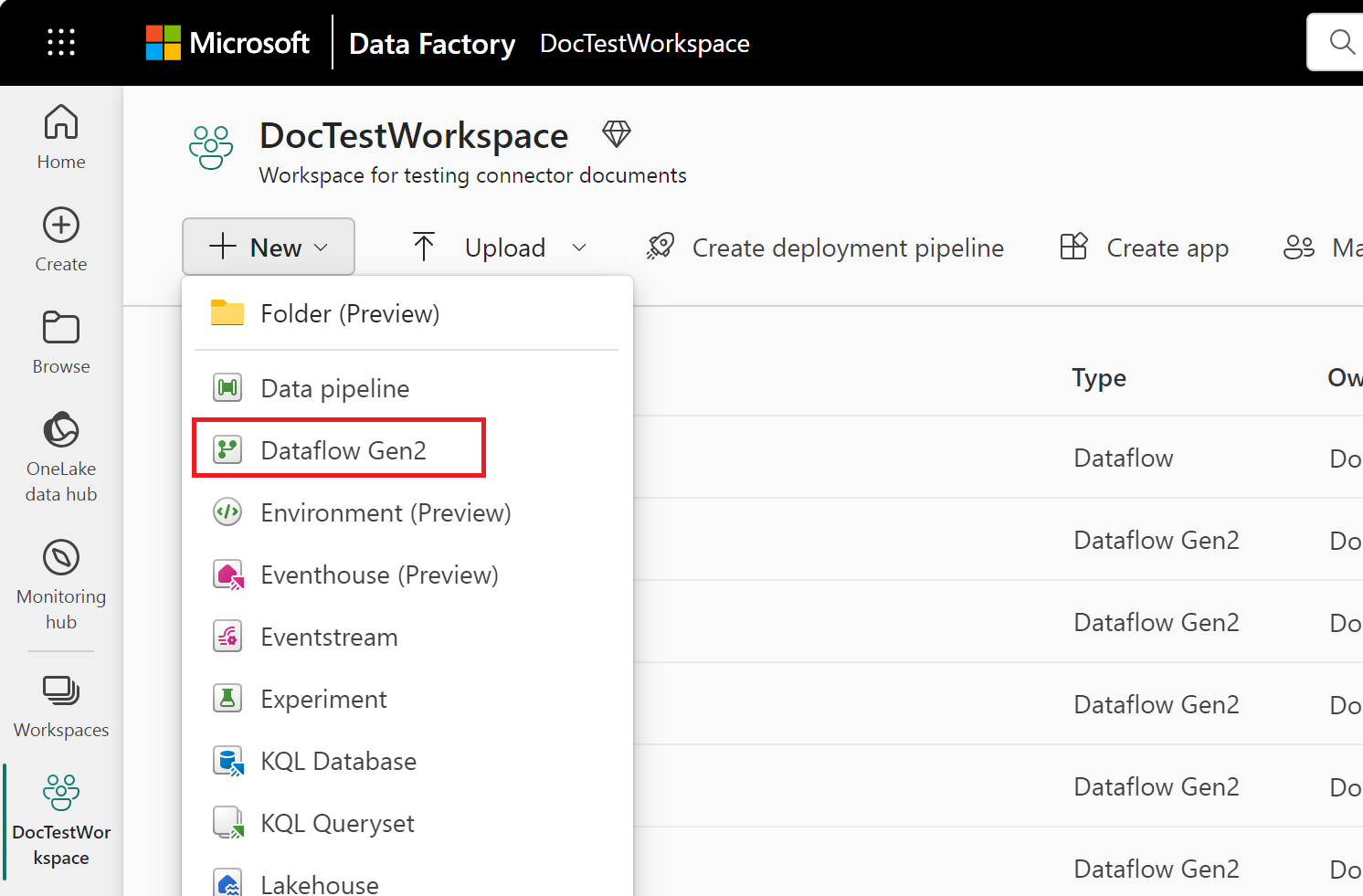
From your Data Factory workspace, select New > Dataflow Gen2 to create a new dataflow.
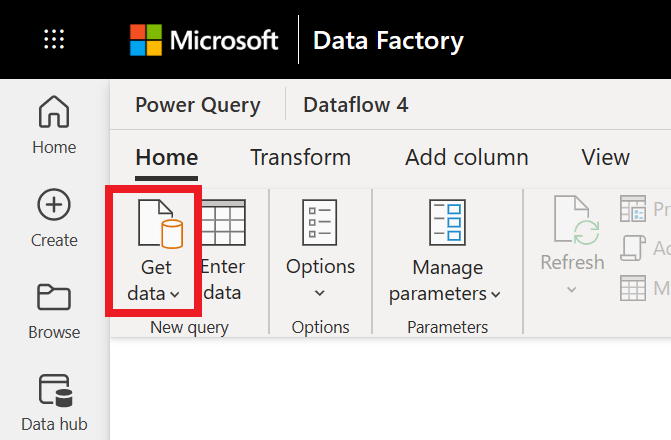
In Power Query, either select Get data in the ribbon or select Get data from another source in the current view.
In the Choose data source page, use Search to search for the name of the connector, or select View more to the right of the connector list to see all the connectors available in Data Factory.

If you choose to view more connectors, you can still use Search to search for the name of the connector, or choose a category to see a list of connectors associated with that category.


Connect to Profisee data
To connect to Profisee data:
Select Profisee from the Power Query Connect to data source page.
In the Profisee dialog, enter the URL for your Profisee instance.
Select Sign in to sign in with your organizational account.
Once you successfully sign in, select Next.
In the Choose data page, select the entities you want to load, and then select Transform data to transform the data in Power Query Editor.
Set up your connection in a pipeline
Data Factory in Microsoft Fabric doesn't currently support Profisee in pipelines.