Explore the different Azure Quantum options
Azure Quantum is available through three different interfaces: the Microsoft Quantum website, the Microsoft Quantum Development Kit (QDK), and the Azure portal.
You can use all three options to explore quantum computing and quantum programming. But what are the differences between them? Which one is the best tool for your needs? This unit helps you answer these questions.
What is the Microsoft Quantum website?
The Microsoft Quantum website allows you to learn and explore quantum computing and quantum programming. You can discover the latest quantum breakthroughs and learn about Microsoft Quantum tools and developments.
- Quantum Katas - Hands-on tutorials that teach quantum computing concepts and the Q# programming language from scratch.
- Code samples - The Microsoft Quantum code library is a rich set of samples that use Q#, Python, and Qiskit code to demonstrate quantum scenarios.
- Videos - Browse the video library for interviews with leading quantum computing researchers and innovators.
- Microsoft Quantum blogs - Stay up to date with the latest quantum computing research and innovations.
If you're a quantum enthusiast or just starting to learn, then the Microsoft Quantum website is for you.
Is the Microsoft Quantum website the right tool for me?
Use the following table to help you decide whether you want to use the Microsoft Quantum website for your quantum computing development journey.
| Use it if you want to: | You need: | You can't: |
|---|---|---|
|
|
|
What is the QDK?
The QDK is a software development kit for quantum computing. You can use the QDK as an extension for Visual Studio Code (VS Code) or as a Python library in Jupyter Notebook.
Note
The QDK extension is available both in VS Code and VS Code for the web. The QDK Python library is available on PyPi.
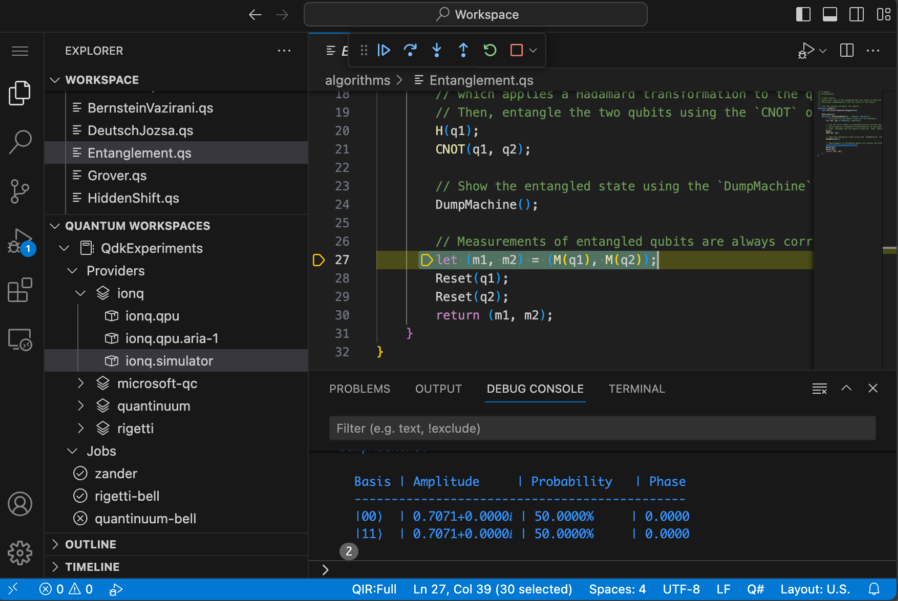
With the QDK extension, you can create Q# programs, load pre-installed Q# and OpenQASM samples, and take advantage of features such as improved error messaging, Q# syntax highlighting, and integrated debugging in a local development environment.
The QDK provides other features, such as the Microsoft Quantum resource estimator. The resource estimator is a tool that allows you to estimate the resource requirements to run your quantum programs on real quantum hardware, such as the number of qubits, the number of operations, and the runtime.
You don't need to have an Azure account to use the QDK, but if you already have an Azure account set up, then you can connect directly to your Azure Quantum workspaces from VS Code. This allows you to run your Q# programs on the quantum computers and simulators of the providers that you selected for your workspace.
Is the QDK the right tool for me?
Use this table as a quick reference to the features of the QDK. Typically, you use different Azure Quantum options together, such as writing Q# programs in VS Code with the QDK extension, while you manage your quantum workspace in the Azure portal.
| Use it if you want to: | You need: | You can't: |
|---|---|---|
|
|
|
What is the Azure portal?
The Azure portal is the main interface of the Microsoft Azure cloud computing platform. Azure provides a wealth of cloud-based services like remote storage, database hosting, and centralized account management.
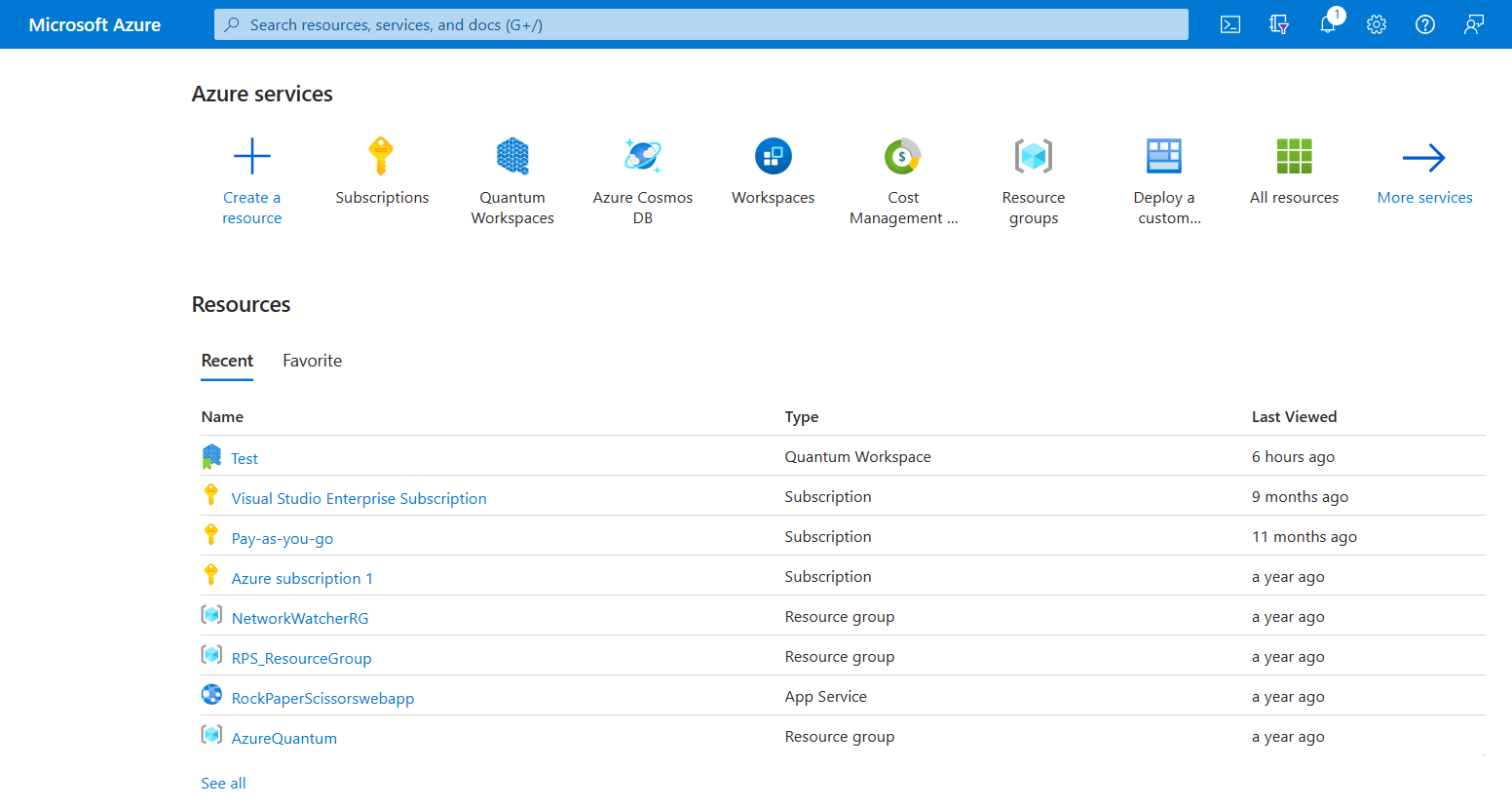
In the Azure portal, you can create a quantum workspace. A quantum workspace is a container for your quantum programs and quantum jobs. In a quantum workspace, you can select the quantum computing providers that you want to use. You can also select the Azure Quantum storage account that you want to store your job data in.
The Azure portal allows you to manage your subscriptions and workspaces. You can grant a group of users, like your team members or students, access to your Azure Quantum workspace. You can also manage your quantum jobs, credits consumption, and quotas.
Is the Azure portal the right tool for me?
Use this table as a quick reference for the features in the Azure portal.
| Use it if you want to: | You need: | You can't: |
|---|---|---|
|
|
|