How to host the Minecraft Hour of Code / Hour of AI experience
You can host an Hour of Code / Hour of AI experience at any time throughout the year. Select the best day and time for you and your students. You can lead the event right in your classroom or in a computer lab. You can even do it as part of a school assembly, after-school event, or parents' night open house. In preparation for your Hour of Code / Hour of AI experience, you need to ensure you have access to Minecraft Education, which can be accessed in these download instructions.
Before the Hour of Code / Hour of AI
Prepare yourself for an Hour of Code / Hour of AI experience by exploring the instructional resources. Each of the Hour of Code / Hour of AI experiences has its own lesson plan, EDU guide, solution guide, and more. Review these resources to help prepare for your Hour of Code / Hour of AI experience.
Hour of AI 2025: The First Night
- Lesson plan page on the Minecraft Education website
- Educator guide
- Educator presentation
- Solutions guide
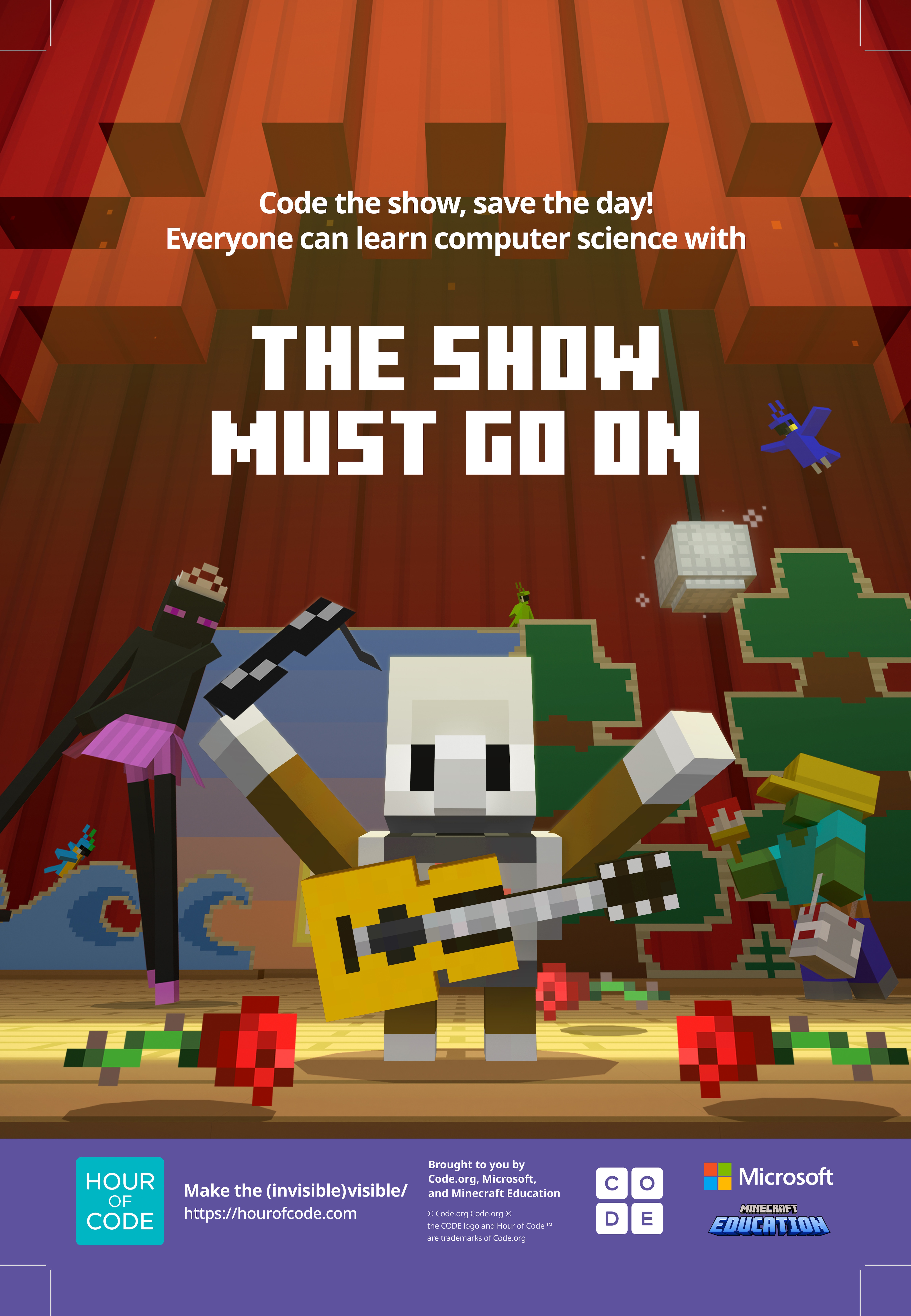
Hour of Code 2024: The Show Must Go On!
- Lesson plan page on the Minecraft Education website
- Educator guide
- Educator presentation
- Solutions guide
Hour of Code 2023: Generation AI
- Lesson plan page on Minecraft Education website
- Educator guide
- Educator presentation
- Solutions guide
Hour of Code 2022: Escape Estate
- Lesson plan page on Minecraft Education website
- Educator guide
- Educator Presentations: Primary Presentation and Secondary Presentation
- Solutions guide
Hour of Code 2021: TimeCraft
- Lesson plan page on Minecraft Education website
- Educator guide
- Educator Presentation
- Solutions guide
Hour of Code 2020: Inclusion
- Lesson plan page on Minecraft Education website
- Educator guide
- Solutions guide
After reviewing the materials, educators should consider playing the game themselves to gain a better understanding of the game play. This also allows you to better understand the student's perspective of the experience.
Review these video tutorials for the game play.
- Hour of AI 2025: The First Night – Video walkthrough
- Hour of Code 2024: The Show Must Go On! - Video walkthrough
- Hour of Code 2023: Generation AI – Video walkthrough
- Hour of Code 2022: Escape Estate – Video walkthrough
- Hour of Code 2021: TimeCraft - Video walkthrough
How to run your Hour of Code / Hour of AI
This format can be used to structure your Hour of Code / Hour of AI experience. As the name implies, the Hour of Code / Hour of AI should be facilitated over a 60-minute (1-hour) period.
- Introduce yourself (2 minutes)
- Introduce the theme of the lesson (1 minute)
- Share your screen and show the video trailer (2 minutes)
- Introduce lesson concepts (10 minutes)
- Share your screen, open the world, and play through the tutorial and first activity. Have students follow along (10-15 min)
- Have students independently complete the rest of the activities (20 min)
- Lesson conclusion and reflection questions (5 min)
- Remaining time for questions and answers from students
For more information on the specifics of each of the Hour of Code / Hour of AI experiences, utilize these training guides.
- Hour of AI 2025: The First Night training guide
- Hour of Code 2024: The Show Must Go On! training guide
- Hour of Code 2023: Generation AI training guide
- Hour of Code 2022: Escape Estate training guide
- Hour of Code 2021: TimeCraft training guide
During the Minecraft Hour of Code / Hour of AI
Utilize both the educator guide and the corresponding presentation to guide your students through the experience.
During the event, you or your students might have difficulties. Remember, it's okay to say:
"I don't know. Let's figure this out together."
"Technology doesn't always work out the way we want."
"Learning to code is like learning a new language; you won't be fluent right away."
Feel free to adjust and adapt the materials to best meet the needs of your students.
After the Hour of Code / Hour of AI
Provide an opportunity to students to discuss the reflection questions (located in both the educator guide and the HOC / HOAI presentation):
- What is your favorite part of the Hour of Code / Hour of AI?
- What was the most challenging part of the Hour of Code / Hour of AI?
- What is one new thing you learned today?
- How did you use computational thinking to solve problems?
- Would you like to try Minecraft Education again?
Celebrate the accomplishment of participating in Hour of Code / Hour of AI!
- Print certificates for students.
- Share photos and videos of your Hour of Code / Hour of AI event.
- Post on social media with #hourofAI, #hourofcode, @codeorg, and @PlayCraftLearn tags
- Include in an email or newsletter for parents with these fliers.
.png)