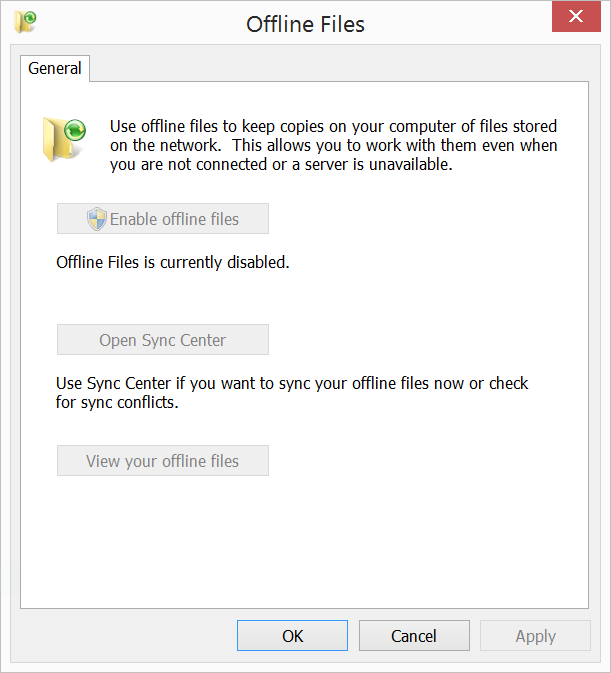
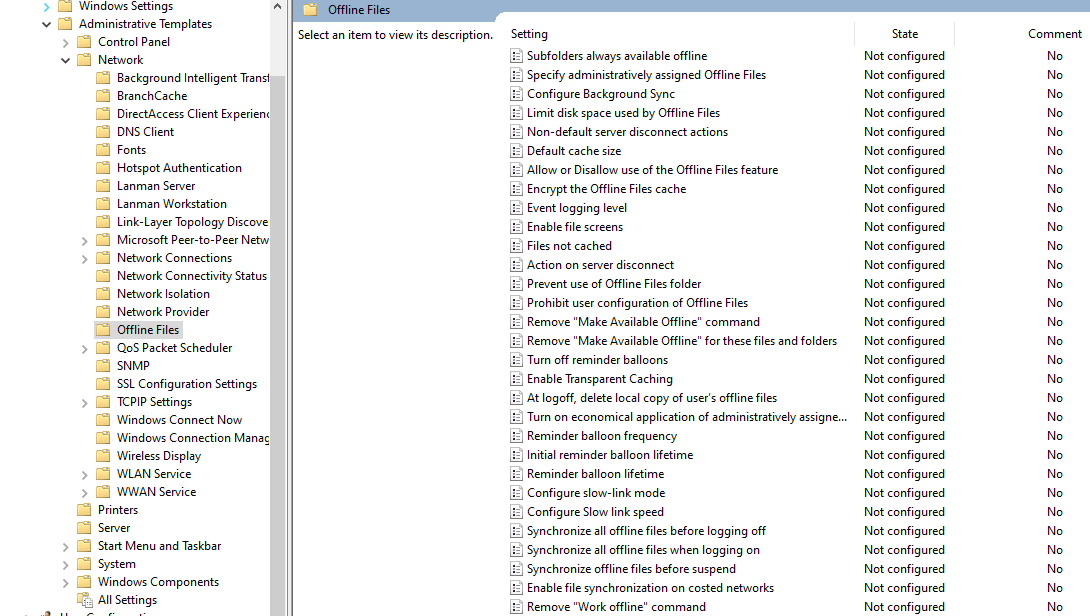
Share via

Offline Files

cjm51213 106 Reputation points
2021-04-09T19:03:48.86+00:00

Hi Folks,

When I try to start the service "CSCService", I get a failure, "The offline files service has terminated with the following error: The system cannot find the path specified."

It is not clear the specific path, since the error message does not explain which path cannot be found, however "C:\Windows\CSC" is there, and the registry entry HKLM/SYSTEM/CurrentControlSet/Services/CSCSerivce mentions nothing except C:\Windows\System32, which, of course exists and can be found.

Is there a convenient way to reset -- maybe uninstall and re-install this service?

Thanks for the help,

Chris.

Windows for business | Windows Server | Devices and deployment | Set up, install, or upgrade
0 comments No comments

Answer accepted by question author

cjm51213 106 Reputation points
2021-04-12T18:14:08.143+00:00

@Gary Nebbett ,

I seem to have stumbled into a working Sync. I credit the "System Reset", but there is much more to be done after that. The service must be changed from "Disabled" to "Automatic" and then I had the option for each folder to "Make Available Offline" Ta-Da!

Thanks for the help.

Chris.

Was this answer helpful?


5 additional answers

Sort by: Most helpful
  1. cjm51213 106 Reputation points
    2021-04-12T15:29:23.003+00:00

    Was this answer helpful?


  2. Gary Nebbett 6,476 Reputation points
    2021-04-12T15:24:04.373+00:00

    Hello @cjm51213 ,

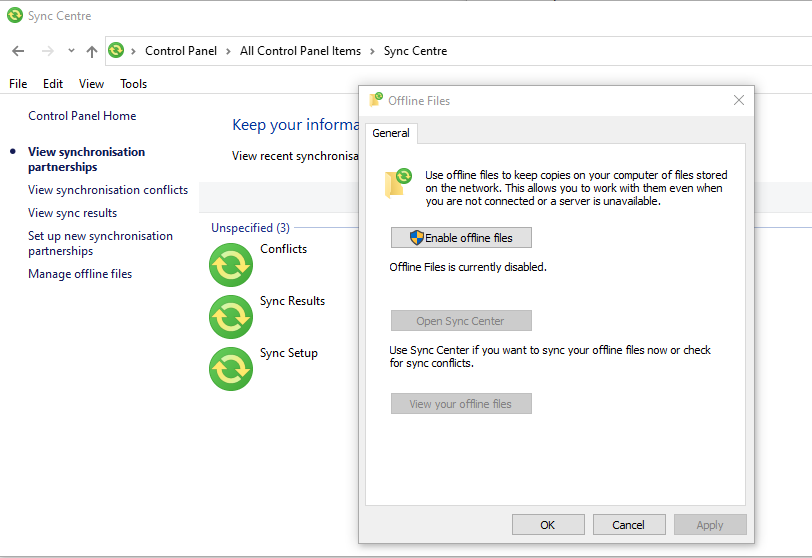
    There is more to starting Offline Files than just starting the CscService. What does the Control Panel "Sync Centre" "Offline Files" dialog say about the state of Offline Files?

    86880-image.png

    One possibility is that the path that could not be found is the path to the device object created by the "Offline Files Driver" (csc.sys).

    Gary

    Was this answer helpful?

    0 comments No comments

  3. cjm51213 106 Reputation points
    2021-04-12T14:53:05.16+00:00

    @Anonymous ,

    1.Make sure you have grant NT AUTHORITY\SYSTEM full permission on C:\Windwos\CSC and all of its subfolders. When domain admins already have access, you could use the GUI to grant necessary access to all objects in the directory tree C:\Windwos\CSC; you can later remove Admin permissions as well to get back the default security.

    I do not find "NT_AUTHORITY\SYSTEM", but I do find "SYSTEM" and it has "Full Control". How do I grant "NT_AUTHORITY\SYSTEM" Full Control? I had to take ownership of the directory and subdirectories. Who should I restore ownership to?

    2.Re-initializing CSC database:

    To re-initializing, use the configure the registry as below and then restart the client

    HKEY_LOCAL_MACHINE\System\CCS\Services\CSC\Parameters
    Key Name: FormatDatabase
    Key Type: DWORD
    Key Value: 1

    I have completed this, and re-booted, but nothing has happened. I still see artifacts in C:\Windows\CSC\v2.06... Additionally, the registry entry is still there and I'm under the impression that re-initializing the database will remove that entry. Can't I simply delete everything below C:\Windows\CSC\v2.0.6... ?

    I have other observations:

    After re-boot, the registry entry is still there and nothing has changed in C:\Windows\CSC\v2.06...
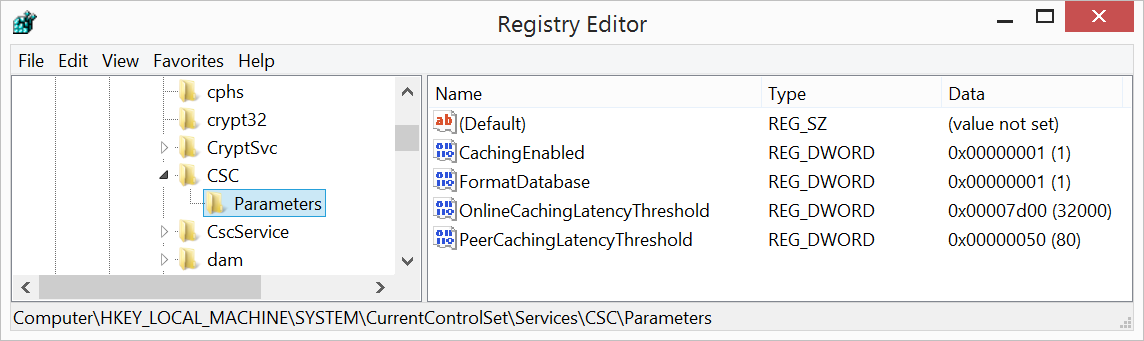
    87032-registry.png

    When I try to start the service from the command line:
    86969-sc.png

    When I try to start the service from services.msc
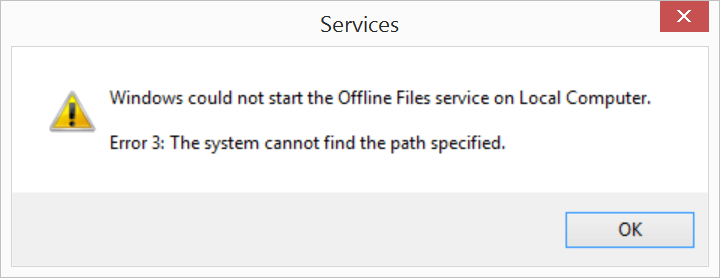
    86900-servicesmsc.png

    Was this answer helpful?

    0 comments No comments

  4. Anonymous
    2021-04-12T07:21:51.77+00:00

    Hi,

    What's the OS version of your windows? Please refer to the following steps:

    1.Make sure you have grant NT AUTHORITY\SYSTEM full permission on C:\Windwos\CSC and all of its subfolders. When domain admins already have access, you could use the GUI to grant necessary access to all objects in the directory tree C:\Windwos\CSC; you can later remove Admin permissions as well to get back the default security.

    2.Re-initializing CSC database:

    To re-initializing, use the configure the registry as below and then restart the client

    HKEY_LOCAL_MACHINE\System\CCS\Services\CSC\Parameters
    Key Name: FormatDatabase
    Key Type: DWORD
    Key Value: 1

    Note: Re- initializing CSC database will remove any un-synced data. Ensure share in sync or take a backup before re-initializing the cache.

    Best Regards,
    Candy


    If the Answer is helpful, please click "Accept Answer" and upvote it.

    Note: Please follow the steps in our documentation to enable e-mail notifications if you want to receive the related email notification for this thread.

    Was this answer helpful?

    0 comments No comments

Your answer

Answers can be marked as 'Accepted' by the question author and 'Recommended' by moderators, which helps users know the answer solved the author's problem.